
Google caps off I/O 2026 day one with Android 17 QPR1 Beta 3 release
Source: Android Authority
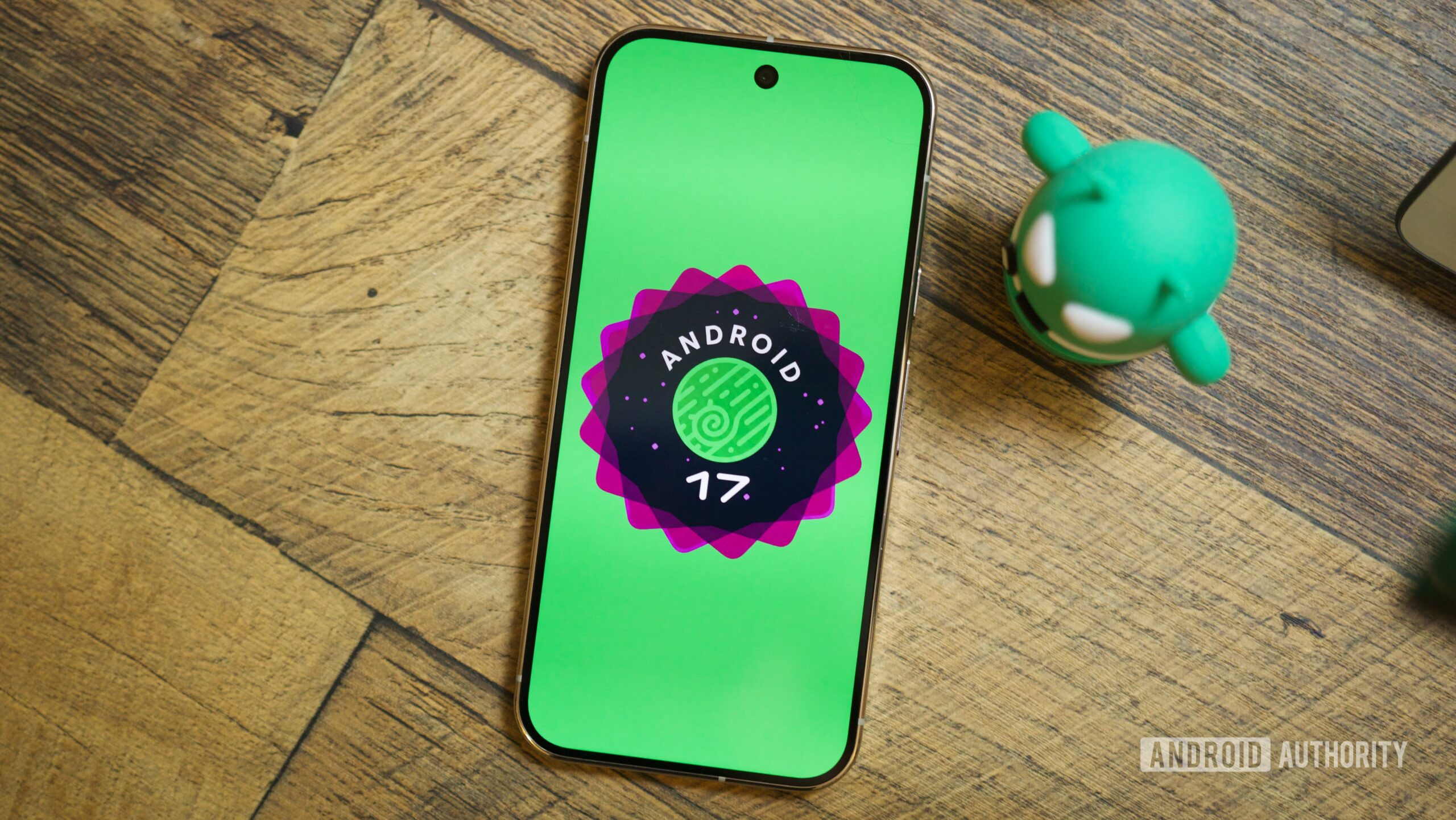
TL;DR
- Android 17 QPR1 Beta 3 is now available for Pixel testers.
- The release arrives just two weeks after Beta 2.
- It includes “a minor SDK release” for a few time‑sensitive features.
Overview
Google launched Android 17 QPR1 Beta 1 in late April and followed up with Beta 2 a couple of weeks later. Two weeks after Beta 2, the Beta 3 build is now publicly available for testers. Google announced the update on the Android Developers Blog, noting that it brings “a minor SDK release to support a few features that just couldn’t wait for QPR2.”
How to Get the Update
Two revisions are released today:
- CP31.260508.005.A1 – for Pixel 6 and Pixel 7 models
- CP31.260508.005 – for newer Pixel hardware
If you’re already enrolled in the testing track, you should receive a notification when the update is ready to install. New testers can join by registering their device with the Android Beta Program.
Notable Changes
Mishaal Rahman highlighted a few visual and functional tweaks on X:
- A springy new notification animation
- Modified screen‑recorder behavior
- Additional blur effects across the UI (often referred to as “definitely‑not‑Liquid‑Glass”)
Fixes Included in Beta 3
-
Resolved a recurring system error in ContextHubClientManager that generated excessive logcat noise when sending messages to unregistered clients. (Issue #289721806)
-
Fixed a bug where tapping the date on the “At a glance” widget opened the terminal. (Issue #506101970)
-
Corrected Wi‑Fi disconnections caused by erroneous low‑quality detection despite strong signal strength. (Issue #494670350)
-
Addressed frequent crackling or distorted audio during media playback from any source.
-
Fixed UI elements that were partially cut off or positioned off‑screen when apps were expanded to full‑screen mode.
-
Resolved an issue where home‑screen widgets disappeared or became unavailable in the widget picker after a device reboot.
-
Fixed the mobile‑data icon remaining active in the Quick Settings panel after enabling Airplane Mode.