
Gemini Live rolling out floating pill redesign [U]
Source: 9to5Google
Overview
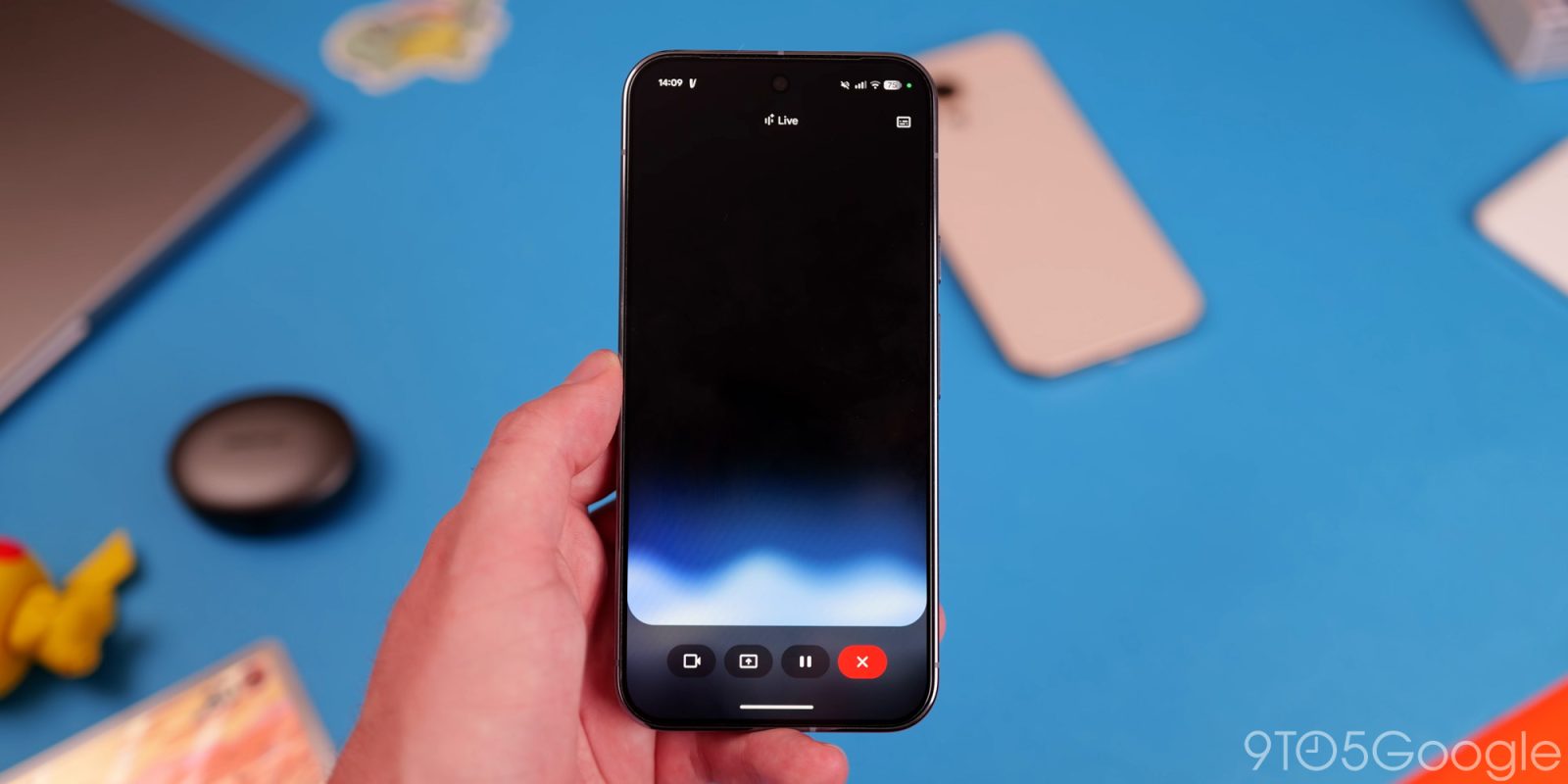
Since launch, Gemini Live has been a fullscreen experience. Google is now rolling out a floating‑pill redesign on Android.
Update 2/28 – The redesign is being rolled out to Google App beta users (version 17.7). The overlay revamp that adds the Tools menu is still limited in availability.
Accessing the Floating Pill
The new pill can be opened in two ways:
- Activate the Gemini overlay and tap the Live icon on the right.
- Open the Gemini app, launch the fullscreen Gemini Live UI, then exit to your home screen.
Pill Controls
- Camera / screen sharing – start sharing directly from the pill.
- Microphone – mute/unmute.
- End Live – stop the session.
- Keyboard – if you haven’t started a conversation, the keyboard lets you switch to the Gemini overlay; otherwise it stops Live and opens the text transcript.
The pill’s background shows the Gemini Live waveform, with the text transcription overlaid. Both can be toggled on/off from the top‑right corner.
Interaction
When you switch to another app, the pill collapses into a movable circle. Tap it to expand, or swipe down to close (similar to a chathead).
The fullscreen interface is still available—just reopen the Gemini app. Video sharing continues to use the full UI.
Availability
- Currently observed on a single device running the stable Google App version 17.3.
- Expected to accompany the upcoming major Gemini Live model update.
- The floating circle may be useful during computer‑use interactions, as demonstrated in Project Astra.
FTC: This article contains affiliate links that may earn income.
More about affiliate disclosures.