
Gemini in Google Docs update addresses repetitive commands with ‘persistent’ instructions
Source: 9to5Google
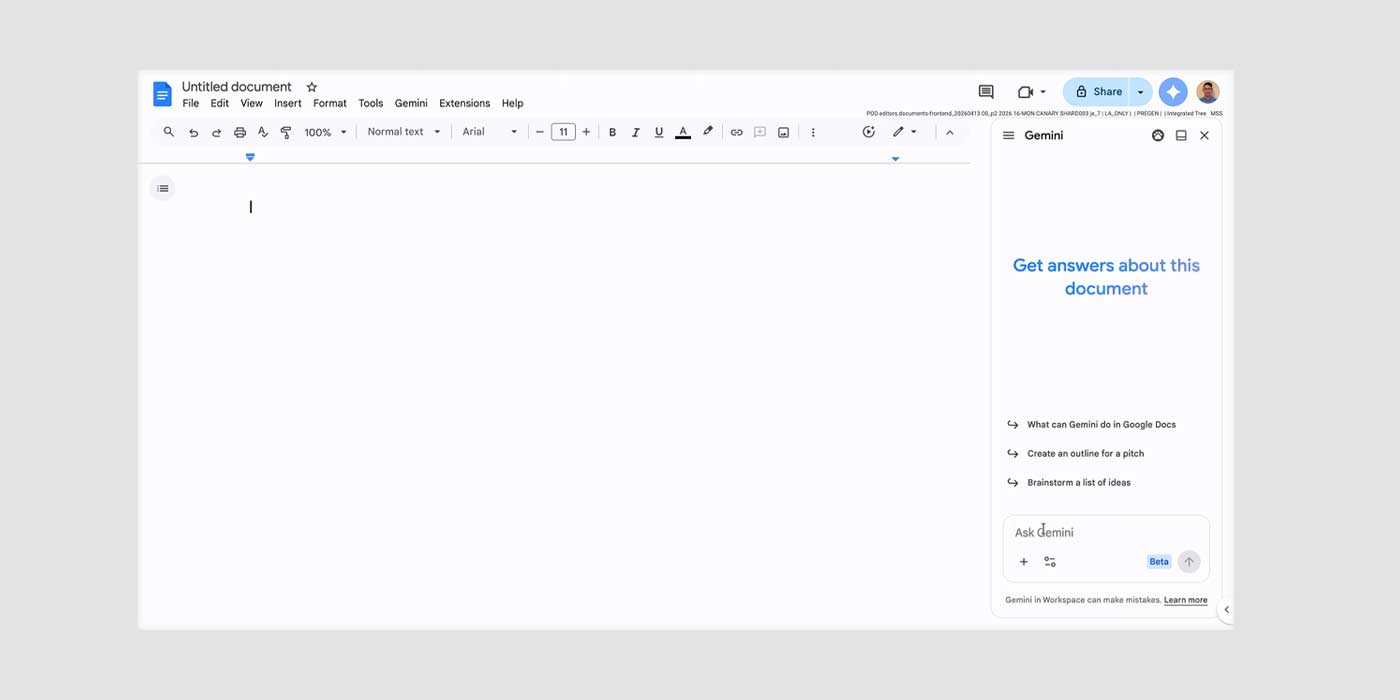
Gemini’s integration in Google Docs will now let users add groundwork instructions that it will remember across all projects. The behavioral change will take effect in Google Docs starting today, in an update to its instruction settings. When users interact with the agent in the side panel, they can set persistent instructions to define tone, style, and formatting.
Google explains:
Users can add instructions and rules using Gemini in the side panel of Docs such as “Always respond in bullet points,” “When summarizing Docs, always include three bullet points at the top,” or “Use a concise and professional tone for all my documents.”
Persistent instructions address the repetitive nature of describing how you want your work to look. Each active instruction appears in the “sources” page opened by the pill under each answer. The Gemini personalization section in Google Docs settings lists previously set instructions, allowing users to keep tabs on what Gemini is following.
The update caps at 1,000 active instructions per Google Account in the US and in English. Google has not specified which other regions will be included. The feature is currently rolling out to Google AI Plus members and higher, excluding the free edition of Gemini.
More on Gemini
- Gemini will get new third‑party smart speakers, early listing reveals ahead of Google Home Speaker
- Gemini app getting full redesign that overhauls every part of the UI
- Google Home will roll out Gemini upgrades more widely in Europe, Asia‑Pacific this week
- Gemini for Home voice assistant gets Gemini 3.1 upgrade