
Gemini in Chrome gets first international expansion
Source: 9to5Mac
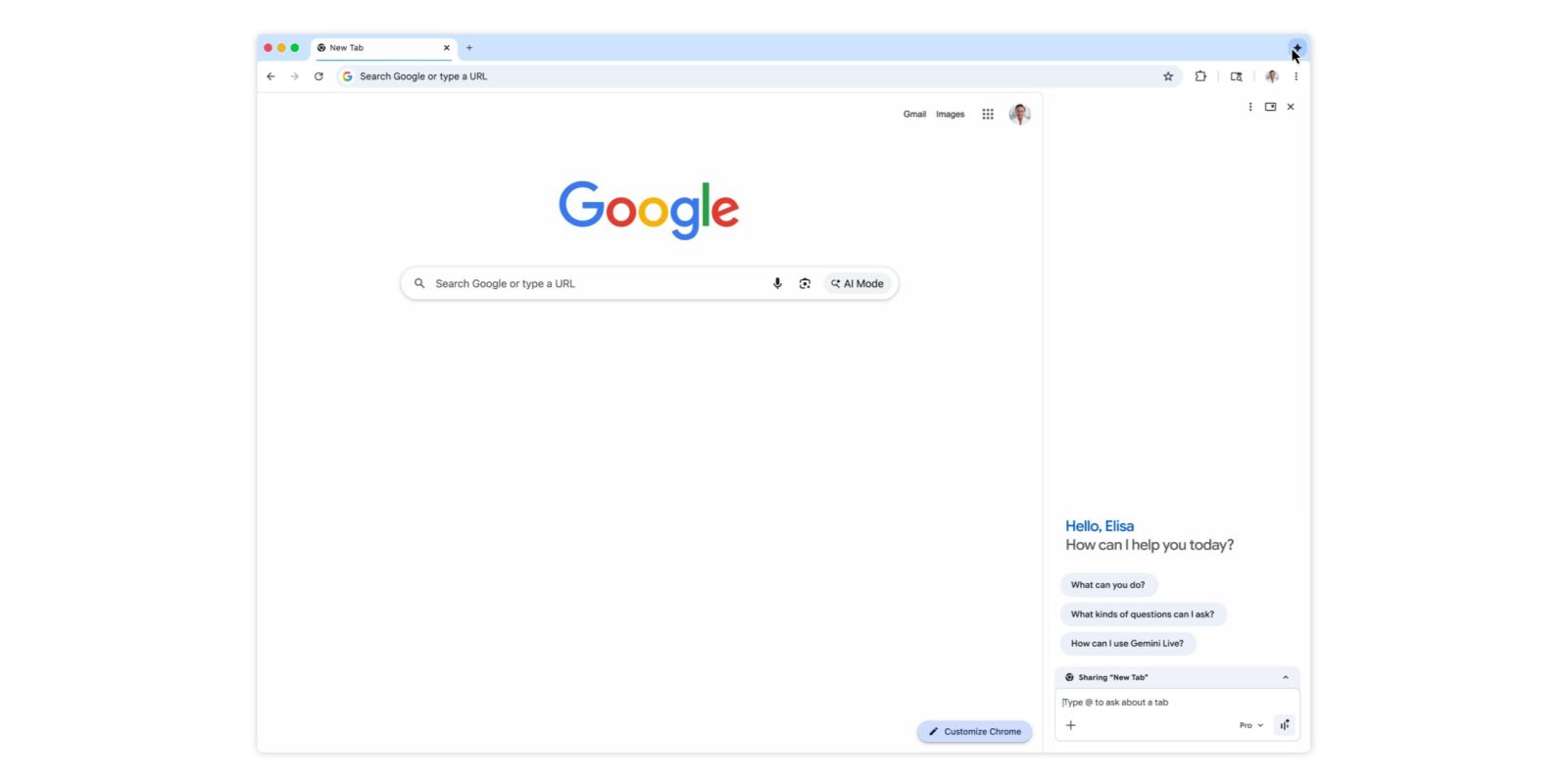
International Expansion
After the US launch last year and a major update in January, Gemini in Chrome is expanding to Canada, India, and New Zealand, and adding support for more than 50 languages.
Accessing Gemini in Chrome
Gemini in Chrome can be launched from:
- The top‑right corner of the browser
- Keyboard shortcuts (see details)
- The Mac menu bar
- The Windows system tray
It is available as a floating window or as a side‑panel docked to the current tab.
Key Features
- Contextual prompts – Use the content of up to 10 open tabs.
- Google app integration – Access Calendar, Docs, Drive, Maps, Search, YouTube, and more.
- Gmail composition – Compose and send emails directly from the side panel.
- Nano Banana 2 – Edit images without uploading files or opening a new tab.
- Security prompts – Confirmation is required before sending an email, adding a calendar event, or performing other sensitive actions.
Supported Languages
Afrikaans, Amharic, Bulgarian, Bengali, Catalan, Czech, Danish, German, English (UK), English (US), Greek, Spanish, Spanish (Latin America), Estonian, Basque, Finnish, Filipino, French, Galician, Gujarati, Hindi, Croatian, Hungarian, Indonesian, Icelandic, Italian, Japanese, Kannada, Korean, Lithuanian, Latvian, Malayalam, Marathi, Malay, Dutch, Norwegian, Polish, Portuguese (Brazil), Portuguese (Portugal), Romanian, Russian, Slovak, Slovenian, Serbian, Swedish, Swahili, Tamil, Telugu, Thai, Turkish, Ukrainian, Vietnamese, Chinese (Simplified), and Chinese (Traditional).
Platform Availability
In addition to Chromebook Plus, macOS, and Windows, this expansion brings Gemini in Chrome to the iOS browser.
FTC: We use income‑earning auto affiliate links. More information