
Download the new MacBook Neo wallpapers here
Published: (March 4, 2026 at 10:10 AM EST)
1 min read
Source: 9to5Mac
Source: 9to5Mac
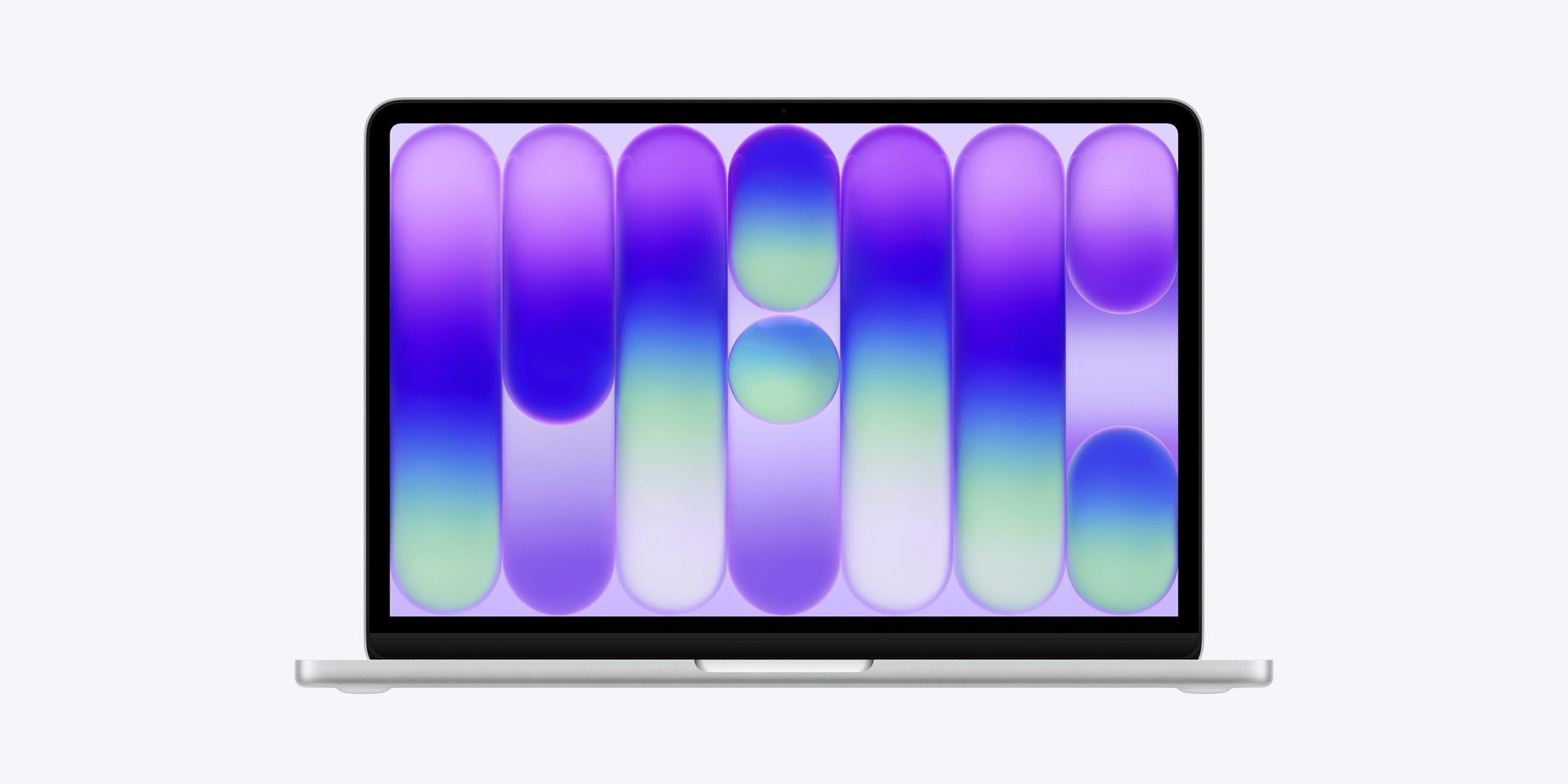
You know the drill: new devices, new wallpapers. If you liked the MacBook Neo’s new default wallpapers, you can download them below.
While we managed to snag the high‑resolution wallpaper used as the default image for the Silver model, Basic Apple Guy has published a gallery with the full set, upscaled from Apple’s USDZ files used for the new Macs’ AR previews.

How to set the image as your background
Follow Apple’s support guide:
- Open the System Settings app on your Mac.
- Click Wallpaper in the sidebar (you may need to scroll down).
- Scroll to Your Photos and click Add Photo.
- Choose File, select the downloaded wallpaper, then click Open.
You can also drag an image from your desktop or a folder onto the thumbnail at the top of Wallpaper settings.
Quick method (without opening Wallpaper settings)
-
Control‑click the image above, then choose Use Image as Desktop Wallpaper.
-
Use an image you saved on your Mac: Click the Dock to open a Finder window, control‑click the image file, then select Set Desktop Picture.
Did you like the MacBook Neo’s default wallpaper? Let us know in the comments.