
Codex users have been begging OpenAI for this upgrade — and it’s finally in the works
Source: Android Authority
Calvin Wankhede / Android Authority
TL;DR
- Codex users have been asking OpenAI for a way to remotely control sessions with the tool from ChatGPT on their phones.
- New text strings in the Android app reveal the company’s work toward this goal.
Access to powerful AI models is changing the way software developers get their jobs done. While some may roll their eyes at every mention of vibe coding, there’s little denying that the right tools can boost productivity. Today we’re taking an early look at a big upgrade on the way for one of the most popular options out there, as ChatGPT prepares to bring Codex users a frequently demanded new feature.
Community Demand
For months, Codex users have taken to platforms like GitHub and Reddit to voice a common complaint: unlike Anthropic’s Claude, which lets users work on coding tasks remotely via their smartphones, Codex has lacked native support for remote control. Some users have built hacks, but demand for an official solution remains strong.
New Text Strings in ChatGPT for Android (v1.2026.125)
The following strings, extracted from the latest Android build, strongly suggest upcoming remote‑control functionality:
Make sure Codex is open on your desktop computer, then try again.
Make sure Codex is open on your desktop computer and signed into the same account.
Looking for Codex desktop…
Trying to restore your remote session.
Reconnecting to Codex desktop…
Codex on this environment is out of date. Restart Codex, then try again.
Restart Codex
Additional strings hint at deeper integration:
Creates a launcher shortcut that opens Codex.
Codex shortcut added.
Add Codex shortcut
An AI agent that helps you build and understand anything.
Codex uses the power of your desktop computer to build software and do complex work.
Sign into the Codex desktop app with your ChatGPT account (%1$s).
Follow the instructions in the desktop app to get connected.
Show Remote composer commands and references.
Type $ for skills and MCP servers, or @ for plugins.
/help opens this local help sheet. /status shows Remote thread details. /plan toggles Plan Mode for the next Remote turn.
Remote composer help
MCP server
MCP
Codex Remote model settings: %1$s
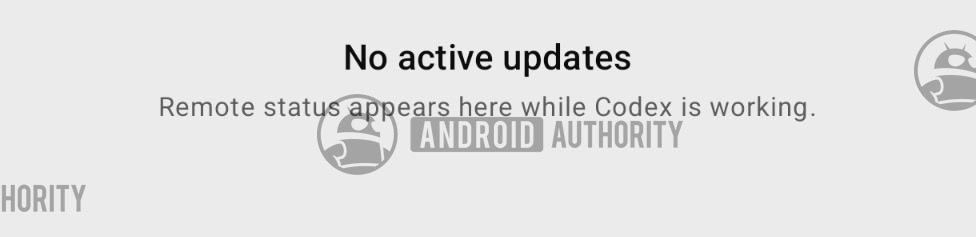
Early Screenshots
Although a functional preview isn’t available yet, some captured screens hint at the forthcoming support:
AssembleDebug / Android Authority
Considering how long Codex users have been requesting remote phone control, we hope the finishing touches arrive soon and the upgrade reaches eager developers.
⚠️ An APK teardown can predict future features based on work‑in‑progress code, but predicted features may not make it to a public release.
Read our Comment Policy before posting.