
Claude Code kept getting stuck while I was AFK — here's how I fixed it with hooks
Source: Dev.to
The Issue: Claude Code Gets Stuck When I’m AFK
In a previous post I described building an MCP server that lets Claude Code ask me questions via Slack. The prototype worked nicely, so I decided to give it a longer prompt that would keep it busy for a while and included the command to enable Slack interaction (/lassare‑slack).
I started the run, headed to the gym, and the agent asked a couple of questions during my walk. After that, it went silent. I waited, but nothing happened.
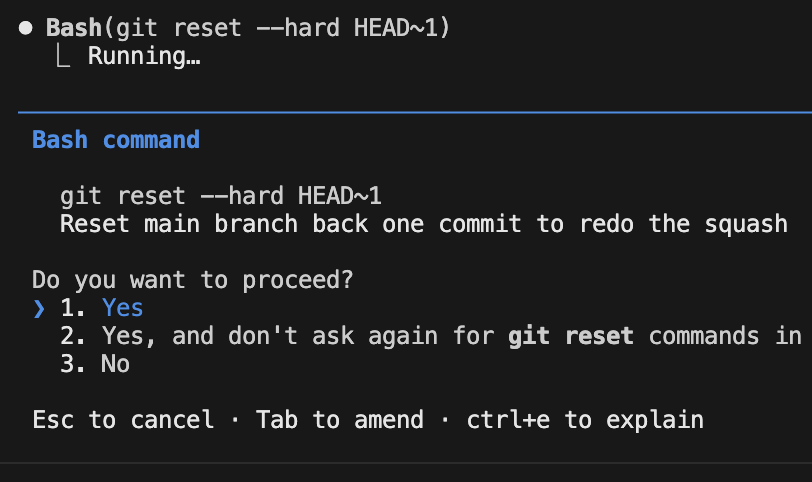
When I returned from my workout, Claude Code was waiting for me to approve a git reset—a reset I never requested. Permission prompts are displayed locally in the terminal, not in Slack, so I couldn’t approve or deny them from my phone.
First Attempt: Using Hooks
What are hooks?
Claude Code supports hooks, which are scripts that run automatically when specific events occur (e.g., a permission request or an imminent stop).
Implementing the PermissionRequest hook
- Identify the relevant hook (
PermissionRequest). - Add the hook configuration to
CLAUDE.md. - Write a small script that automatically approves the request.
- Test the setup.
After a few iterations, the agent could approve the permission request without my manual input, and the run continued successfully.
The Next Problem: Stopping Mid‑Run
The following day I repeated the test. The agent again asked for approvals, but after a short pause—while I was still at the gym—it stopped unexpectedly.

Adding a “Stop” Hook
To handle this, I created a Stop hook:
- Define the
Stophook in the configuration. - Write a script that prompts the agent for further instructions before it terminates.
- Run extensive tests (this part was more involved and could merit its own blog post).
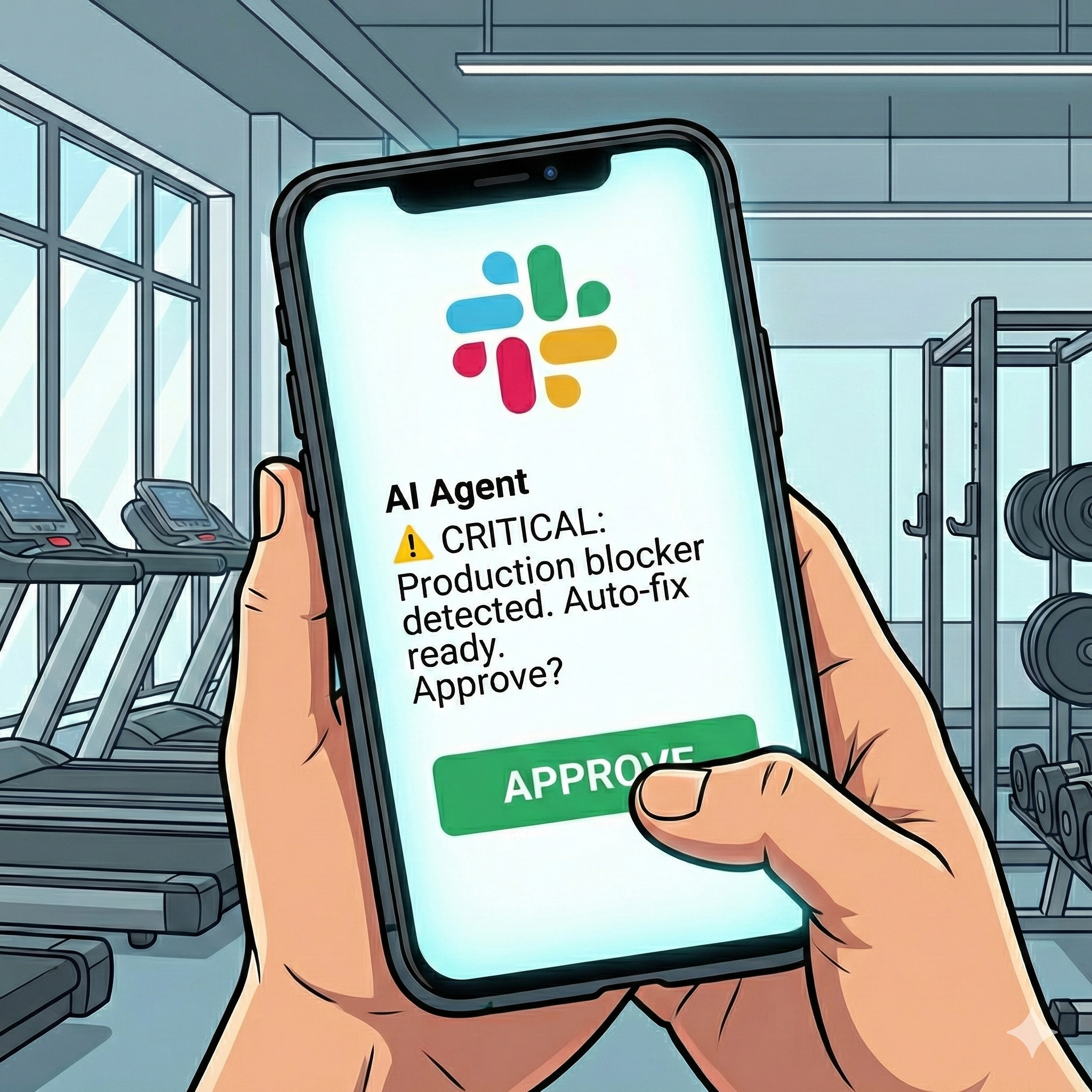
With the Stop hook in place, Claude Code now asks what to do next whenever it’s about to finish, allowing it to keep working while I’m away.
Results
- Claude Code can now operate autonomously for extended periods, handling permission requests and graceful shutdowns without my immediate presence.
- The same hook‑based approach works with other agents such as Cursor, Gemini CLI, and GitHub Copilot, using the same MCP server and Slack integration.
Resources
- GitHub repository with the final hook and script configuration:
- Try Lassare: