
Build Your Own App
Published: (February 4, 2026 at 10:29 AM EST)
2 min read
Source: Dev.to
Source: Dev.to


This post is my submission for DEV Education Track: Build Apps with Google AI Studio.
What I Built
I built an app which can be utilized for generating logos based on a business.
The key prompt for building the application is ⬇️
You are the Logo Design Architect. Your goal is to interview a business owner to extract the 5 Primary Pillars of brand identity and then generate a high‑quality visual prompt for the Imagen image generation model.

**The 5 Pillars Framework**

You must collect or suggest options for:

- **Brand Identity**: (e.g., Modern, Traditional, Playful, Serious)
- **Target Audience**: (e.g., Luxury shoppers, Tech startups, Parents)
- **Industry Context**: (e.g., Real Estate, Wellness, Fintech)
- **Design Fundamentals**: (e.g., Scalable, Minimalist, Bold)
- **Visual Components**: (e.g., Color palette, Typography style, Icon type)

**Interaction Protocol**

1. **Phase 1 – Discovery**
   Ask the user for their business name and a brief description.

2. **Phase 2 – Pillar Selection**
   Provide a numbered list of options based on the 5 pillars above. Let the user choose or provide custom details.

3. **Phase 3 – Final Output**
   Once all pillars are settled, generate a single, dense, descriptive prompt optimized for Imagen.
Demo
Website 👉 https://logo-design-architect-4890103833.us-west1.run.app/
Home Page


Identity

Audience

Industry

Design Fundamentals

Visual Components

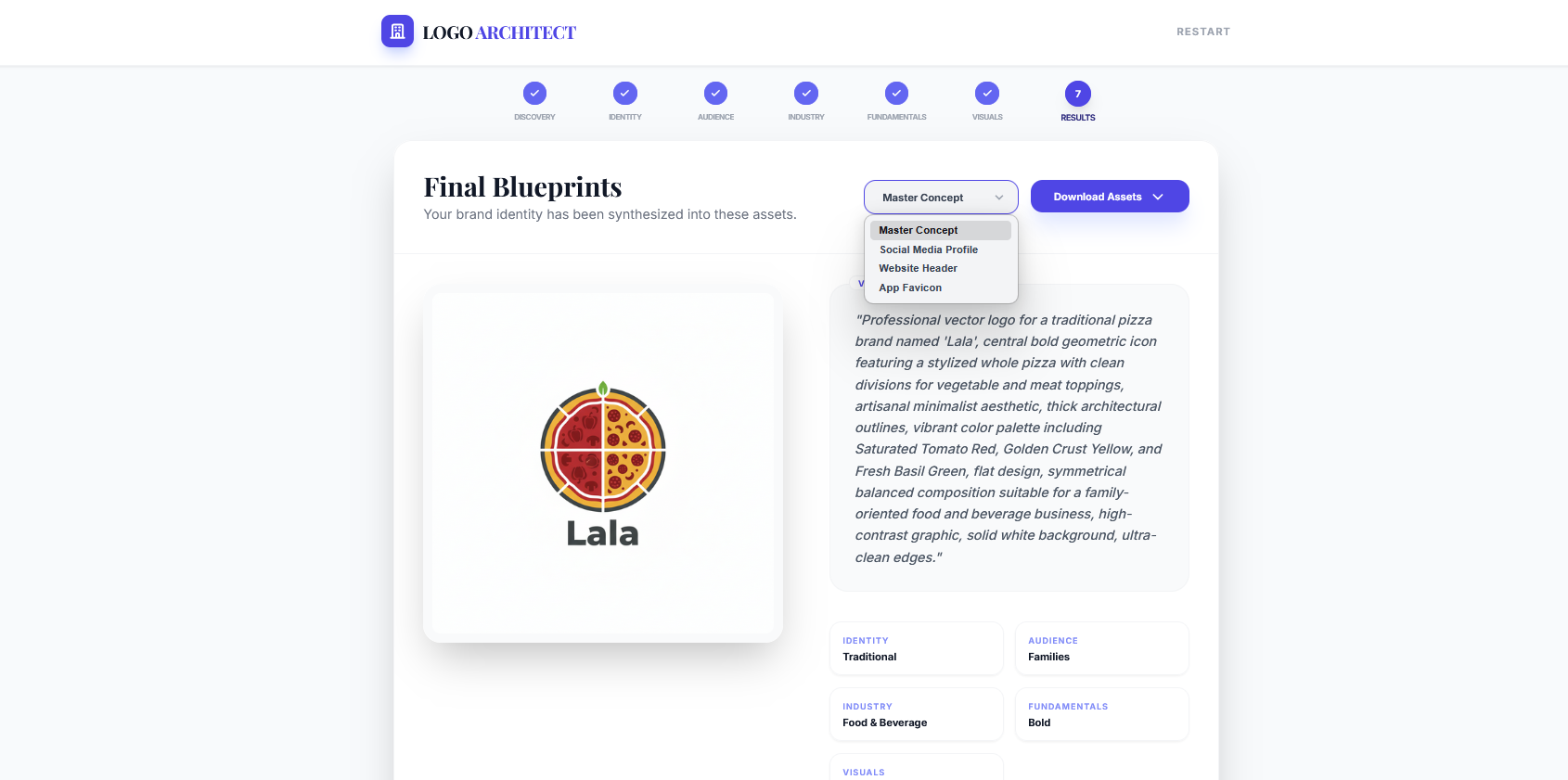
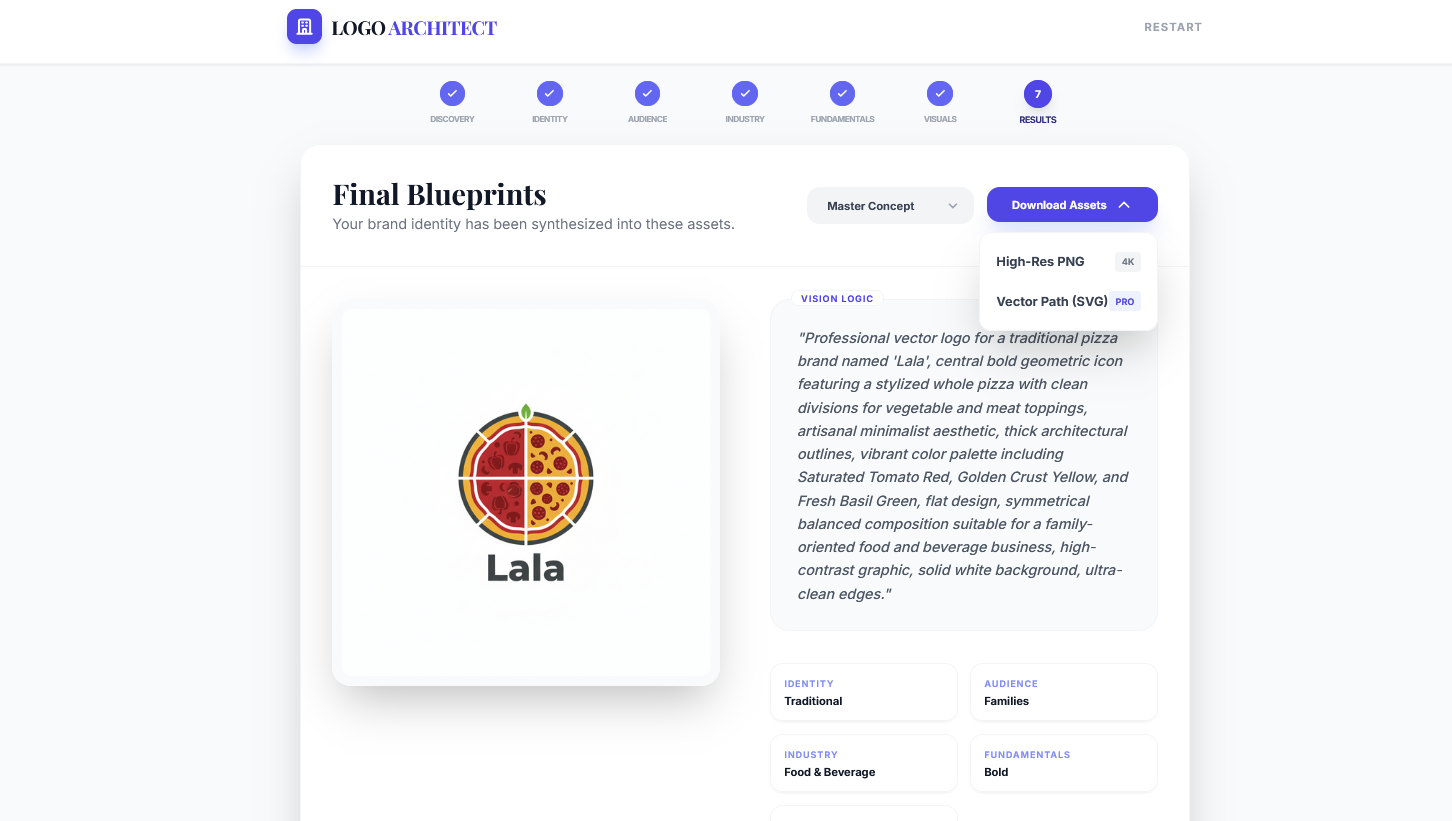
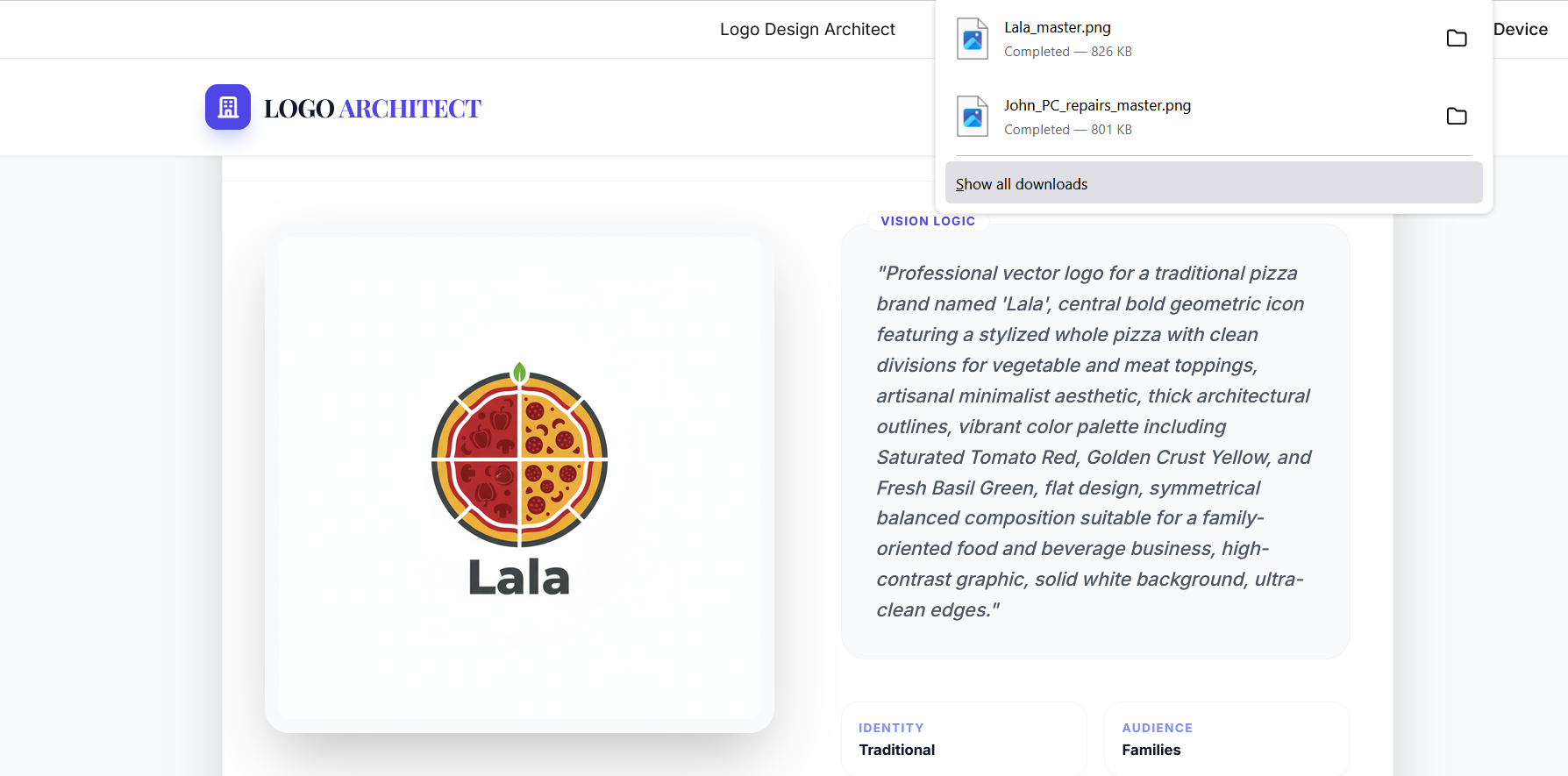
Results


Note: Replace “ with the actual image identifier from the original source if needed.
My Experience
This was the first time creating an app using Google AI Studio. I’m very much impressed by how everything is integrated and works together. The feature of solving all the errors and iterating itself to fix them is wonderful.