
Backing up everything isn’t always smart. Why doesn’t Google Photos know that?
Source: Android Authority

Joe Maring / Android Authority
I have a deep appreciation for Google Photos. It’s one of the company’s few apps that I’d feel naked without. Foregoing a service that automatically backs up my memories in the background? I couldn’t bear the thought! However, and rather ironically, its insistence on indiscriminately backing up every image I snap is problematic.
I took plenty of long, high‑quality, high‑frame‑rate videos over the holidays with my new favorite camera phone, many of which exceeded a gigabyte. Google storage isn’t infinite. I upgraded to the 200 GB tier several years ago to broaden my buffer, but even this is proving too meager. So, when Photos decided to start backing up these videos — many of which I don’t hold dear and don’t need mirrored in the cloud — it got me thinking: why can’t I tell Photos “don’t upload this”?
Do you want a “Don’t backup this” button for videos and images on Google Photos?
Part of Google Photos’ utility is its seamless background backup service. I snap a pic, and a few minutes later it’s copied to a secondary, safe location. It’s a core part of my backup strategy, and serves millions of users in the same way every day. But as it chugs along largely unmonitored in the background, it often gets itself into trouble.
Google Photos backs up everything in the DCIM folder — the default Digital Camera Images folder that houses all the images you snap and videos you record. Modern phones hold far more than the 15 GB of free data Google gifts its users, so it’s essential that we’re allowed to choose which files occupy this space. In simpler terms, I want to tell Photos if I don’t want a file backed up, but we’re in 2026, and there’s still no sensible way to do this.
The problem is obvious, but where is the fix?
Joe Maring / Android Authority
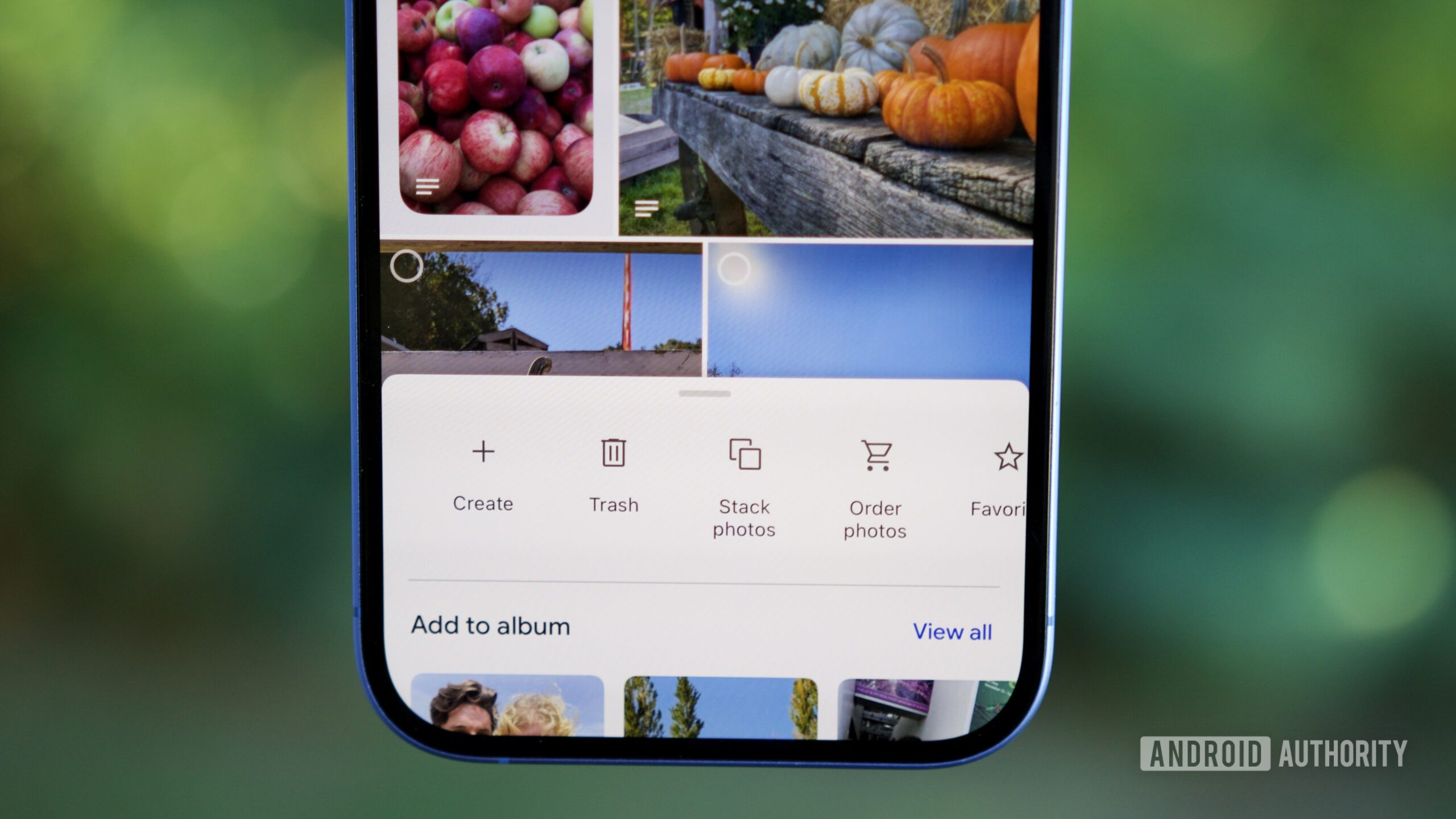
An easy GUI solution would be to include a simple “Don’t backup this” button for each photo and video. This would allow users to cherry‑pick which items Photos should ignore without affecting any other files.
- Photos could add a visual indicator to these ignored videos and images (a small icon, a slight fade effect, or something similar) to warn users that these files are excluded from the backup.
- The app could bundle ignored items into a Collection for easy access.
- At the very least, Photos should offer users an alert triggered by a file‑size threshold. If it’s about to back up a large video, a notification with an option to continue or dismiss would be helpful. Making this threshold user‑adjustable would be a bonus.
Workarounds are not solutions
Rita El Khoury / Android Authority
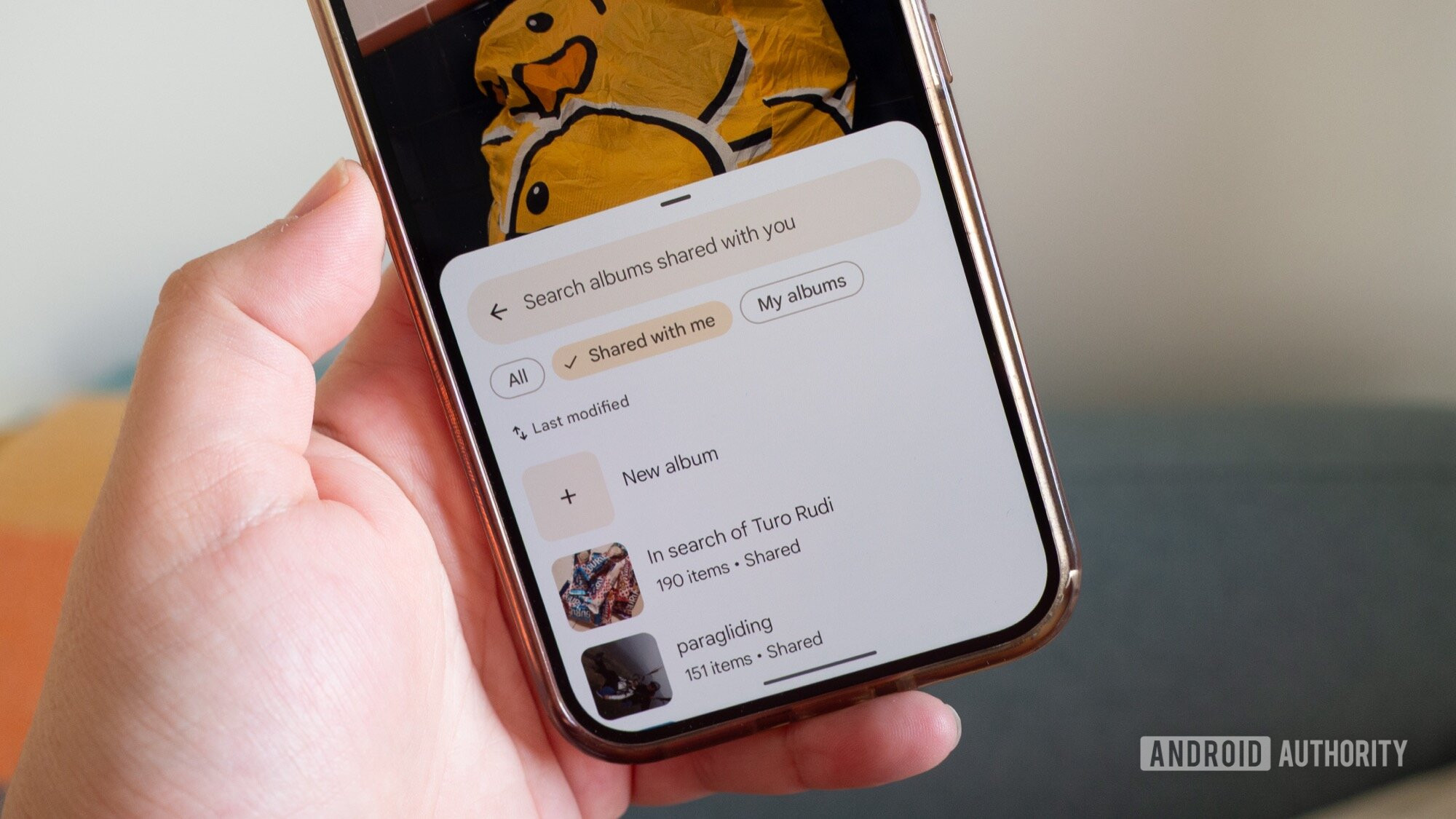
There are clumsy workarounds, but none are seamless.
- Move files out of DCIM – You can manually move files you don’t want backed up to another folder using a file manager. This adds friction: opening a file manager, creating a folder, cutting and pasting the file.
- Locked Folder – The Locked Folder feature hides images and videos from the main gallery and lets you choose whether to back them up. It can act as a makeshift anti‑backup tool, but it’s easy to forget what you’ve stored there, making it unreliable.
Neither of these approaches is truly viable, which is why Photos’ backup system needs reform.
Google Photos still receives plenty of love from the development team. While the option to “TikTok‑ify” videos on the platform sounds fun, I’d also appreciate more practical additions—especially more control over what gets backed up. Since unlimited storage is gone, making the most of your cloud quota is essential, and a “Don’t backup this” button would be a valuable addition for anyone on the free tier or limited plans.