
Apple age verification in iOS 26.4 beta 2 took less than 30 seconds
Source: 9to5Mac
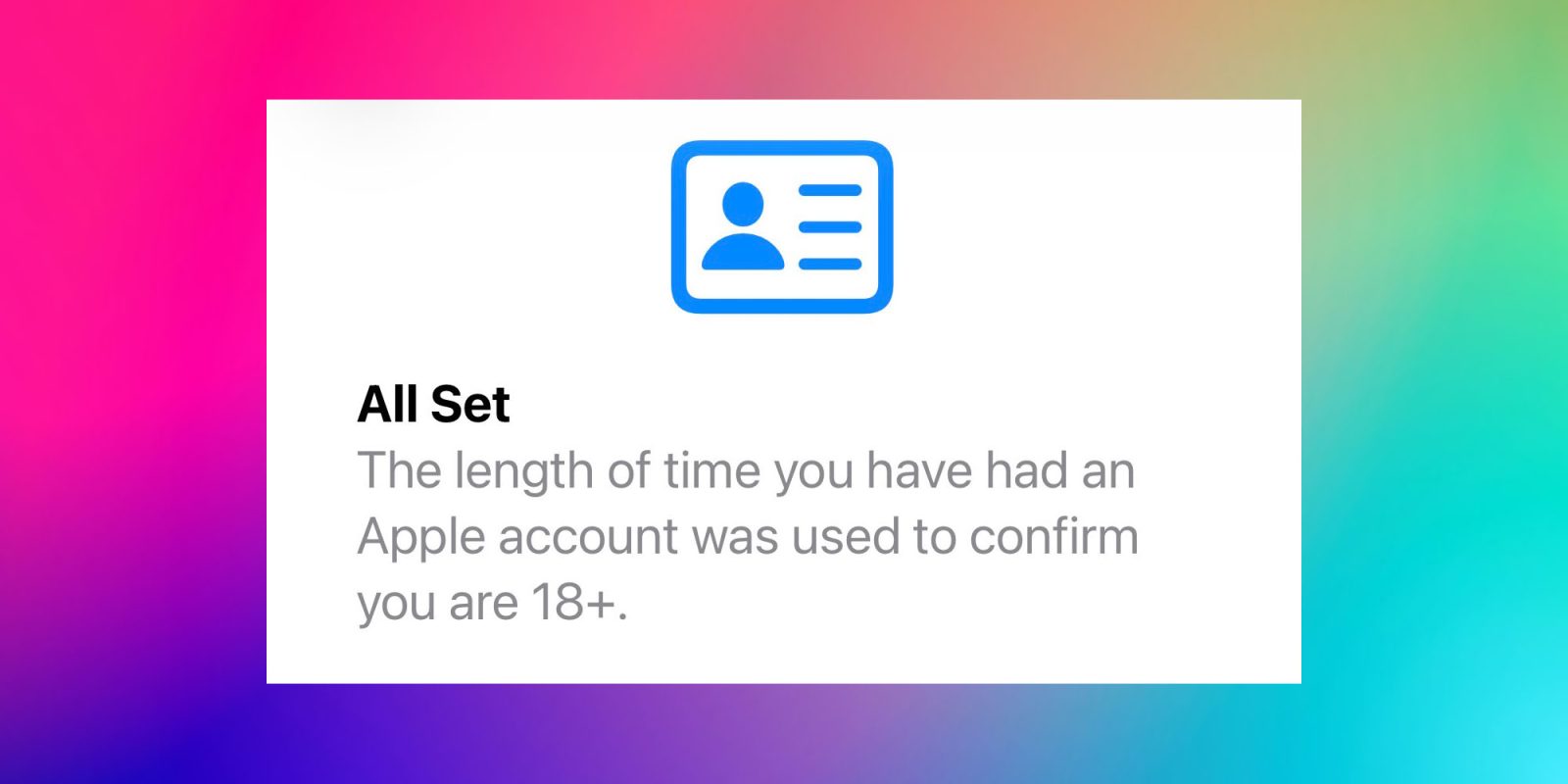
The latest beta of iOS 26.4 adds an extra step for iPhone owners based in the UK. After installation, the Settings app prompts you to confirm that you are 18 +.
If Apple isn’t sure how old you are, you may need to scan a credit card or photo ID to confirm that you’re an adult. In my case, it was completely automatic and took less than 30 seconds.
The UK’s Online Safety Act requires tech giants to verify users are adults before giving unrestricted access to all available content. This was largely presented as a way to prevent children from accessing pornography, with adult sites required to carry out age verification for UK‑based visitors. In practice, it also ensures that teenagers know how to use a VPN.
Since some apps in the App Store are designed for users 18 +, Apple is now required to carry out age verification in order to provide unrestricted access.
Apple may be able to determine your age automatically using information such as:
- Payment methods on file
- The length of time you have maintained an Apple Account
A valid credit card can help confirm you’re at least 18 because you must be an adult to open a credit‑card account.
The verification flow
-
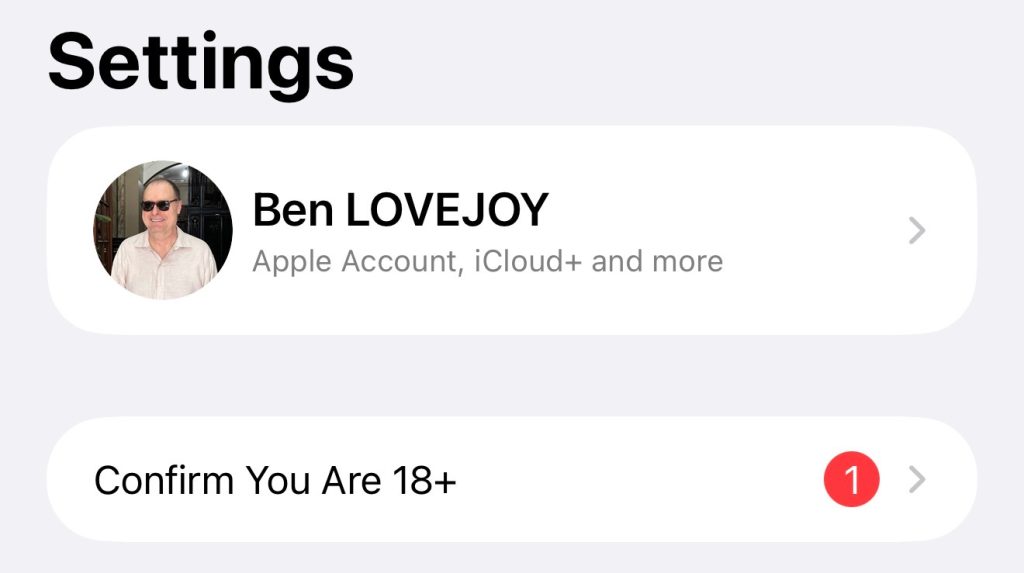
Prompt in Settings – Immediately after installation, a new prompt appears in the Settings app.
-
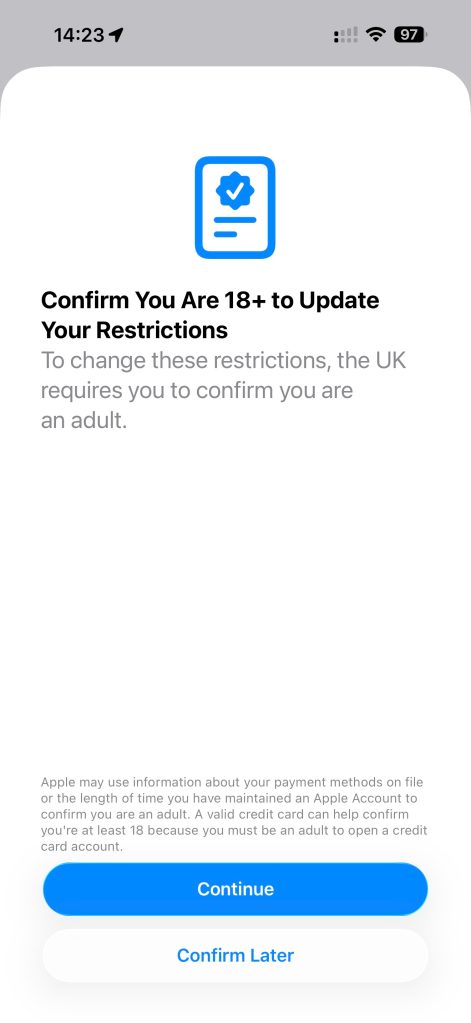
Explanation screen – The next screen explains why the check is needed and notes that Apple may already be able to determine your age.
-
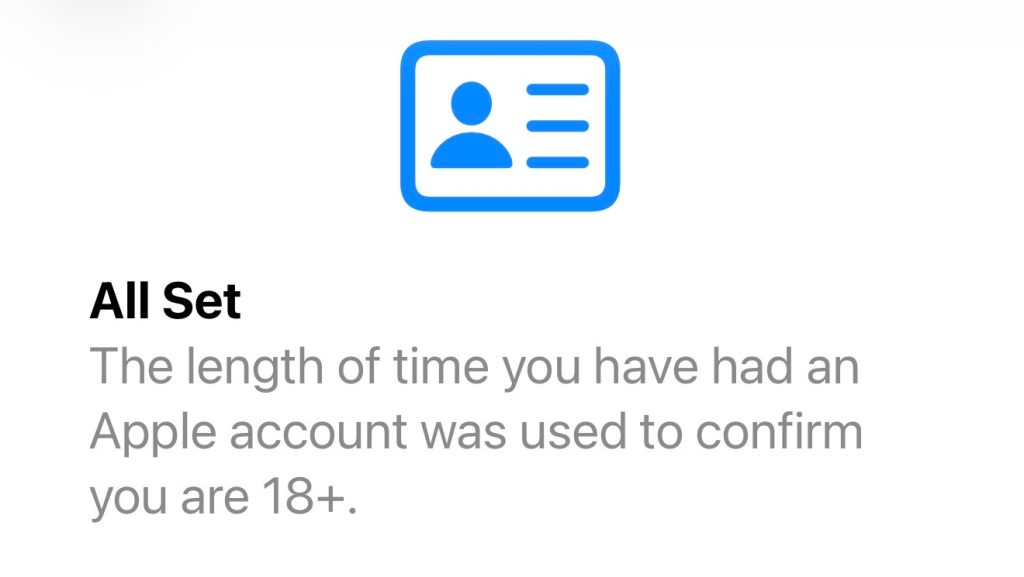
Confirmation – In my case, simply tapping Continue completed the process.
If anyone in the UK is asked to prove their age, please share screenshots of the process.
9to5Mac’s Take
The ease of Apple’s verification and the painless experience for many users strengthens the argument that Apple should handle the age check and then simply confirm to developers that the user has been verified as an adult.
Requiring users to hand over government photo ID and video selfies to a multitude of developers creates a privacy nightmare. Trusting Apple to verify identity and age once, and then blocking downloads of age‑inappropriate apps, would be a far better user experience. It would also eliminate the need to verify age each time a new age‑gated app is downloaded.