
Android’s Linux Terminal app just got a lot more colorful with theme support
Published: (April 24, 2026 at 08:00 AM EDT)
2 min read
Source: Android Authority
Source: Android Authority
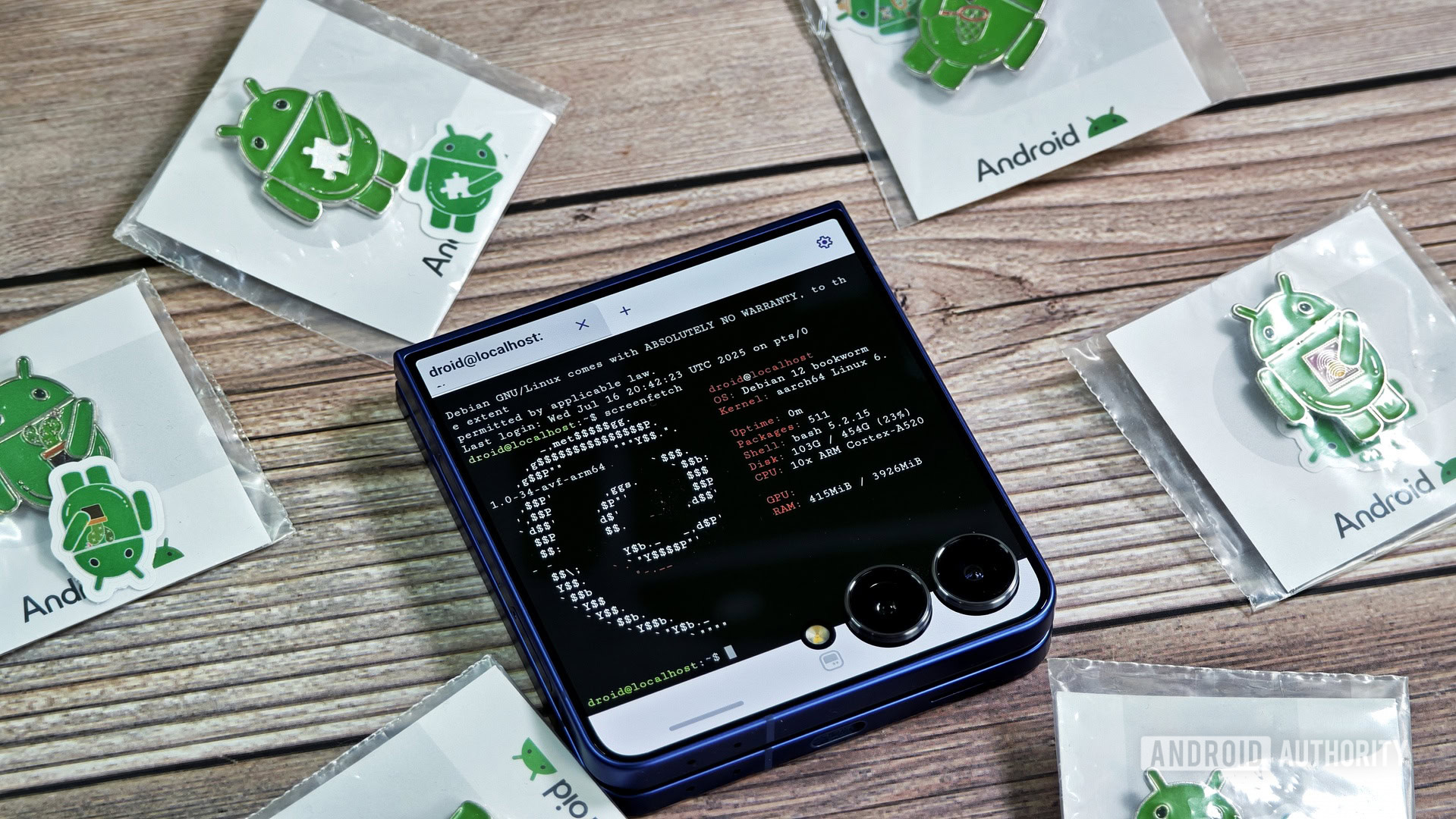
TL;DR
- Android 17 QPR1 Beta 1 introduces a Theme menu in the Terminal app with light and dark defaults.
- Users can now import external themes in Alacritty (
.toml) format directly from the file manager. - The terminal area adopts the new colors, but the app’s header remains unchanged.
Theme support in Android 17 QPR1 Beta 1
On the latest Android 17 QPR1 Beta 1, the Terminal app includes a new Theme option in its settings. A few light and dark themes are provided by default.
Download more themes
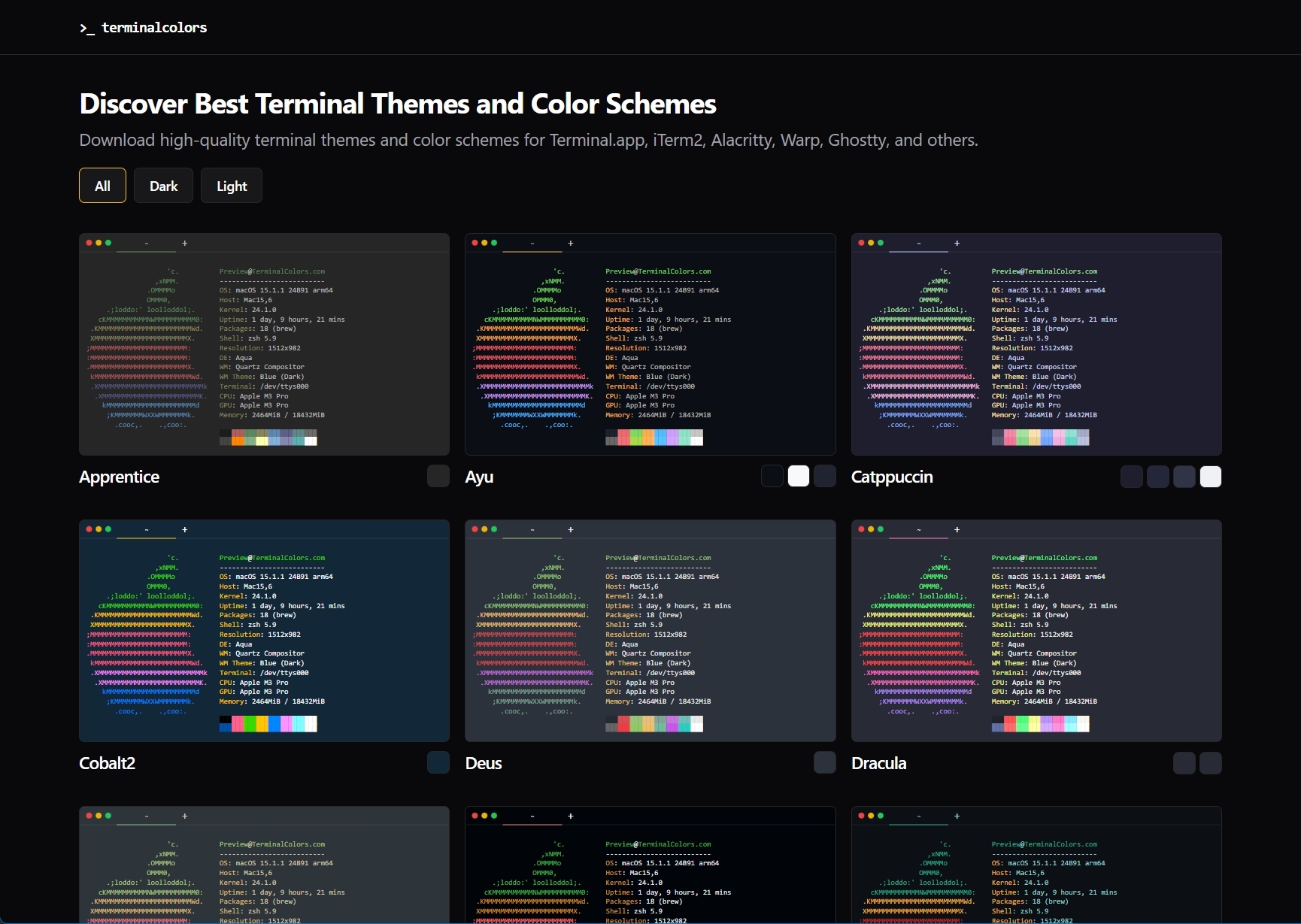
At the bottom of the Theme screen there is a Download more themes button. The sub‑text notes that themes can be downloaded in Alacritty format (.toml).
Clicking the button opens terminalcolors.com in the system browser, where you can browse and download themes in several formats (including Alacritty).
Importing themes
- Download a theme file on your phone.
- Open the file with any file manager; the Terminal app will automatically import the theme.
- The imported theme appears in the Terminal’s theme list and can be selected immediately.
Limitations
- Themes only affect the terminal area; the app’s header retains the default colors.
- To remove an unwanted theme, tap the delete icon next to its entry in the theme list.
Disclaimer
⚠️ An APK teardown can suggest features that may appear in future releases, but such predictions are not guaranteed to reach a public release.