
Add images to agent sessions
Published: (March 5, 2026 at 11:05 AM EST)
1 min read
Source: GitHub Changelog
Source: GitHub Changelog
Quick start
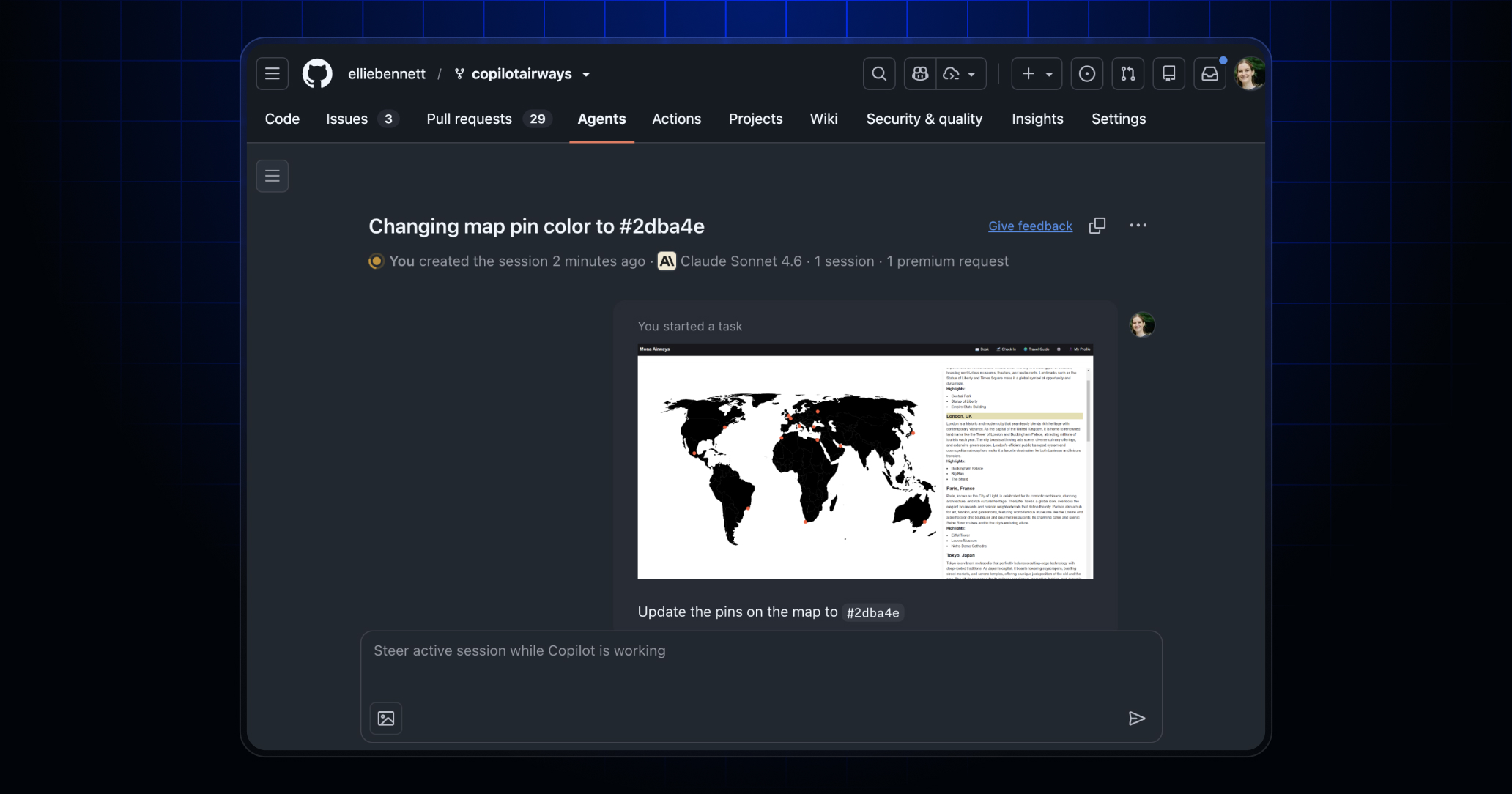
Quick start your agent session by starting from an image. Simply paste, drag, or click the image icon to wherever you work with agents on github.com (e.g., from the recently released Agents tab in a repository).
Let us know what you build by sharing your feedback. Click the Give feedback button on the top‑right corner of any agent session.