A Simple Checklist for Writing Requirements That Engineers Can Actually Use
Source: Dev.to
Most requirement docs fail for one simple reason
They are hard to execute. Not because they are incomplete or lack detail, but because they are unclear. This post is a practical checklist to fix that—no theory, no fluff, just a usable structure.
What counts as a functional requirement (quick reset)
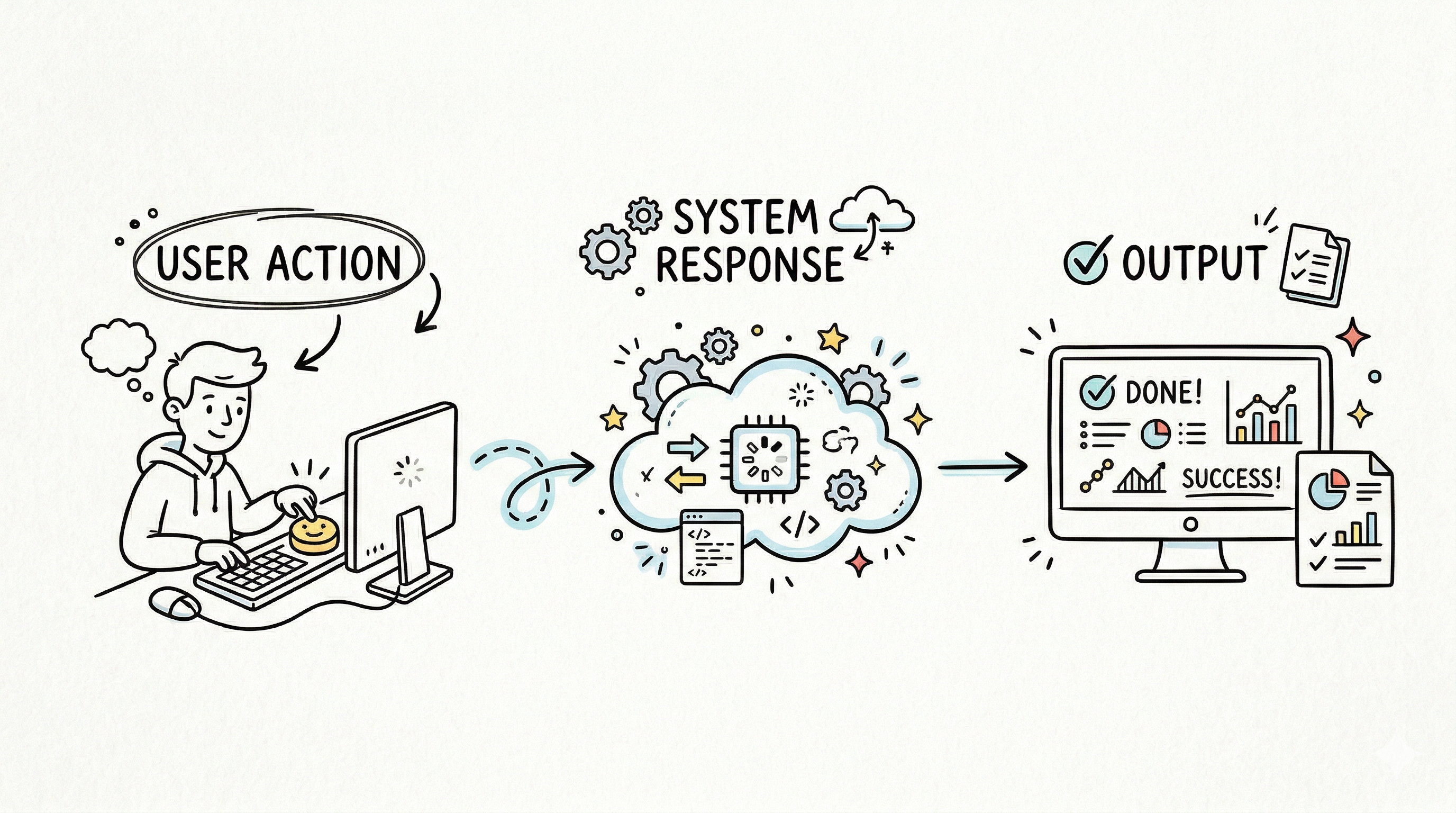
Functional requirement = what the system does when a user does something.
If a line does not describe:
- a user action
- a system response
…it’s not a functional requirement.
Step 1: Identify functional requirements (fast method)
Use this 3‑question loop:
1. Who is using the system?
2. What are they doing?
3. What should the system do back?
Example
User: logs in
Action: enters email + password
System: validates → allows access OR shows error
That becomes one requirement. Repeat the loop until all key flows are covered.
Quick checklist
- Every user action is listed
- Every action has a system response
- No missing flows (login, reset, checkout, etc.)
Step 2: Write requirements in a standard format
Avoid long paragraphs. Use a simple structure:
WHEN [user action]
THEN [system response]
Examples
WHEN user submits login form
THEN system validates credentials and grants access if correct
WHEN user clicks reset password
THEN system sends reset link to registered emailWhy this works
- Easy to read
- Easy to test
- No ambiguity
Step 3: Validate each requirement (engineer check)
Clarity check
- Can two people read this and understand the same thing?
Testability check
- Can this be verified with a simple test case?
Scope check
- Does this describe only one action and one result?
If any answer is no, rewrite the requirement.
Functional vs non‑functional requirements (quick table)
| Type | What it means | Example |
|---|---|---|
| Functional | What the system does | User logs in successfully |
| Non‑functional | How the system performs | Page loads in 2 seconds |
Rule
- If it describes behavior → functional
- If it describes quality → non‑functional
Keep them separate.
Common mistakes (and fixes)
1. Writing vague requirements
Bad
System should handle login properlyFix
WHEN user enters valid credentials
THEN system grants access to dashboard
2. Combining multiple actions
Bad
System validates login and sends welcome email and logs activityFix
Split into three separate requirements.
3. Missing edge responses
What happens on wrong password?
What happens on empty input?
Fix
Add explicit failure cases.
Mini template you can reuse
Feature: [Feature Name]

Requirement 1:
WHEN [user action]
THEN [system response]

Requirement 2:
WHEN [user action]
THEN [system response]

Failure case:
WHEN [invalid action]
THEN [system response]
How this improves testing
Every requirement becomes a test.
Requirement
WHEN user enters correct password
THEN system grants access
Test
- Input: valid credentials
- Expected: access granted
Clear input, clear output—no confusion.
Final checklist before handoff
- All user flows are covered
- Each requirement = one action + one result
- Requirements use consistent format
- No mixed functional and non‑functional items
- Every requirement can be tested
If this passes, the doc is usable.
Bottom line
Functional requirements are not about writing more; they’re about writing clearly.
- Identify actions
- Define responses
- Keep everything testable