
Spotify可能很快解决其最大的无损音频下载难题
发布: (2026年5月4日 GMT+8 20:50)
4 分钟阅读
Source: Android Authority
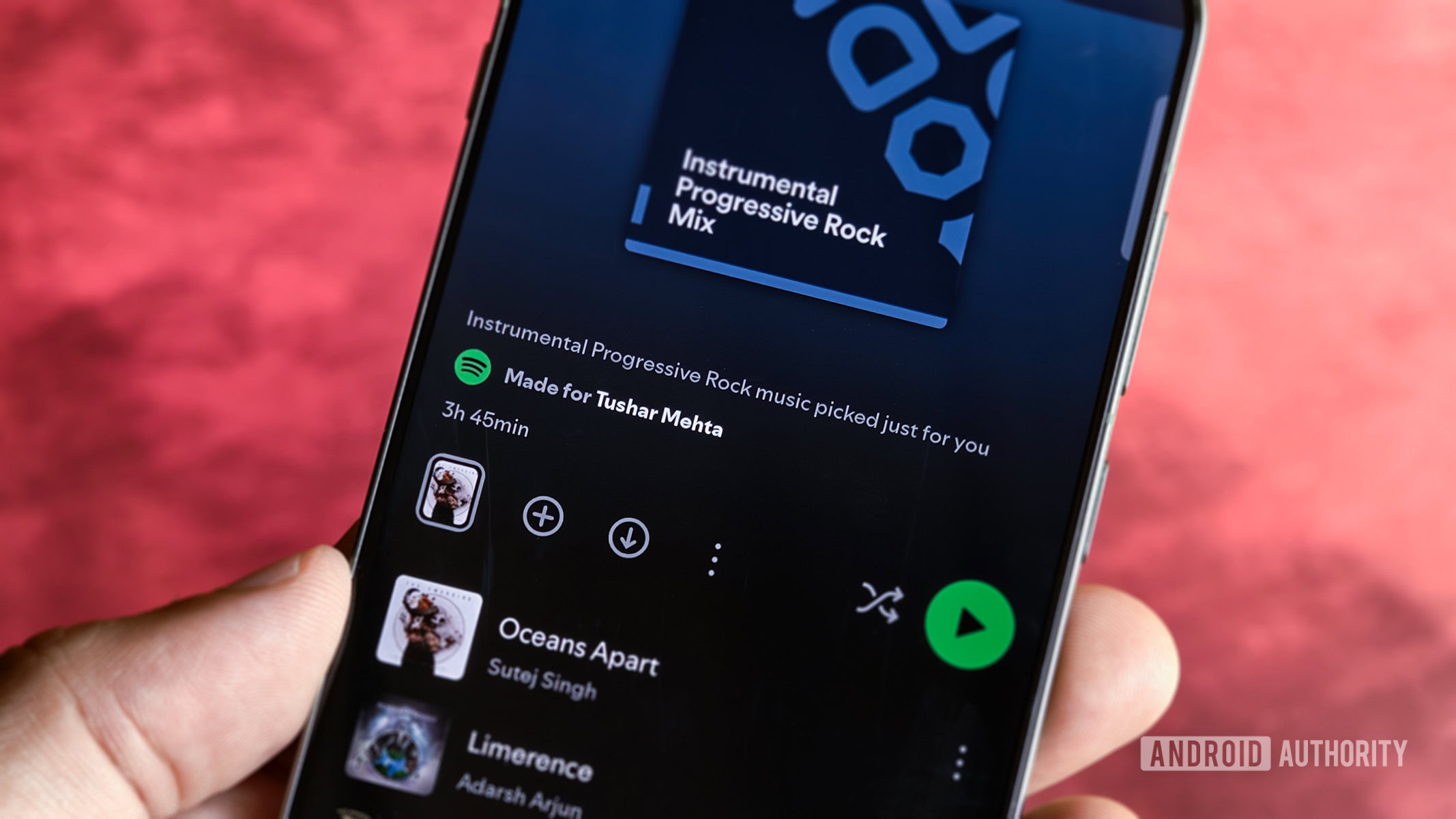
TL;DR
- Spotify 正在测试一项 “批量重新下载” 工具,帮助用户自动将离线音乐升级到更高质量的层级。
- 该功能专门解决了在切换到无损音频时,需要手动删除并重新下载文件的当前需求。
- 应用将在批量无损下载前显示动态警告,提示存储空间和数据流量的显著影响。
最近的 Spotify 更新
Spotify 在四月非常忙碌,推出了多项功能,包括 Fitness with Spotify、Verified by Spotify 和 平板应用的全新界面设计。公司现在似乎正准备再添一项实用功能:许多用户长期期待的批量重新下载功能,用于无损音乐。
离线下载质量选项
Premium 用户可以为离线下载选择以下质量等级:
| 层级 | 大约比特率 |
|---|---|
| 低 | ~24 kbps |
| 普通 | ~96 kbps |
| 高 | ~160 kbps |
| 超高 | ~320 kbps |
| 无损 | 可变,最高约 ~2,100 kbps |
在非无损层级之间切换时,Spotify 会自动将已有下载升级到新质量。但切换到无损层级目前仍需用户手动删除并重新下载其音乐库。
批量重新下载功能
在 Spotify for Android 9.1.48.148 中,已发现用于新批量重新下载功能的代码。字符串暗示有一个选项可以 “更新已有下载” 到所选的音频质量。
<resources>
    <string name="bulk_redownload_title">Update existing downloads</string>
    <string name="bulk_redownload_description">
        Update your existing downloads to the audio quality you've selected.
    </string>
</resources>
虽然这些字符串没有明确提到无损,但该功能有望填补当前无损升级只能手动完成的空白。
警告对话框
存储空间警告
<string name="bulk_redownload_storage_warning">
    Your downloads currently use %1$s of storage. In %2$s, they'll use about %3$s.
</string>
<string name="bulk_redownload_storage_warning_detail">
    Your downloads currently use %1$s of storage. In %2$s, they'll use about %3$s. This could cause your device to run out of space.
</string>
移动数据警告
<string name="bulk_redownload_cellular_warning">
    You’re on mobile data. Downloading in %1$s may use up to %2$s. This could significantly impact your data plan.
</string>
<string name="bulk_redownload_cellular_setting">
    Update your settings to enable downloads using mobile data.
</string>
<string name="bulk_redownload_cellular_prompt">
    Download using mobile data?
</string>
<string name="bulk_redownload_cellular_update_prompt">
    Update existing downloads to %1$s over cellular?
</string>
<string name="bulk_redownload_change_cellular_setting">
    Change cellular setting
</string>
这些对话框表明,Spotify 打算在执行批量质量升级前,提醒用户可能出现的存储耗尽和流量套餐影响。
展望
如果正式发布,批量重新下载功能可能会覆盖所有质量层级,为用户提供一种统一的方式来升级离线音乐库,而无需手动删除并重新下载。
⚠️ 一次 APK 拆解 能够根据正在开发的代码预测即将上线的功能,但并不能保证该功能一定会面向公众发布。