
在 iPhone 上使用 Google 登录(本地 Metro 服务器 + 开发构建)- 第 3/7 部分:添加 Clerk API Key
发布: (2026年1月11日 GMT+8 04:01)
1 分钟阅读
原文: Dev.to
Source: Dev.to
Clerk API Key
现在我们来查找 Clerk API Key 并将其添加到 env.ts 文件中:
Configure → API Keys
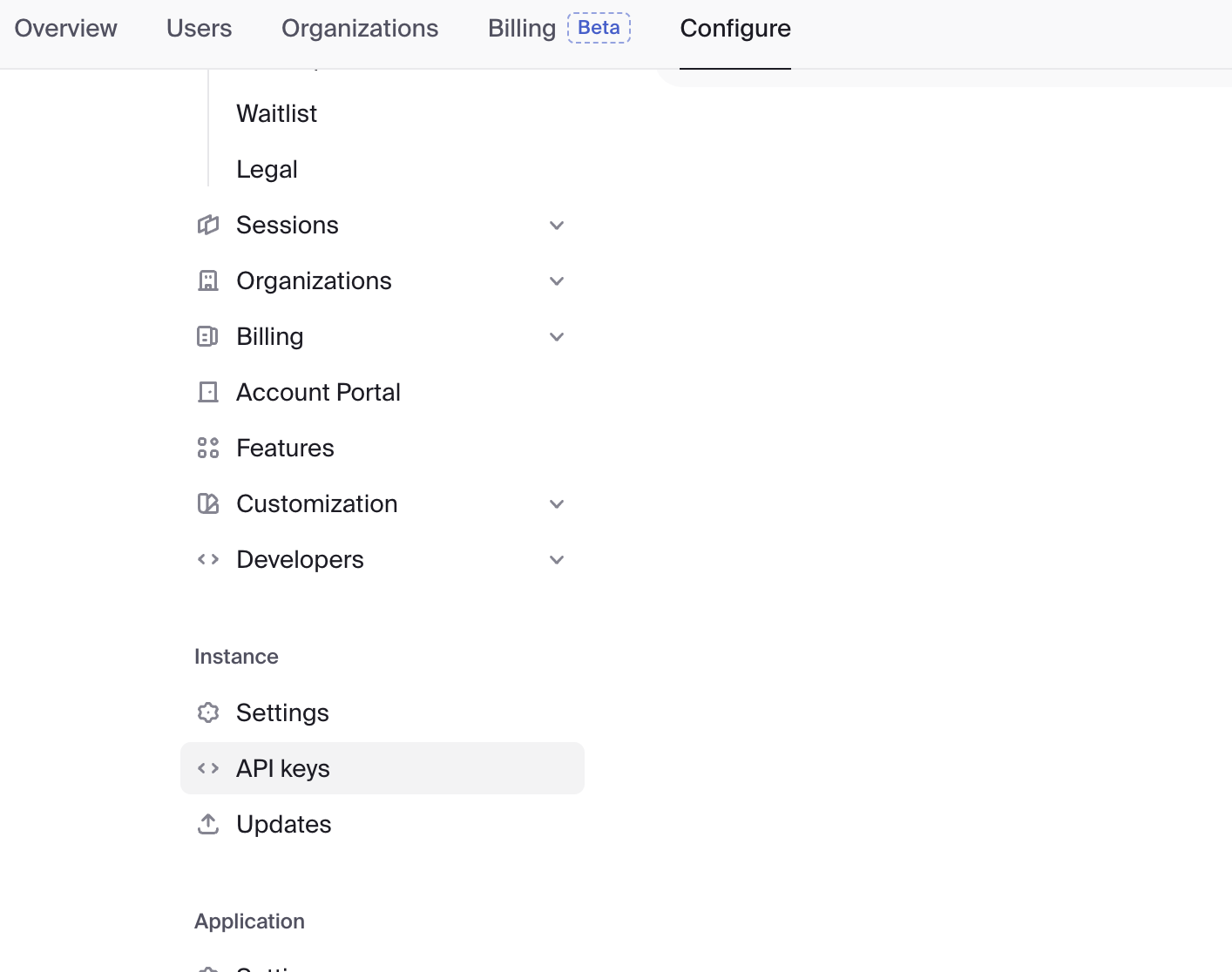
找到 “Expo” 并复制它。
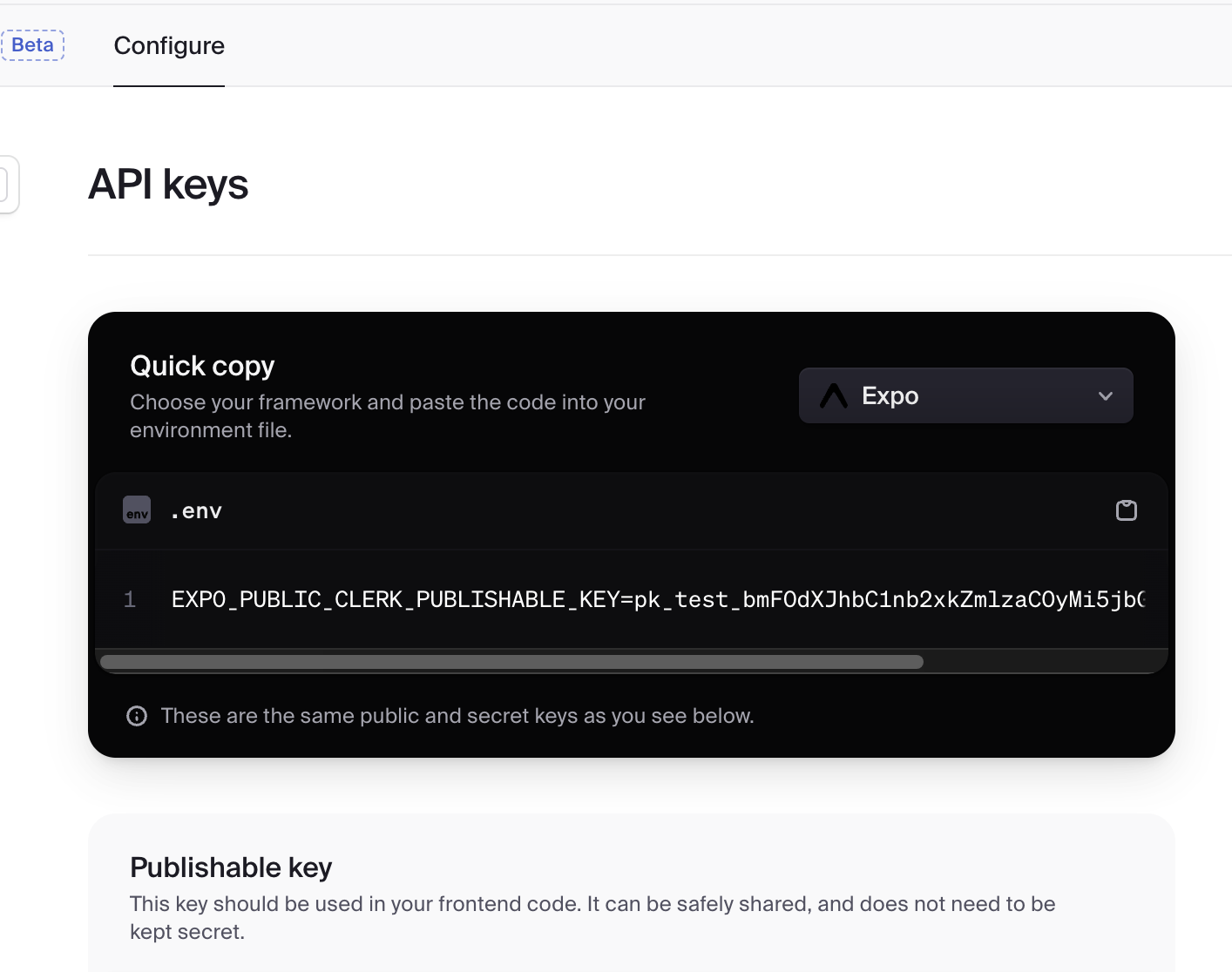
将其粘贴到 env.ts 中:
export const EXPO_PUBLIC_CLERK_PUBLISHABLE_KEY = [your key here] as const;Summary of Parts 1‑3
- 已通过 API Key 将我们的应用与 Clerk 连接
- 配置了重定向 URL 以转发登录结果(参见 Part 2)
- 确保重定向 URL scheme 与
app.json中的scheme匹配(参见 Part 2)
Next: 我们将配置 Google Cloud Console。