
使用 React 和 Groq API 构建高性能 AI 原生笔记本界面
发布: (2026年3月7日 GMT+8 16:10)
2 分钟阅读
原文: Dev.to
Source: Dev.to
Introduction 🚀
作为一名拥有超过 6 年经验的高级全栈开发者,我见证了 AI 正在改变网络的方式。如今,用户期望拥有能够即时获取信息和操作功能的动态仪表盘。在本指南中,我将演示如何使用 React 与超高速的 Groq API 构建高性能的 AI 笔记本界面。
Visual Overview
Main Dashboard of AI Notebook
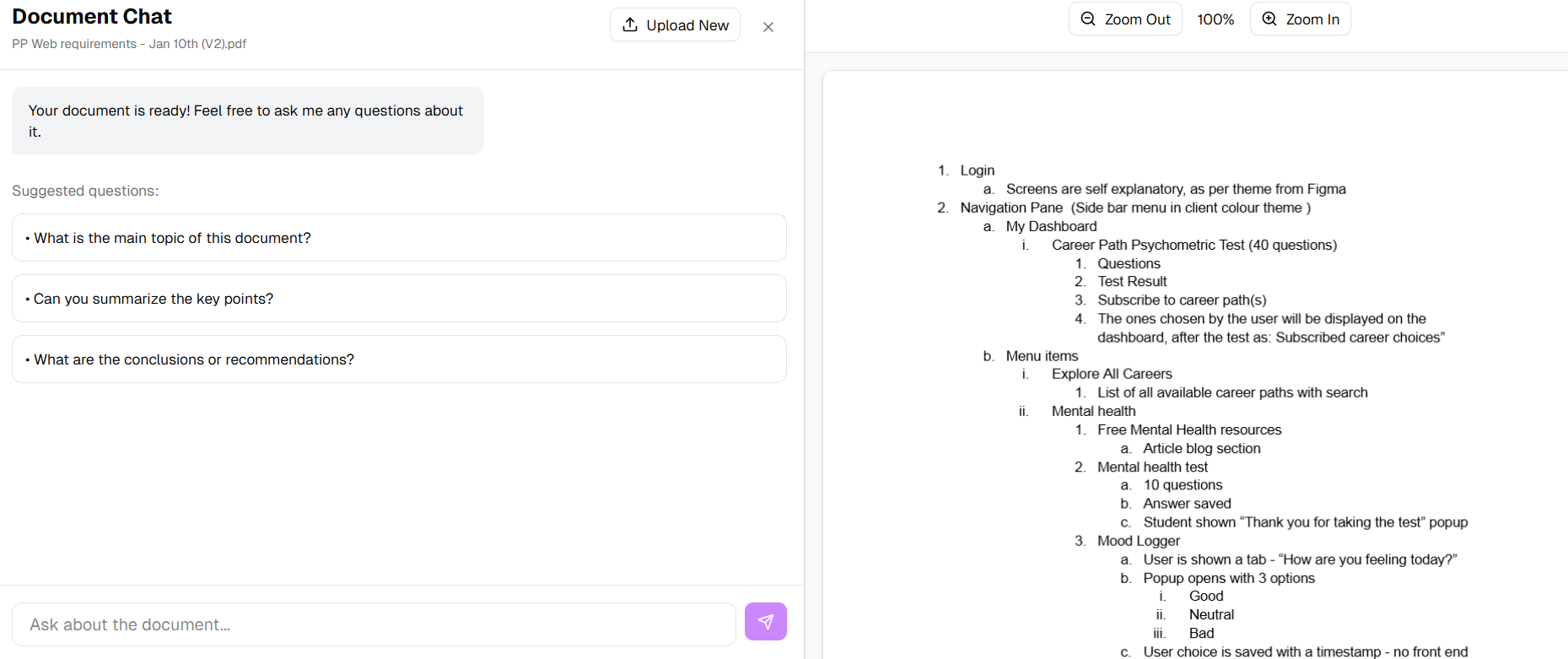
AI Chat Interface with Groq Integration
AI Service Layer
import Groq from "groq-sdk";

const groq = new Groq({ apiKey: 'YOUR_API_KEY', dangerouslyAllowBrowser: true });

export const getAIResponse = async (userPrompt) => {
  try {
    const chatCompletion = await groq.chat.completions.create({
      messages: [{ role: "user", content: userPrompt }],
      model: "llama3-8b-8192",
    });
    return chatCompletion.choices[0]?.message?.content || "";
  } catch (error) {
    console.error("Groq API Error:", error);
    return "Error fetching response.";
  }
};
Conclusion
高级开发者必须从纯粹的产品运营转向系统扩展,处理令牌限制和 API 延迟,同时保持强大的 UI 性能。2026 年的前端工程师将演变为 AI 编排者角色,当我们快速采用新工具时,开发流程也会随之提升。