
Nothing Phone (4a), Nothing OS 4.1에서 새로운 기능 공개
Source: 9to5Google
Nothing OS 4.1 on the Nothing Phone (4a) series introduces several software upgrades, including improved Essential Apps, a new Relaxation Hub, lock‑screen tweaks, and more.
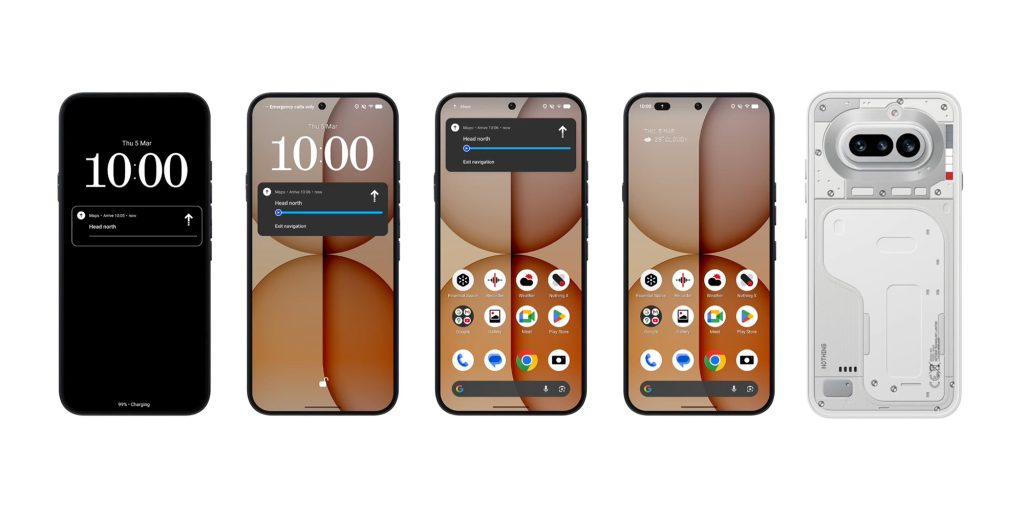
Live Updates on the Glyph Bar
Support for Android 16’s Live Updates arrives with Nothing OS 4.1. Apps that use Live Updates can display their progress on the Glyph Bar, letting you monitor rides, navigation, and other activities without unlocking the screen.
Relaxation Hub
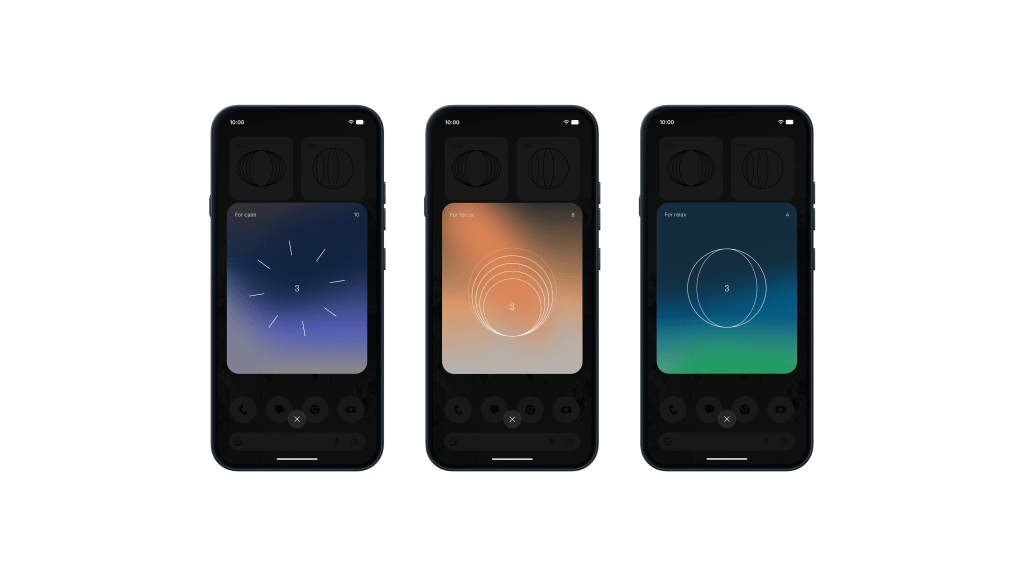
A brand‑new “Relaxation Hub” adds Breathing Break widgets with Focus, Relax, and Calm modes. These widgets guide you through breathing exercises designed to help you reset during the day.
Essential Apps Drawer
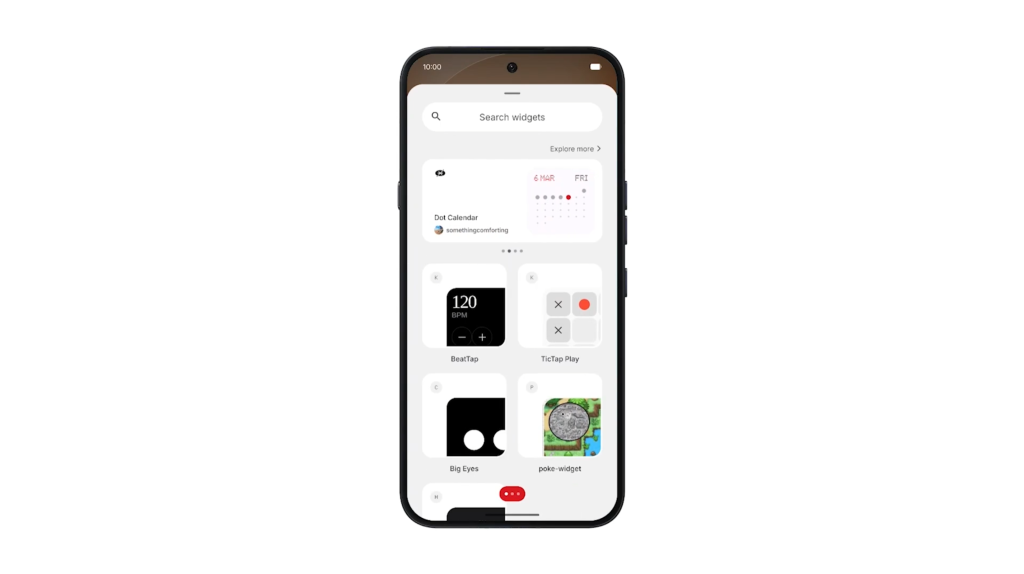
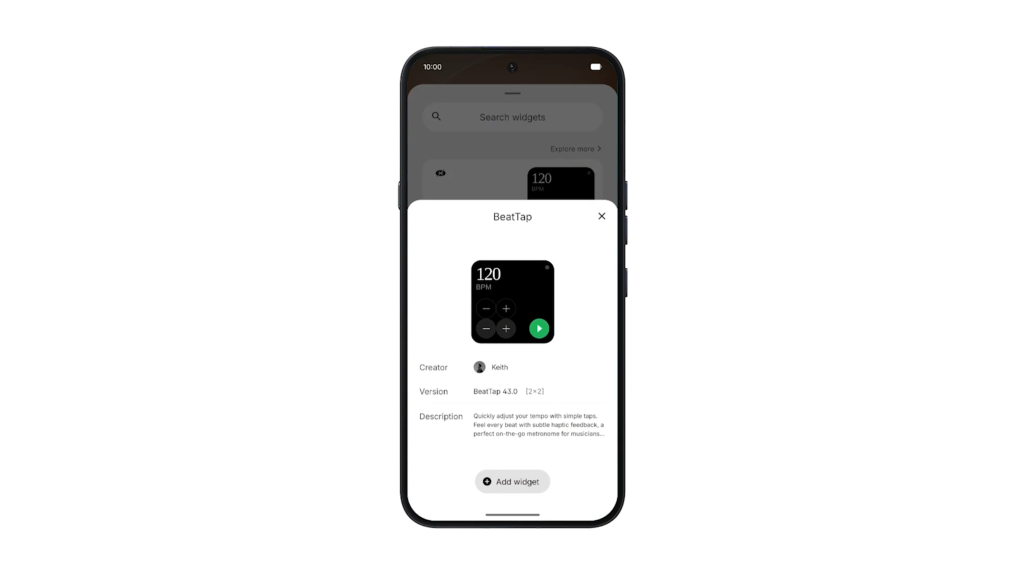
Essential Apps now have their own drawer, making them easier to access. The drawer shows apps you’ve installed or are using and also recommends apps from the Nothing Playground without leaving the home screen.
Lock‑Screen Enhancements
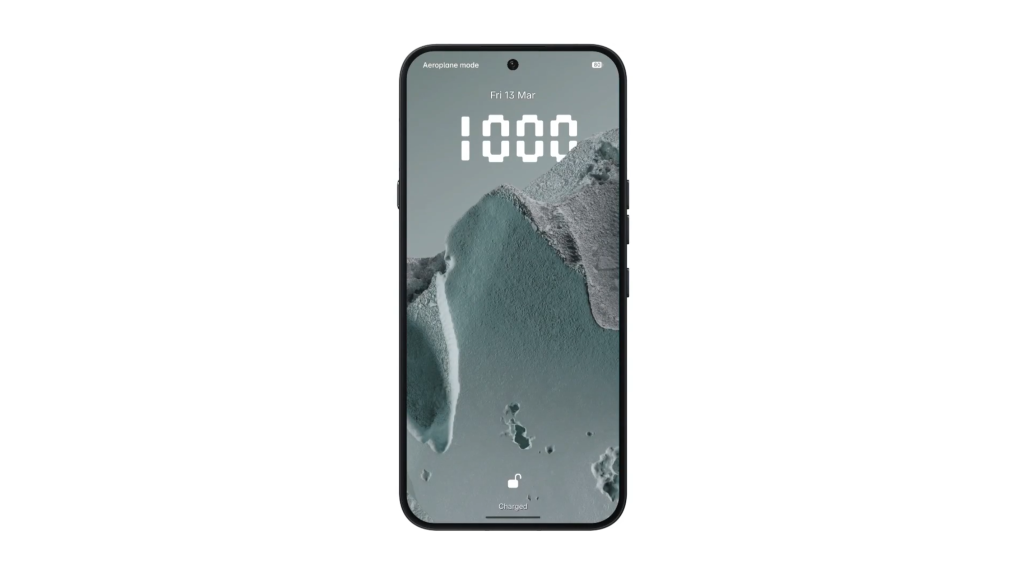
The lock screen receives a new clock face that first appeared on the Phone (3a) Community Edition, plus a Depth Effect beta that lets the clock hide behind wallpaper elements, similar to iOS’s liquid‑glass animation.
AI Eraser in the Gallery App
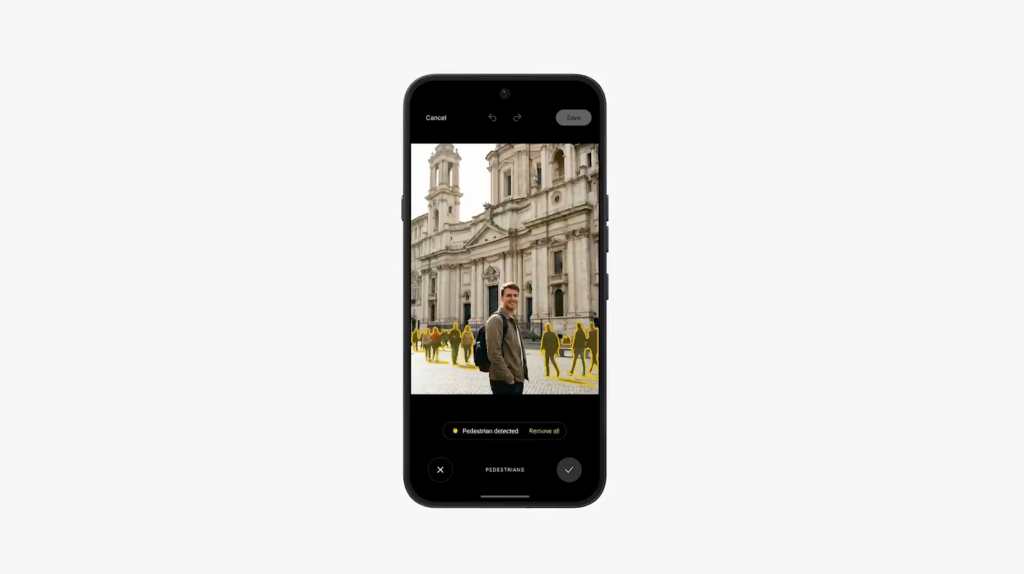
The Nothing Gallery app now includes an on‑device AI Eraser tool that works entirely offline—no cloud processing or internet connection required.
Availability
Nothing Phone (4a) is now on sale, and the Phone (4a) Pro will be available in a few days. The Pro model can be pre‑ordered on Amazon in the US.