
우리가 Afina를 구축한 방법과 WebRTC + QUIC가 실제로 중요한 이유
Source: Dev.to
When we started building Afina, we didn’t plan to create “another antidetect browser”.
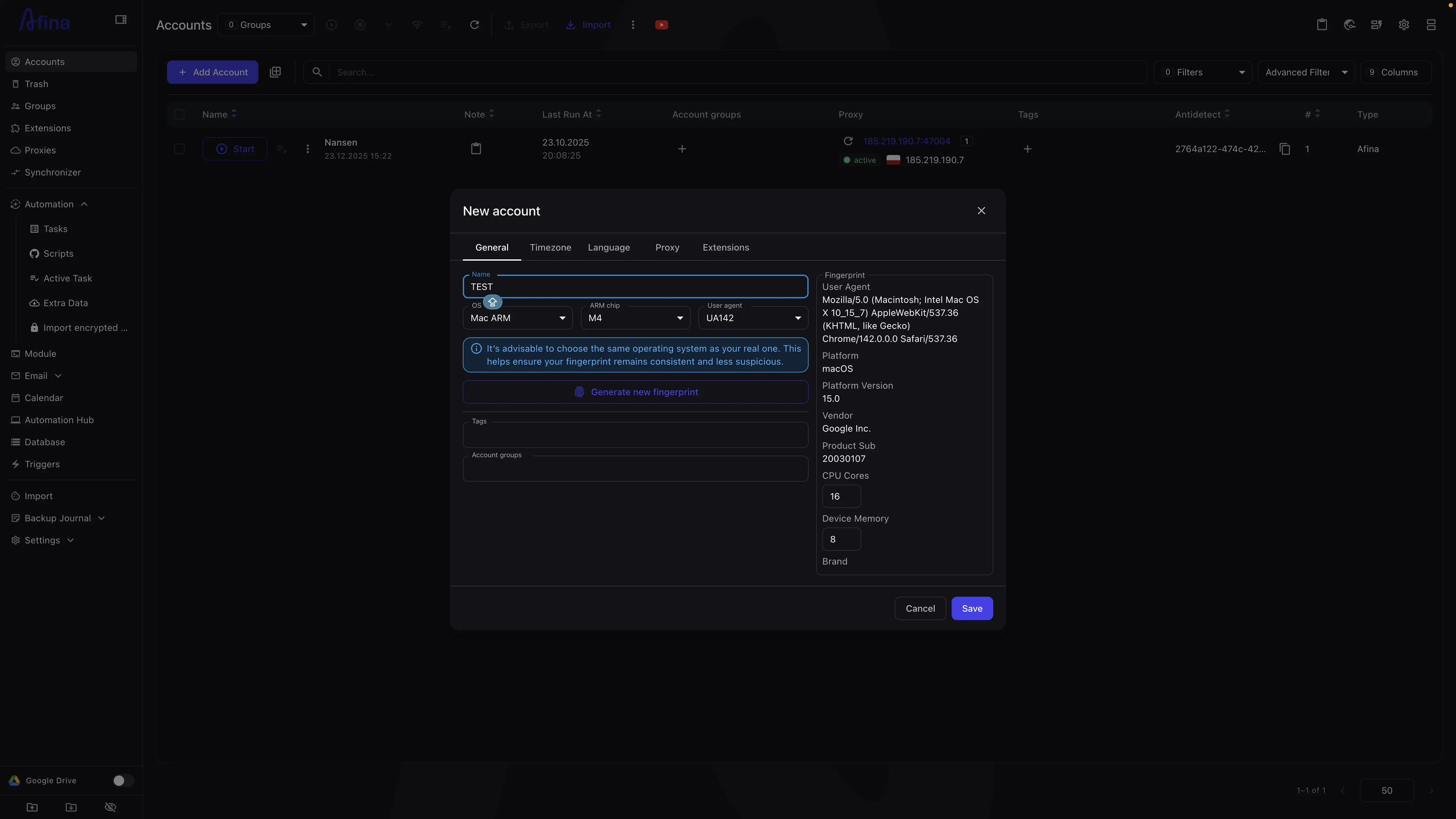
Honestly, the original idea was simpler: why do modern antifraud systems detect browsers so easily, even when everything looks fine?
- User agent matches.
- Canvas spoofed.
- WebGL looks normal.
And still… blocked.
So we stopped looking at fingerprints first and started looking at network behavior.
The uncomfortable truth about WebRTC
A lot of tools treat WebRTC as a checkbox:
- “Disable WebRTC”
- “Mask WebRTC IP”
- “Use proxy for WebRTC”
But WebRTC is not just about IP leaks. It’s a real‑time networking stack with strict rules:
- ICE candidates
- STUN behavior
- host → srflx chain
- timing patterns
In a real browser, WebRTC always starts from a local interface, even if you’re behind a proxy. Many solutions break this flow by routing WebRTC through servers or skipping steps. Functionally it works, but from an antifraud perspective it looks fake instantly.
Our decision: no server‑side WebRTC hacks at all. Everything runs inside the browser process, using the real Chromium stack. That alone broke compatibility with a lot of existing proxy approaches.
Why QUIC and UDP were non‑negotiable
Another thing we noticed while testing antifraud systems: TCP‑only browsers stand out more than people think.
Modern Chrome:
- prefers QUIC (HTTP/3)
- uses UDP heavily
- negotiates TLS differently over QUIC vs TCP
Many “secure” browsers still tunnel everything over TCP SOCKS proxies. That’s convenient—and very detectable.
So we went the harder route:
- native UDP support
- real QUIC handshake
- no protocol downgrading
This required rewriting parts of the networking layer and rejecting many proxy providers that don’t support UDP correctly. Painful, but necessary.
Fingerprints are useless without behavior
Perfect fingerprints don’t save you if behavior is wrong. Antifraud systems don’t just check what your browser reports; they also examine how it behaves—timing, packet order, protocol choice, fallback logic.
That’s why Afina focuses less on “spoof everything” and more on:
- consistency
- real Chromium behavior
- no shortcuts
Sometimes that means fewer options for the user, but it also means fewer red flags.
What surprised us the most
Many detection systems don’t flag you immediately. They observe:
- You pass login.
- You pass checkout.
- Later you get shadow‑limited or silently flagged.
Most users blame fingerprints, but in reality it’s often networking. Once we fixed WebRTC and QUIC, a lot of “random” issues disappeared.
Afina is not for everyone
And that’s fine.
If you need:
- mass spoofing
- aggressive automation
- unrealistic setups
Afina is probably not the best fit.
If you care about:
- real browser behavior
- long sessions
- antifraud systems that actually analyze traffic
Then building things the hard way makes sense.
Final thought
The biggest lesson for us: you can’t fake reality forever. At some point it’s easier to just behave like a real browser than to pretend. That’s what Afina is about.
More details: