
Gemini for Home Assistant에 Continued Conversation 추가
Source: 9to5Google
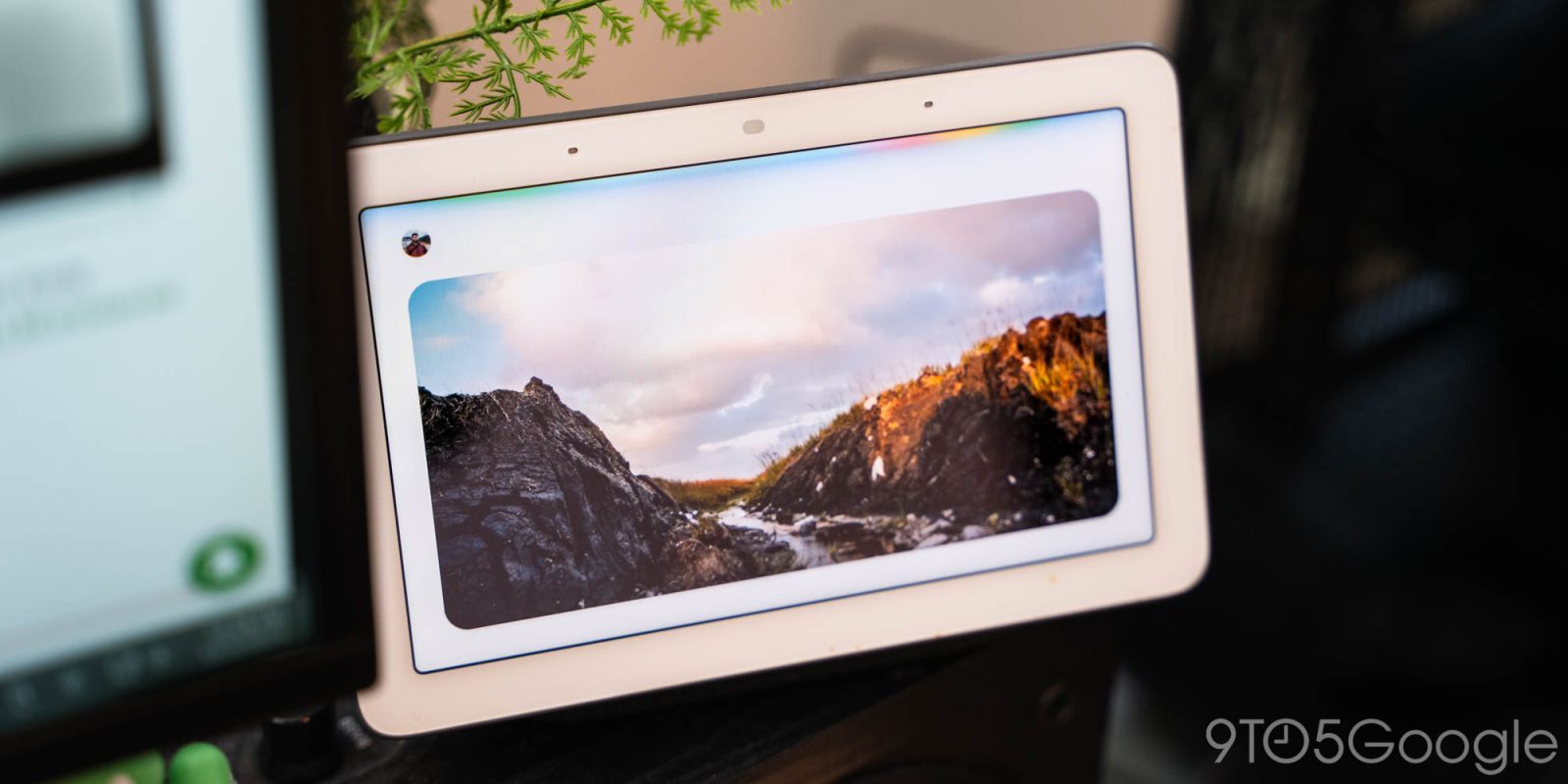
Gemini Live를 사용해 긴 스피커 또는 스마트 디스플레이 상호작용을 해야 하는 대신, Gemini for Home 음성 비서는 연속 대화(Continued Conversation) 기능을 추가합니다.
Google Assistant와 마찬가지로 연속 대화는 첫 번째 질문에 대한 응답이 끝난 뒤 “몇 초 동안” 마이크를 활성화 상태로 유지합니다. 기기의 불빛이 계속 깜빡이거나 빛나면서 Gemini가 아직 듣고 있음을 표시합니다. 이를 통해 “Hey Google” 호출어를 다시 말하지 않아도 후속 질문을 할 수 있어 Gemini Live를 사용하고 싶지 않을 때 보다 자연스러운 대화를 할 수 있습니다.
이전 동작과 비교해 Gemini for Home은 이제 이전 교환의 대화 맥락을 유지하므로 상호작용이 훨씬 직관적입니다.
How it works
- You: “Hey Google, what’s the weather like in Tokyo?”
- Gemini: “It’s currently 65 °F and sunny in Tokyo.”
- You: “How about tomorrow?”
- Gemini: (retains the context that you’re asking about Tokyo) “Tomorrow will be a bit cooler with a high of 60 °F and a chance of rain.”
Use cases
- Complex tasks: Organize to‑do lists, plan meals, etc.
- Recipe tweaks: Ask for a recipe, then immediately follow up with “Give me a different version” or “Add those ingredients to my shopping list.”
이 기능은 이제 모든 Gemini 언어 및 지역에서 사용할 수 있으며, 미국 영어에만 국한되지 않습니다.
Smarter side‑talk detection
우발적인 활성화를 줄이기 위해 Gemini는 향상된 “Side‑Talk” 감지를 포함하고 있어, 후속 질문과 방 안 다른 사람과의 대화를 구분하는 데 도움을 줍니다.
Household‑wide availability
이 개선 사항은 가구 구성원 모두와 손님에게 적용됩니다.
How to enable
Google은 오늘부터 이 기능을 순차적으로 롤아웃하고 있습니다. 활성화하려면:
Home Settings > Gemini for Home voice assistant > Continued Conversation
More on Gemini for Home
- Google Home rolls out more Gemini voice updates for music, notes, more
- Google Home expands Gemini access globally as the Assistant replacement improves
FTC: We use income‑earning auto affiliate links. More.