
Kiro IDE로 48시간 안에 GPU 가속 파일 탐색기 구축
Source: Dev.to
The Challenge
제가 Nexus Explorer—Rust로 만든 GPU 가속 파일 탐색기를 만들기로 결심했을 때, 야심찬 목표를 세우고 있다는 것을 알았습니다. 파일 탐색기는 겉보기와 달리 복잡합니다: 수백만 개의 파일을 처리하고, 즉각적인 피드백을 제공하며, UI가 멈추지 않도록 비동기 I/O를 관리하고, 여러 플랫폼에서 다듬어진 사용자 경험을 제공해야 합니다.
전통적인 개발은 몇 주, 혹은 몇 달이 걸릴 것입니다. 저는 4 시간만 있었습니다.

가장 중요한 교훈: 당신이 만들고 있는 것이 무엇인지 알라
AI‑지원 개발은 당신의 전문성을 증폭시킬 뿐, 대체하지는 않는다.
다음에 대해 이해하지 못한다면:
- 파일 작업에 왜 비동기 I/O가 중요한지
- GPU 렌더링이 CPU 렌더링과 어떻게 다른지
- 좋은 UI 아키텍처를 만드는 요소는 무엇인지
- 캐싱을 사용할 때와 최신 데이터를 가져와야 할 때
…AI는 실제 사용에서 무너지는 그럴듯한 코드를 생성할 수 있다. AI는 당신의 제약 조건, 사용자, 성능 요구 사항을 알지 못한다. 당신이 안다.
조사 단계
코드를 한 줄도 쓰기 전에 나는 다음을 이해하는 데 시간을 투자했다:
- GPUI의 아키텍처 – 엔티티/뷰 분리를 파악하기 위해 Zed의 소스 코드를 읽음
- Rust의 비동기 패턴 – Tokio, 채널, 백그라운드 실행기가 어떻게 상호 작용하는지
- 파일 시스템 성능 –
jwalk가walkdir보다 왜 빠른지, 배치 처리가 UI 스러싱을 어떻게 방지하는지 - 검색 알고리즘 –
nucleo(Helix에서) 가 전통적인 퍼지 파인더보다 왜 뛰어난지
이 연구는 모든 결정을 좌우했다. AI가 아키텍처에 맞지 않는 무언가를 제안했을 때, 나는 그것을 인식하고 올바른 해결책으로 방향을 잡을 수 있었다.
Kiro IDE 소개: 게임 체인저
이번이 Kiro IDE를 처음 사용한 것이었고, 이제는 완전히 팬이 되었습니다. 이번 해커톤 이후로 Kiro는 제가 가장 선호하는 개발 환경이 되었습니다.
Kiro의 구조화된 AI‑지원 개발 접근 방식은 단순히 “AI와 대화”하는 것이 아니라, 잘 정의된 구조를 통해 AI 작업을 지시하는 완전한 시스템입니다:
Requirements → Design → Tasks
즉흥적인 프롬프트 대신에 저는 다음과 같이 정리했습니다:
- Requirements – 기능이 달성해야 할 목표
- Design – 어떻게 설계될지
- Tasks – 구체적인 구현 단계
이 사양들을 Kiro에 제시했을 때, 마치 정확히 지시할 수 있는 동료가 있는 듯했습니다. AI는 따라야 할 계획을 가지고 있었고, 컨텍스트를 이해했으며, 우리가 무엇을 만들고 왜 만드는지 알고 있었습니다.
정말 쉬웠어요.
진심입니다. 다른 AI 코딩 도구들은 마치 공허에 외쳐서 뭔가 유용한 답을 기대하는 느낌이죠. Kiro는 프로젝트 문서를 실제로 읽은 사람과 짝 프로그래밍을 하는 듯한 느낌을 주었습니다.
“Vibe Coding”이란 무엇인가?
- Describe intent 대신 구현을 지시하지 말고 의도를 설명합니다.
- Iterate conversationally AI와 대화식으로 반복하여 솔루션을 다듬습니다.
- Focus on architecture AI가 보일러플레이트를 처리하는 동안 아키텍처에 집중합니다.
- Review and guide 모든 것을 직접 타이핑하기보다 검토하고 안내합니다.
- Catch mistakes 도메인을 이해하고 있기 때문에 실수를 잡아냅니다.
이는 무한히 인내심 있는 파트너와 함께하는 페어 프로그래밍과 같습니다—하지만 여러분은 여전히 결정을 내리는 시니어 엔지니어입니다. Kiro의 스펙 시스템을 사용하면, 그 파트너가 실제로 큰 그림을 이해합니다.
Day 1: 아키텍처와 기반
사양을 통한 계획
Kiro의 사양 시스템은 매우 귀중했습니다. 저는 문서화와 AI 컨텍스트 역할을 동시에 하는 구조화된 요구사항 문서를 만들었습니다:
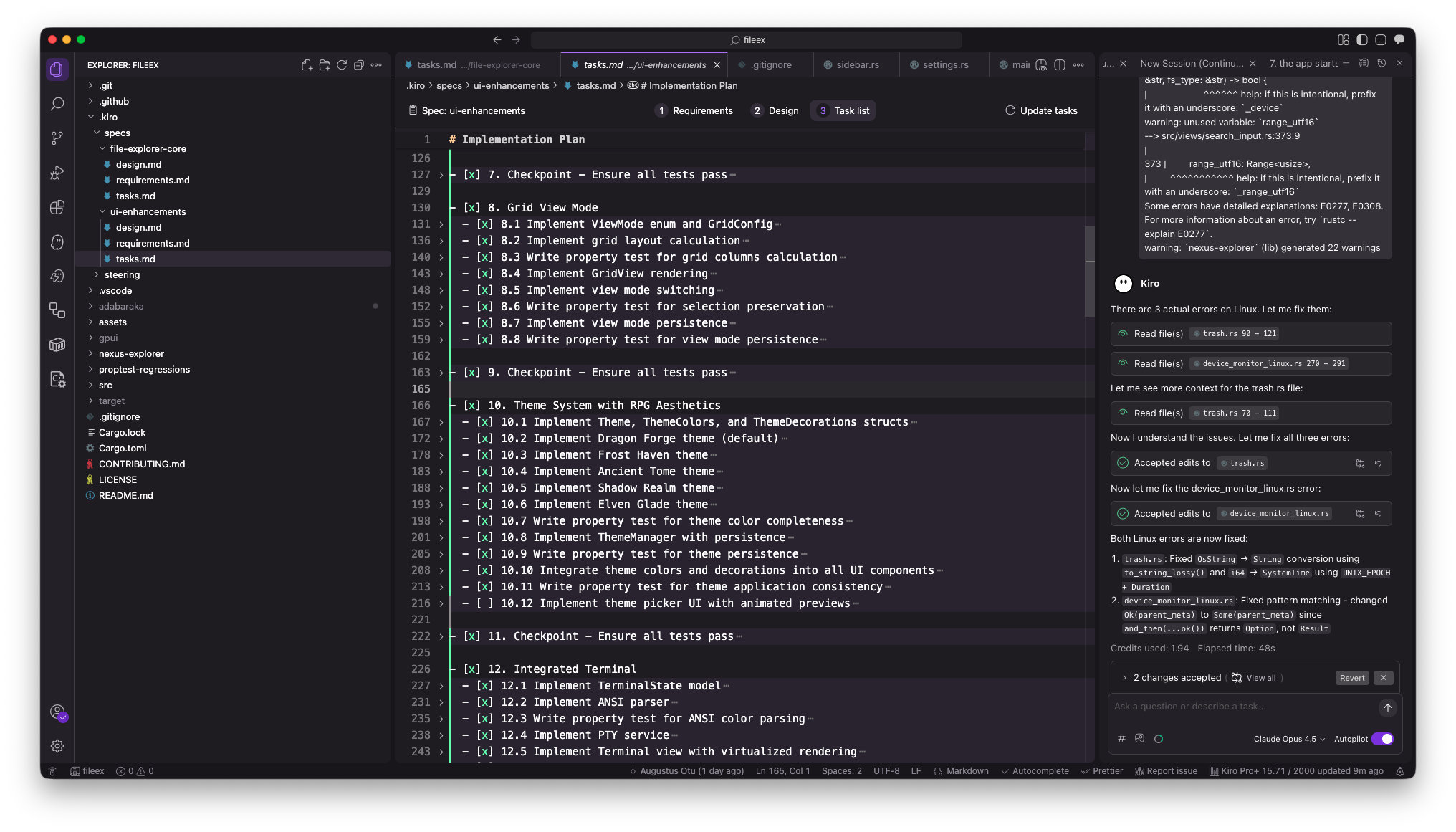
.kiro/specs/
├── file-explorer-core/
│   ├── requirements.md    # 우리가 만들고자 하는 것
│   ├── design.md          # 어떻게 만들 것인지
│   └── tasks.md           # 구현 체크리스트
└── ui-enhancements/
    ├── requirements.md
    ├── design.md
    └── tasks.md
이것은 단순한 문서가 아니라 나와 AI 사이의 계약이었습니다. 제가 이 사양들을 참조할 때, Kiro는 우리가 만들고 있는 전체 컨텍스트를 이해했습니다.
핵심 포인트: 요구사항을 제가 작성했습니다. AI가 오래된 비동기 결과를 방지하기 위해 세대별 요청 ID가 필요하다고 스스로 결정한 것이 아니라, 문제에 대한 제 이해를 바탕으로 제가 결정했고, AI는 이를 올바르게 구현하도록 도왔습니다.
핵심 아키텍처 결정 (내가 내리고 AI가 구현)
결정 1: GPUI 프레임워크
GPU 가속 렌더링을 위해 GPUI(Zed 에디터에서 사용)를 선택했습니다. 이는 계산된 위험이었으며, GPUI는 강력하지만 문서가 제한적입니다. 제 조사 결과, 큰 디렉터리를 부드럽게 스크롤할 수 있어 사용자 경험에 필수적이라는 것을 확인했습니다.
Kiro는 다음을 도와주었습니다:
- GPUI 소스 코드를 읽고 패턴을 이해함.
- GPUI의 소유권 모델을 기반으로 엔티티/뷰 분리를 제안함.
- GPUI 관례에 맞는 보일러플레이트 코드를 생성함.
AI가 GPUI 모델에 맞지 않는 패턴을 제안했을 때, 저는 이를 인식하고 방향을 바로잡았습니다.
결정 2: Async‑First 아키텍처
핵심 철학: UI는 파일 시스템을 절대 기다리지 않는다.
제가 필요하다고 판단한 요소:
- I/O를 위한 백그라운드 스레드.
- 통신을 위한 채널.
- 렌더링 과부하를 방지하기 위한 배치 업데이트.
- 오래된 결과를 버리기 위한 세대별 ID.
┌─────────────────────────────────────────────────────────┐
│                    Main Thread (UI)                    │
│  ┌─────────┐  ┌──────────┐  ┌─────────┐  ┌──────────┐   │
│  │Workspace│  │ FileList │  │ Sidebar │  │ Preview  │   │
│  └────┬────┘  └────┬─────┘  └────┬────┘  └────┬─────┘   │
└───────┼────────────┼─────────────┼────────────┼─────────┘
        │            │             │            │
        └────────────┴─────────────┴────────────┘
                          │ async channels
┌─────────────────────────┼───────────────────────────────┐
│              Background Executor (GPUI)                │
└─────────────────────────┼───────────────────────────────┘
                          │ spawn_blocking
┌─────────────────────────┼───────────────────────────────┐
│                 Tokio Thread Pool                      │
│  ┌─────────┐  ┌──────────┐  ┌─────────┐  ┌──────────┐   │
│  │ jwalk   │  │  notify  │  │  icons  │  │  search  │   │
│  └─────────┘  └──────────┘  └─────────┘  └──────────┘   │
└─────────────────────────────────────────────────────────┘
결정 3: 일관성을 위한 Steering 파일
생성된 코드 전반에 걸쳐 일관성을 유지하기 위해 .kiro/steering/에 스티어링 규칙을 설정했습니다.
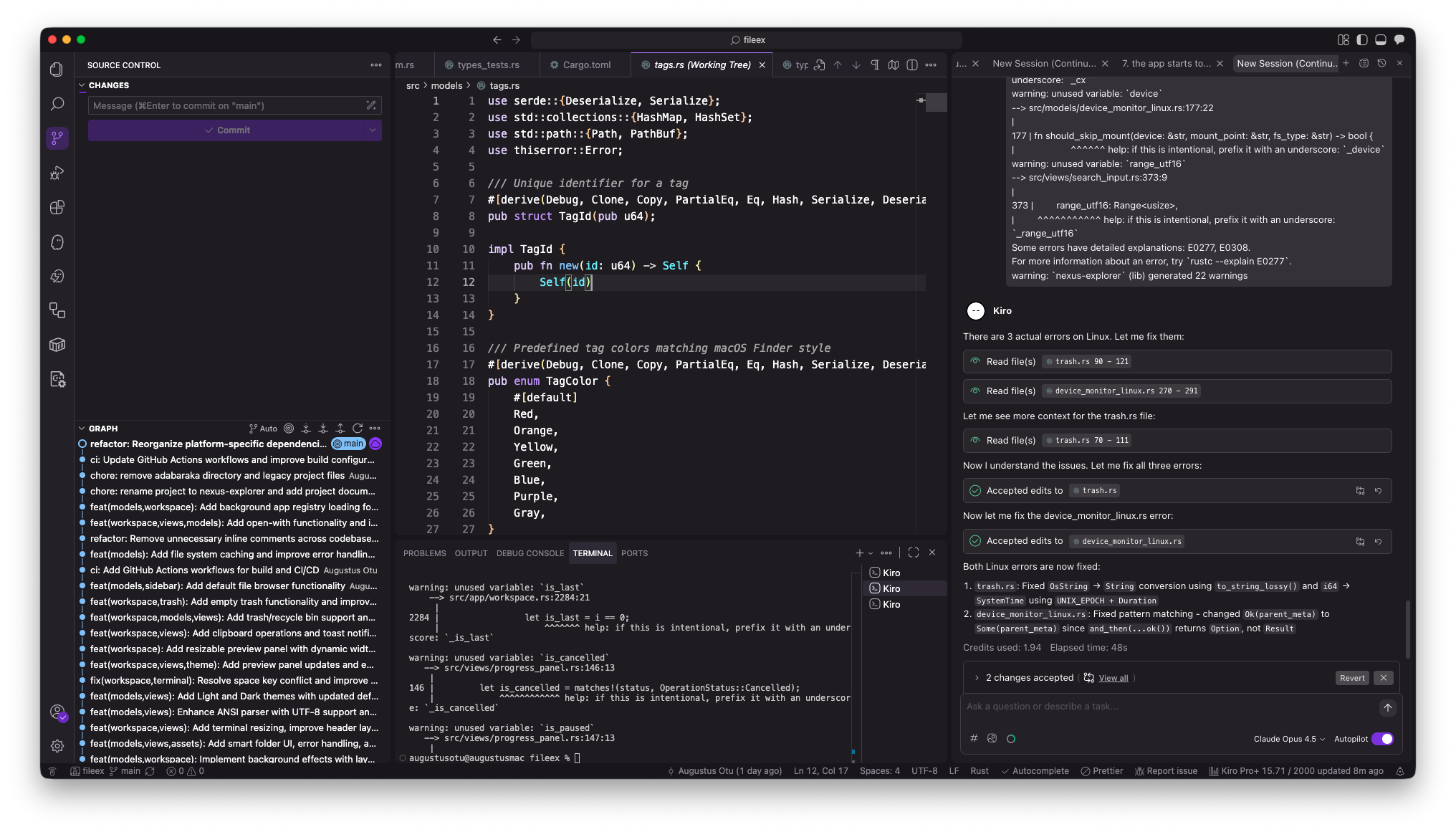
# attention.md
- 불필요한 린터 경고 금지
- 일관된 네이밍 강제 (변수는 snake_case, 타입은 PascalCase)
- UI 모듈을 핵심 로직과 분리 유지