
YouTube Shorts are a lot easier to ignore with this new setting [Gallery]
Source: 9to5Google
YouTube Shorts Timer Update
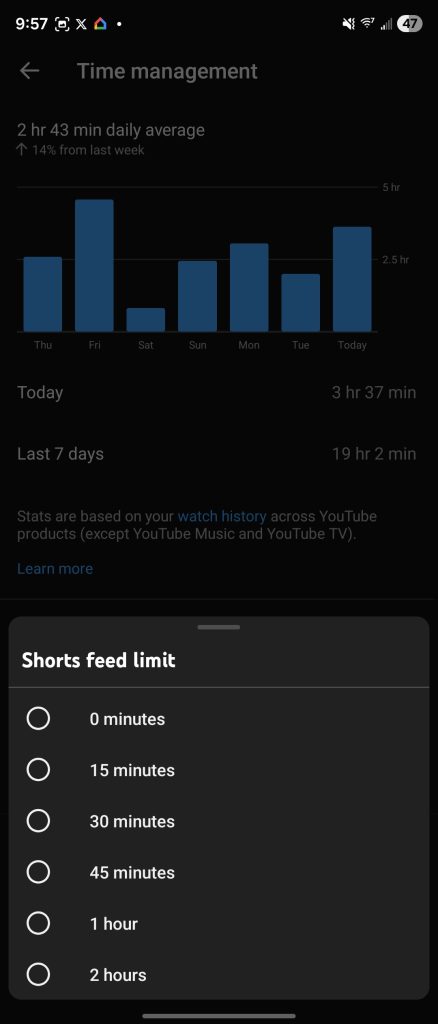
Back in October, YouTube announced a new timer that would let you limit how often you use Shorts and for how long. The original rollout let users set limits ranging from 15 minutes up to 2 hours.
Now the feature has been expanded to include an option for zero minutes, effectively allowing users to turn off Shorts entirely.
Original October Announcement
YouTube’s October announcement detailed a timer that prompts users after they surpass a set amount of time watching Shorts. The announcement can be read in full here.
Zero‑Minute Option
YouTube confirmed to The Verge that the zero‑minute timer is live for all parents and is currently being rolled out to everyone. The Verge article is available here.
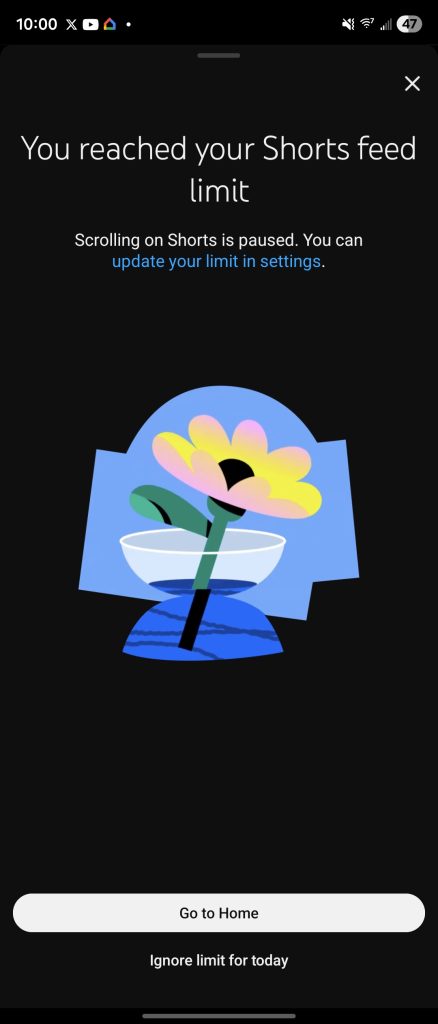
Setting the timer to zero removes Shorts from the YouTube homepage. Shorts will still appear in the Subscriptions feed, and individual Shorts can be opened manually. When the limit is reached, scrolling pauses and a full‑screen notice appears stating that you’ve “reached your Shorts limit.”
How It Works
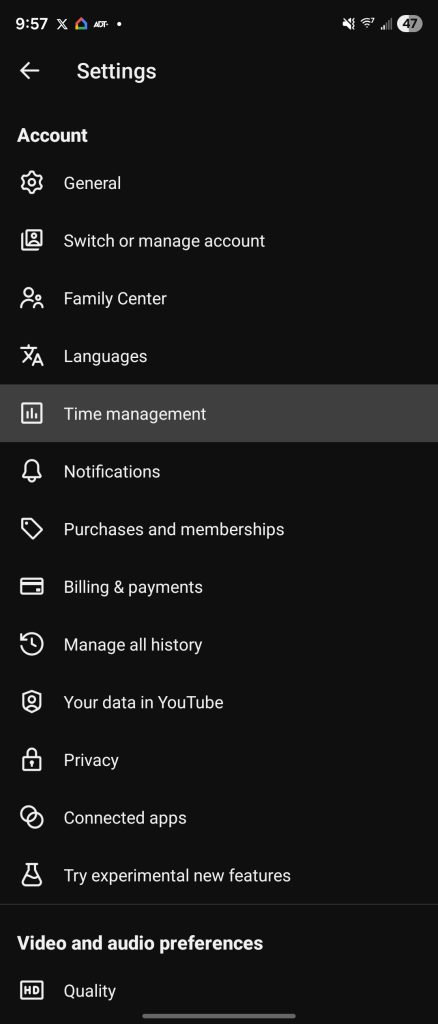
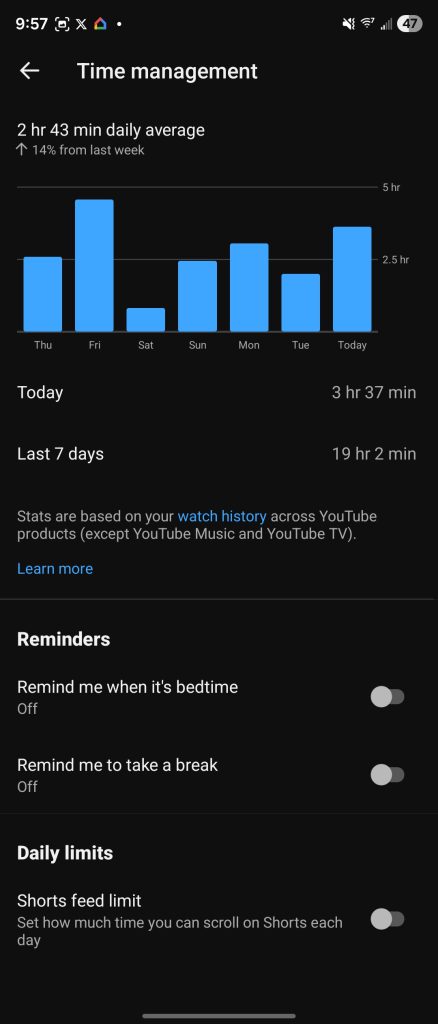
- Open the YouTube app and go to Settings → General → Shorts timer.
- Choose 0 minutes from the list of timer options.
- Shorts disappear from the homepage; attempts to scroll further trigger the limit notice.
Screenshots
FTC: We use income‑earning auto affiliate links. More.