
You Blocked docker.sock. Your Containers Are Still Not Safe.
Source: Dev.to
I spent the last two weeks building out a full runtime‑escape lab — five attack scenarios, automated defense scripts, Falco rules, the works. Scenario 1 (docker.sock mounting) already has its own deep dive on DZone. Everyone knows that one.
But scenarios 3 and 4 are what actually kept me up at night. Not because they’re loud and dramatic, but because they’re quiet. They pass the checks your team runs, they look normal in docker inspect, and they hand an attacker a path to the host.
This post covers both:
- The Audit Blind Spot – a single capability that slips through most scanners.
- The Escalation Chain – a two‑container privilege escalation that needs no
--privilegedflag.
The Audit Blind Spot: CAP_SYS_ADMIN
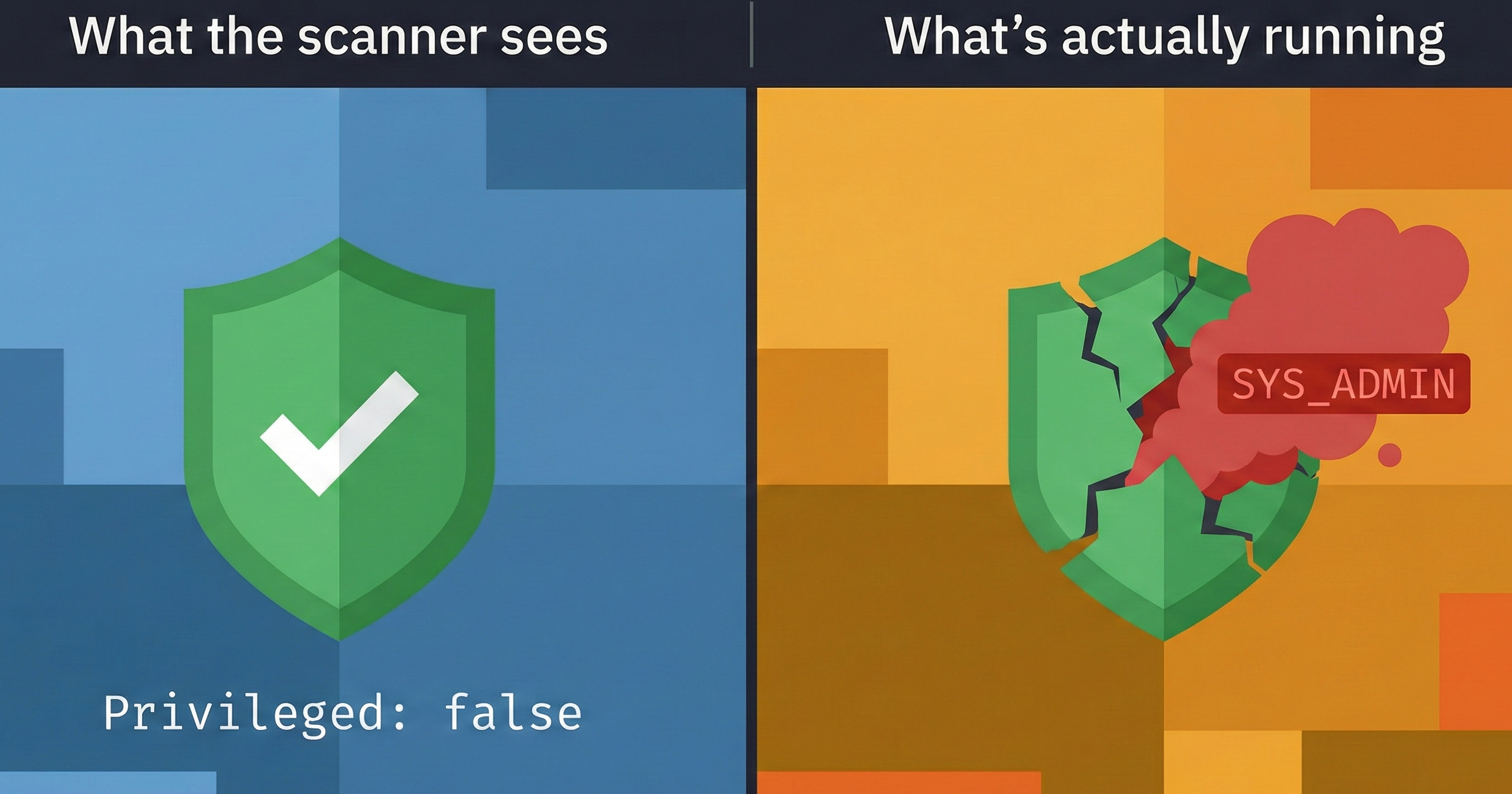
Why scanners miss it
Most Docker security checklists only look for Privileged: true. If the flag is false, they give a green checkmark and move on.
CAP_SYS_ADMIN alone — without --privileged — gives a container almost everything privileged mode does: mount filesystems, manipulate namespaces, and, on some kernel configurations, escape to the host entirely. In audit logs it appears as just another capability in a list, not as a red flag.
Audit gap – the single capability that consistently slips through automated scans because scanners are tuned to look for the Privileged boolean, not for what individual capabilities can actually do.
What it looks like
# What your scanner sees
docker inspect my-container | jq '.[] | {Privileged: .HostConfig.Privileged}'
# Output:
# { "Privileged": false }

# Example detection rule (illustrative)
condition: >
  container.image.digest != "" and
  evt.type = container_start and
  ka.verb = create and
  container.privileged = true and
  container.mount.dest in ("/etc", "/root", "/var/run")
output: >
  Escalation chain: socket container spawned privileged mount
  (container=%container.name image=%container.image)
priority: CRITICAL
This catches the pattern, not just the individual container. That shift in thinking makes the difference.
The Hands‑On Lab
All five scenarios—including the two covered here—are in the open‑source lab repository. Each scenario contains:
demo.sh– runs the attack so you can see itdefense.sh– generates the detection artifacts (Falco rules, audit scripts)validate.sh– verifies your defenses actually workcleanup.sh– tears everything down cleanly
git clone https://github.com/opscart/docker-security-practical-guide
cd labs/09-runtime-escape

# Run Scenario 3 (CAP_SYS_ADMIN audit gap)
cd scenario-3-sys-admin
chmod +x *.sh && ./demo.sh

# Run Scenario 4 (host mount escalation chain)
cd ../scenario-4-host-mount
chmod +x *.sh && ./demo.sh
Works on Docker Desktop (macOS/Windows) and Linux. The README includes Docker Desktop‑specific notes for parts that behave differently on the VM layer.
What to actually do about it
Two things. Both take five minutes.
Run the capability audit from above against your environment. Look for
SYS_ADMIN,SYS_PTRACE,SYS_MODULE. If you find them, trace back to why they’re there. Half the time, nobody remembers.Audit for the escalation‑chain pattern: any container with
docker.sockmounted in the same environment as containers with host‑path bind mounts. If both exist—even if they’re unrelated services—the attack surface is present.
Related reading
Docker Runtime Escape:
Why Mounting docker.sock Is Worse Than Running Privileged Containers — Scenario 1, the socket escape chain (DZone)Docker Security:
6 Practical Labs From Audit to AI Protection — Labs 01–06, the foundation (DZone)Advanced Docker Security:
From Supply Chain Transparency to —Network Defense — Labs 07–08 (DZone)
The lab repo has everything:
github.com/opscart/docker-security-practical-guide
Connect
- Blog:
- GitHub:
- LinkedIn: