Wolfram Compute Services
Source: Hacker News
To immediately enable Wolfram Compute Services in Version 14.3 Wolfram Desktop systems, run:
RemoteBatchSubmissionEnvironment["WolframBatch"](The functionality is automatically available in the Wolfram Cloud.)
Scaling Up Your Computations
Let’s say you’ve done a computation in the Wolfram Language and now want to scale it up—perhaps 1 000× or more. Today we’ve released an extremely streamlined way to do that. Just wrap the scaled‑up computation in RemoteBatchSubmit and it will be sent to our new Wolfram Compute Services system. After a minute, an hour, a day, or whatever, you’ll be notified that it’s finished and you can retrieve the results.
For decades I’ve needed to do big, crunchy calculations (usually for science). With large volumes of data, millions of cases, and rampant computational irreducibility, I often have more compute at home than most people—about 200 cores these days. Yet many nights I still want more. As of today, anyone can seamlessly send a computation to Wolfram Compute Services and run it at essentially any scale.
For nearly 20 years we’ve had built‑in functions like ParallelMap and ParallelTable in the Wolfram Language that make it immediate to parallelize subcomputations. But to truly scale up you need the compute resources, which Wolfram Compute Services now provides to everyone.
The underlying tools have existed in the Wolfram Language for several years. Wolfram Compute Services pulls everything together into an all‑in‑one experience. When you feed an input to RemoteBatchSubmit, the service automatically gathers all dependencies from earlier parts of your notebook, so you don’t have to worry about them.
RemoteBatchSubmit, like every Wolfram Language function, works with symbolic expressions that can represent anything—from numerical tables to images, graphs, user interfaces, videos, etc. The results you receive can be used immediately in your notebook without any importing.
Available Machines
Wolfram Compute Services offers a range of machine options:
- Basic – 1 core, 8 GB RAM (ideal for off‑loading a small computation).
- Memory‑heavy – up to ~1 500 GB RAM.
- Core‑heavy – up to 192 cores.
For even larger parallelism, RemoteBatchMapSubmit can map a function across any number of elements, running on any number of cores across multiple machines.
A Simple Example
Here’s a very simple example taken from some science I did a while ago. Define a function PentagonTiling that randomly adds non‑overlapping pentagons to a cluster:

For 20 pentagons I can run this quickly on my own machine:
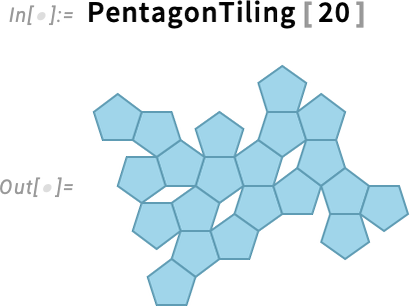
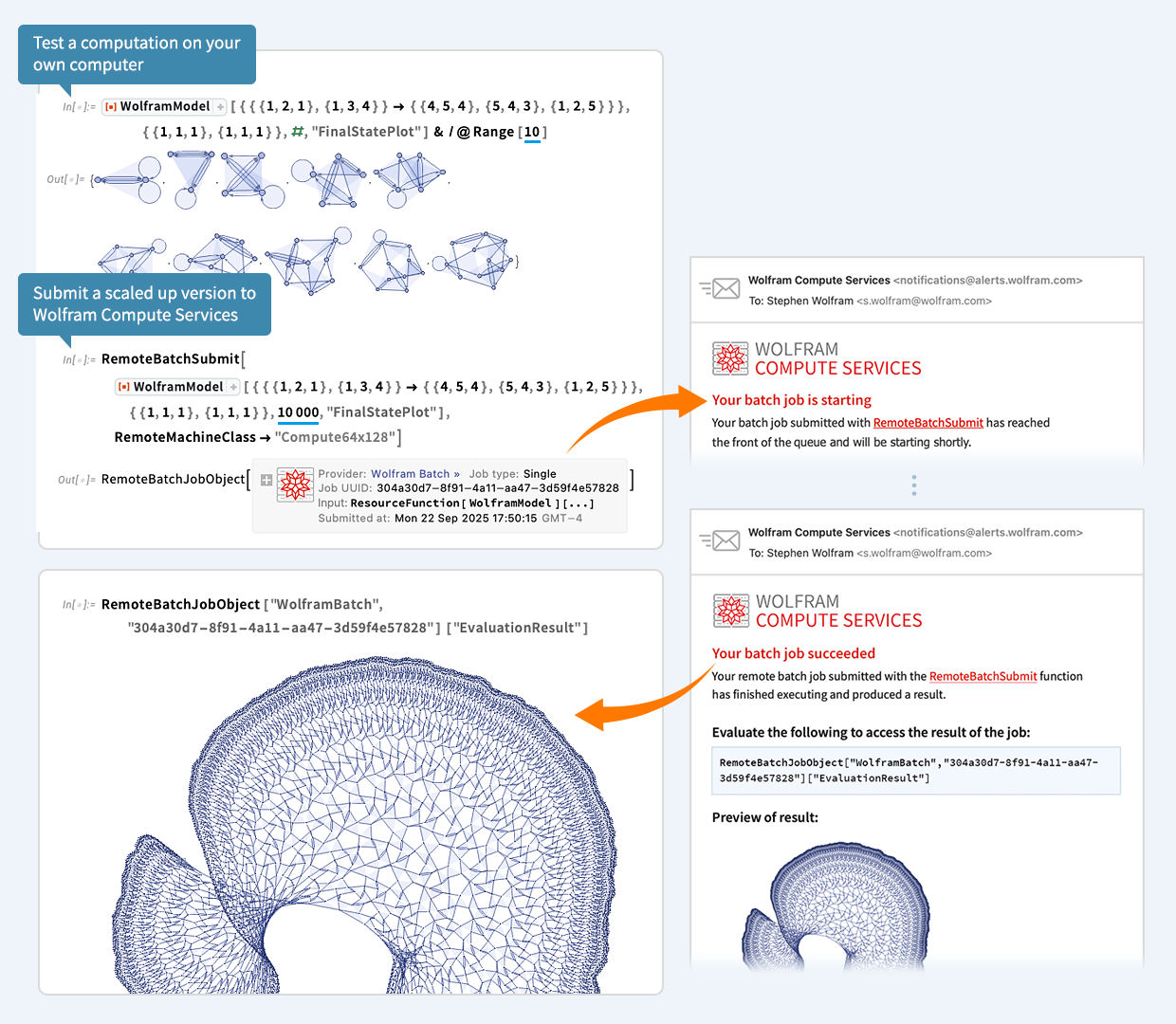
For 500 pentagons the geometry becomes difficult and would tie up my machine for a long time. Instead, I submit the computation to Wolfram Compute Services:

A job is created (dependencies handled automatically) and queued for execution. A few minutes later I receive an email confirming that the batch job is starting:
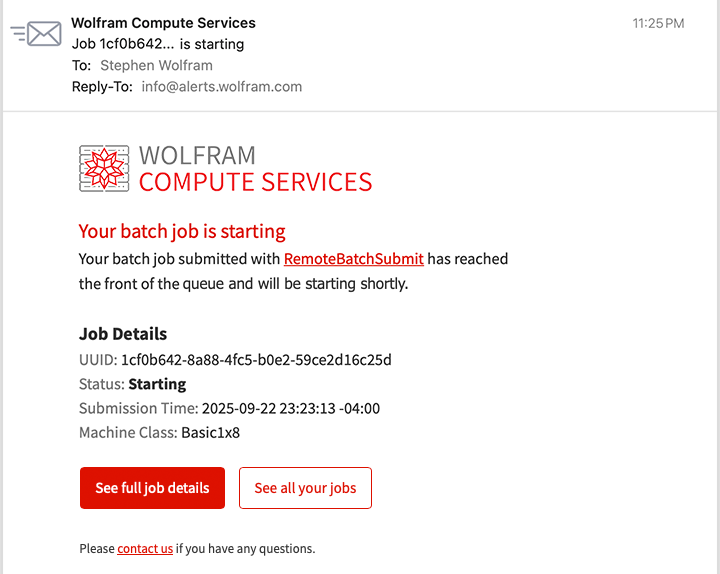
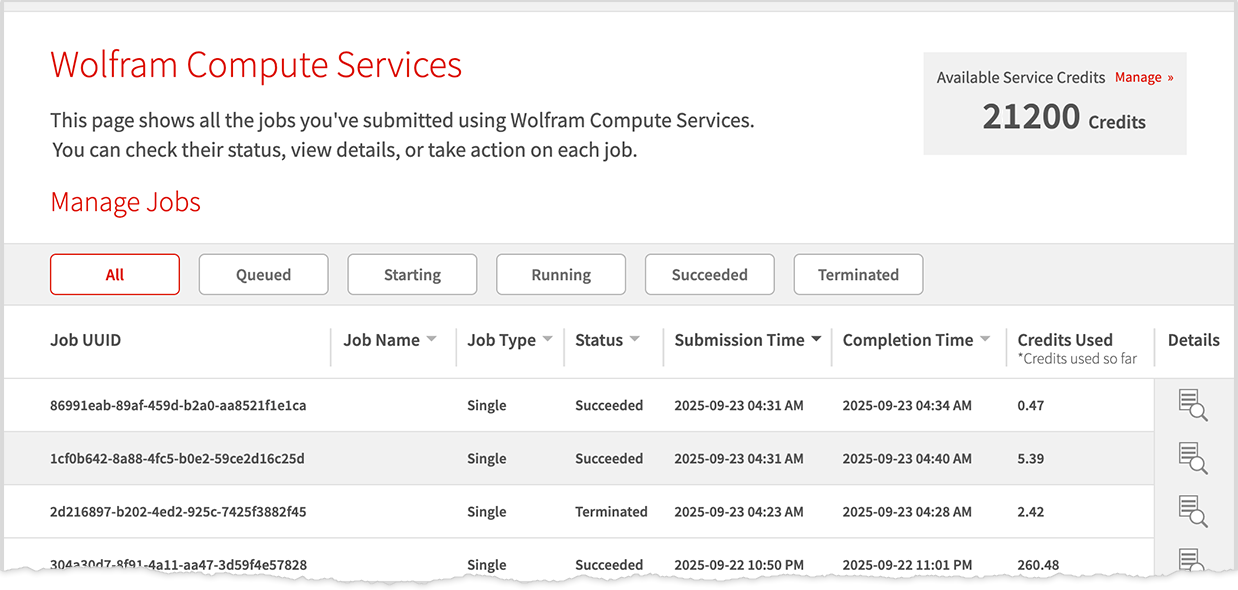
I can later check the job’s status via the dashboard link in the email:
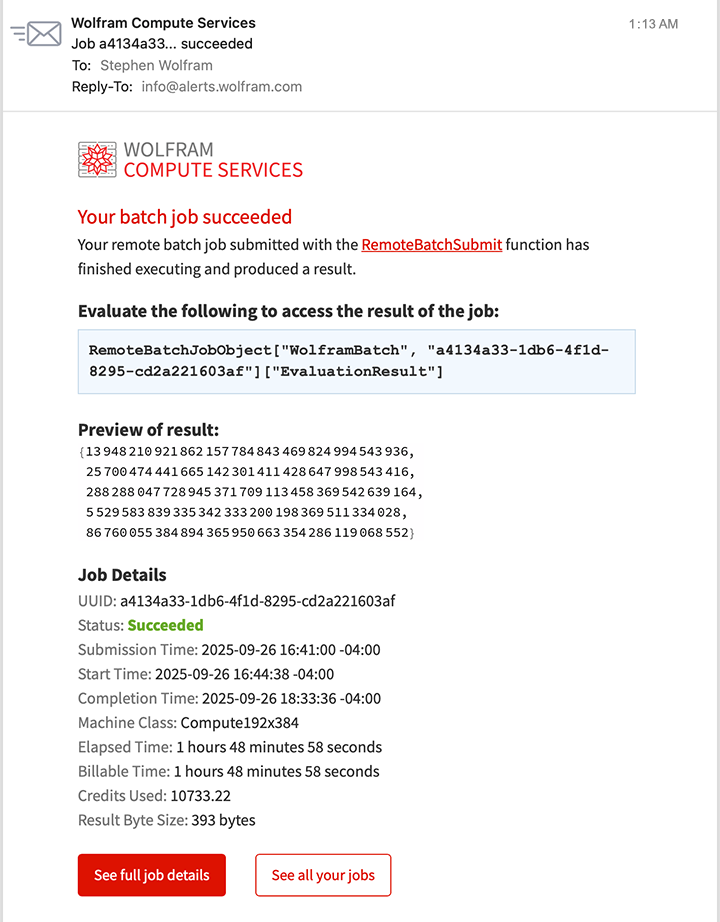
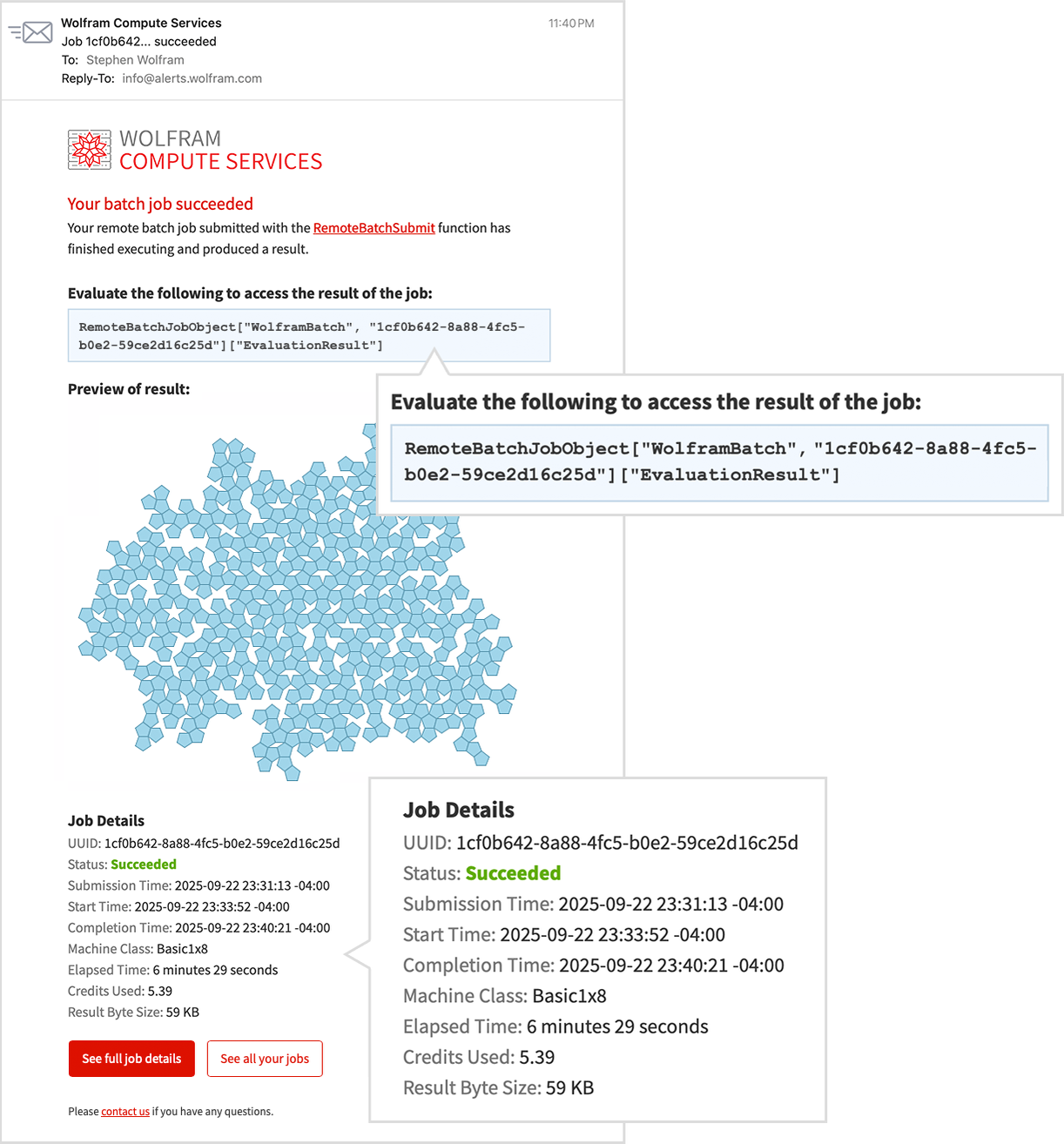
When the job finishes, I get another email with a preview of the result:
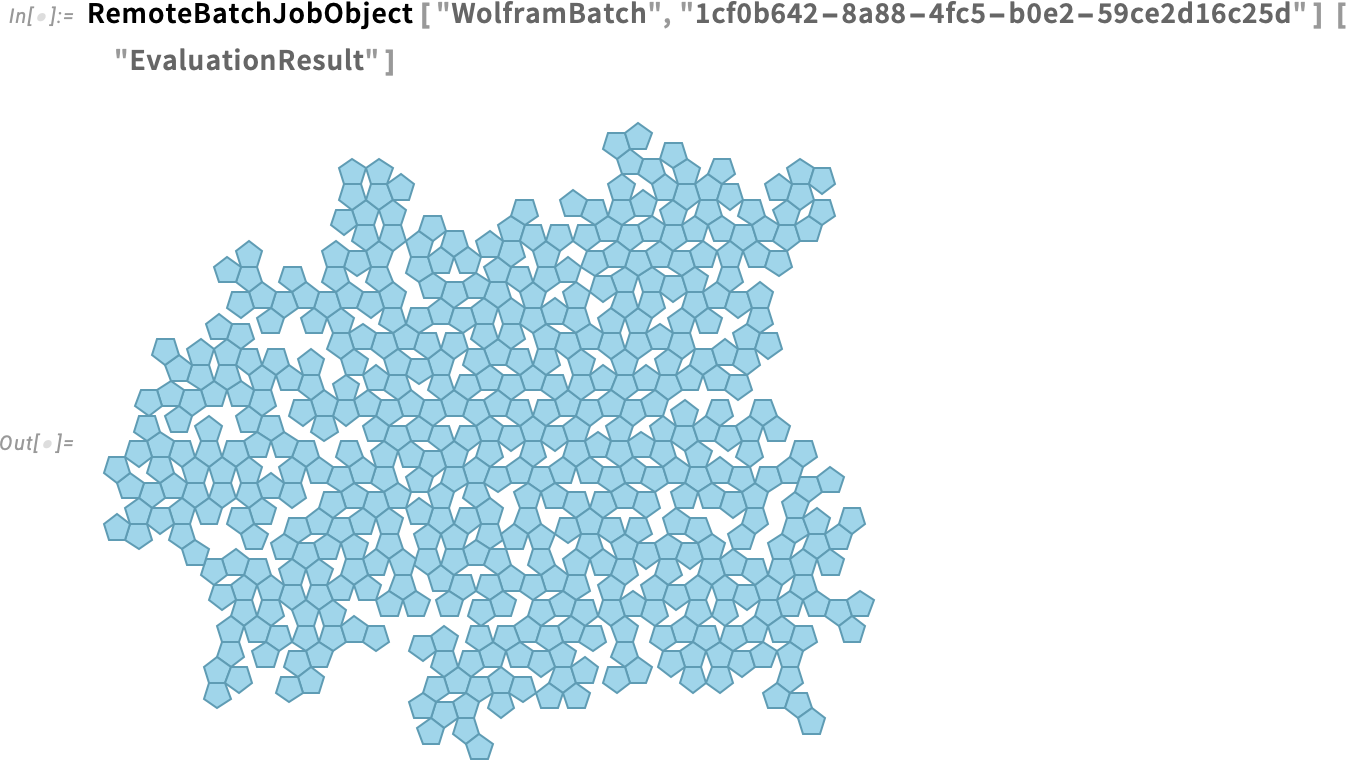
To retrieve the result as a Wolfram Language expression, I evaluate the line provided in the email:
Now the result is a computable object that I can manipulate, for example computing areas:

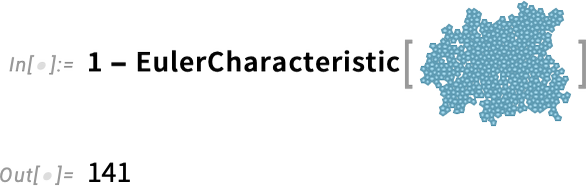
or counting holes:
Large‑Scale Parallelism
Wolfram Compute Services makes large‑scale parallelism easy. Want to run a computation on hundreds of cores? Just use the service.
As an illustration, I searched for a cellular‑automaton rule that generates a pattern with a “lifetime” of exactly 100 steps. Testing 10 000 random rules on my laptop (16 cores) takes a few seconds but finds nothing:

Scaling up to 100 000 rules with ParallelSelect across the same 16 cores still yields nothing:

To test 100 million rules, I submit a job requesting a machine with the maximum 192 cores:
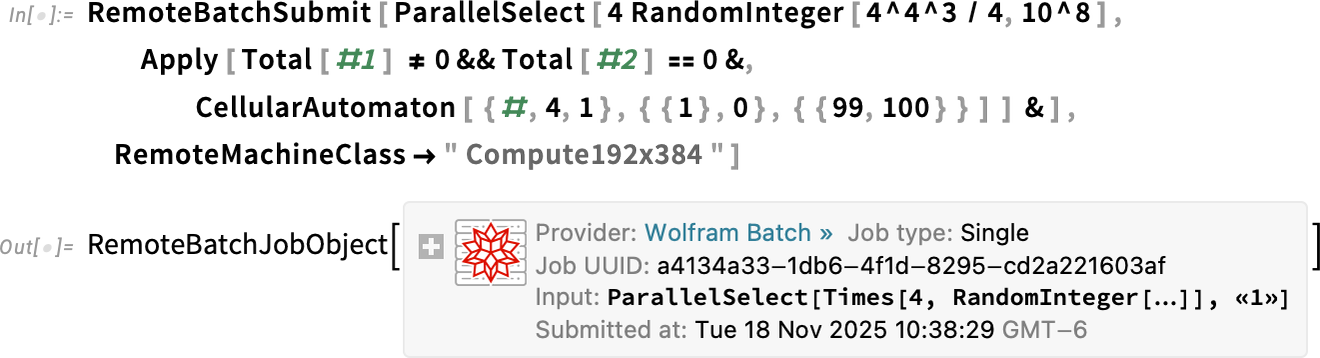
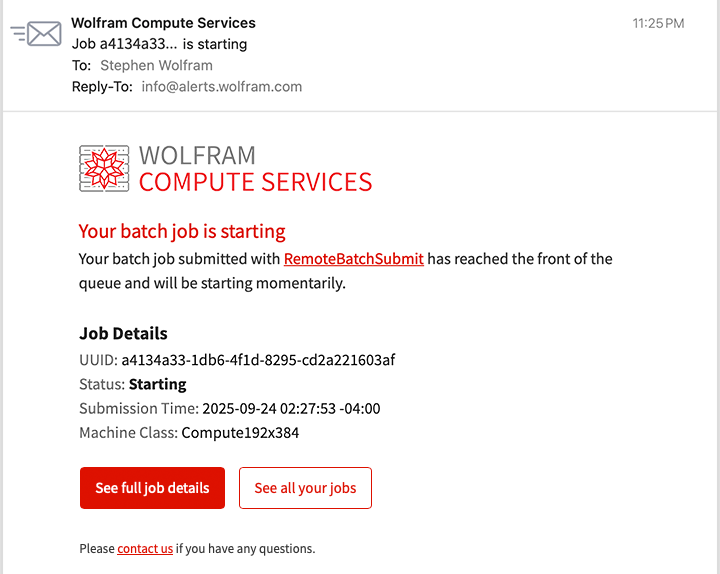
A few minutes later I receive an email that the job is starting. While the job is still running, I get an update:
After a couple of hours I receive a final email indicating the job has finished, with a preview showing that some desired patterns were indeed found: