
Why replacing Google One with a NAS didn’t work for me
Source: Android Authority
Joe Maring / Android Authority
A network‑storage device is often sold as an antidote to subscription overload. At one point, I was paying for multiple cloud‑storage services, streaming platforms, hosting tools, and a long list of digital conveniences that quickly sent my credit‑card bills soaring.
My first Synology NAS helped me significantly cut down on those subscriptions (Goodbye subscriptions, hello NAS) — and I thought I was finally free from subscription lock‑ins. That honeymoon period lasted a while, but as the early excitement faded, I began to see the real implications of moving everything off the cloud.
That’s when it dawned on me that I had bought into the wrong idea of what a NAS is meant to be. It’s built to excel at specific tasks, not juggle my entire digital life on its own.
What would you trust more for your data?
10 votes
The satisfaction of control
Dhruv Bhutani / Android Authority
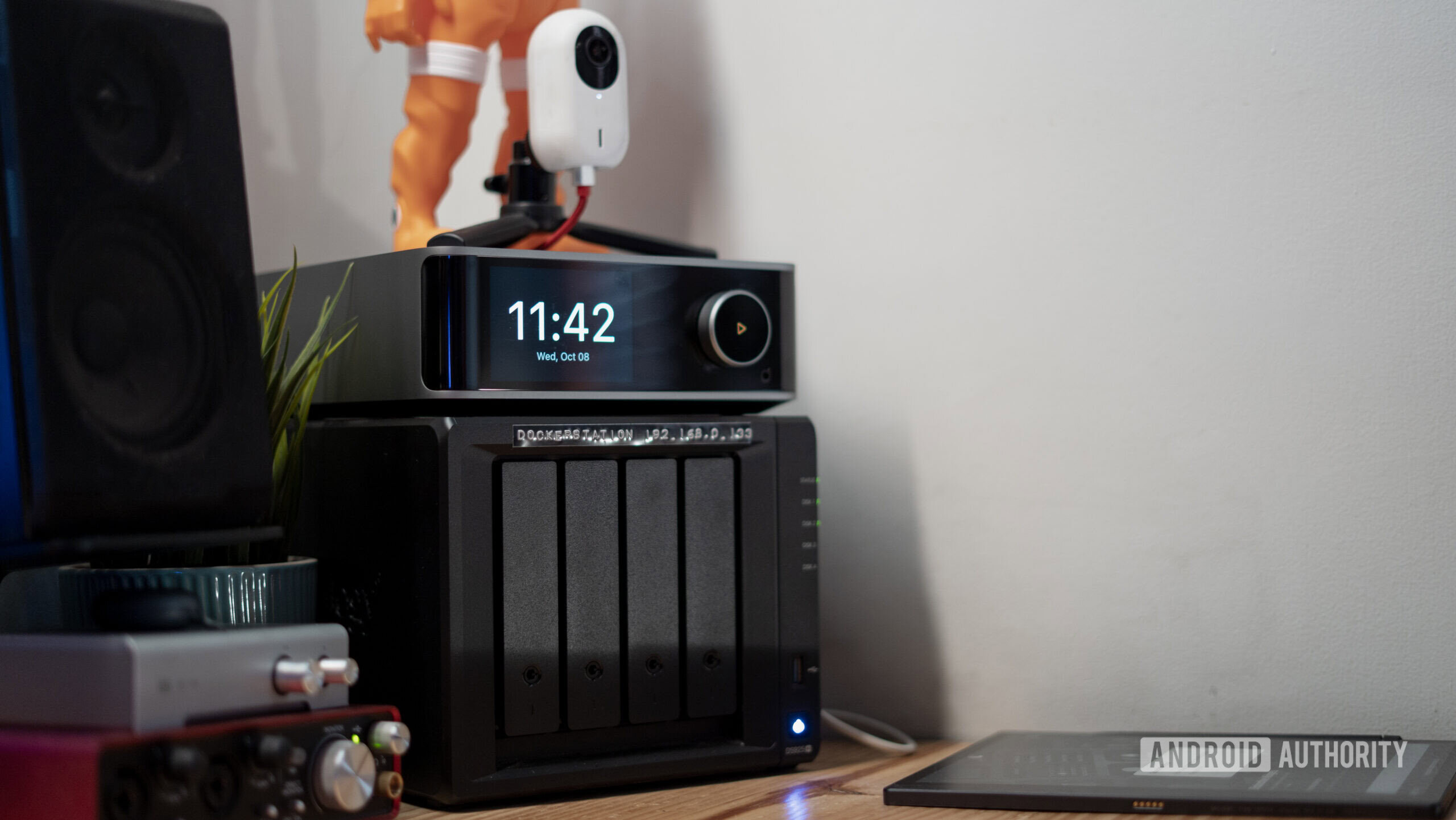
At its core, self‑hosting is about control. Owning both the data and the server that stores it means you’re no longer at the mercy of a remote cloud provider that could one day change its privacy policies, pricing, or retention rules. With a NAS, you own the data, operate the system, and step in directly when something goes wrong. There’s a deep sense of ownership baked into that model.
Storing everything locally—away from the prying eyes of the internet—genuinely has its merits. A local NAS can be just as reliable as a cloud server and often faster, simply because it’s sitting a few feet away. Transfer speeds are blazing fast, and latency is negligible because of proximity.
But that control and speed come at the cost of convenience. Remote access is a complex puzzle that’s better left unsolved for most average users. And when something breaks, you’re forced to become the maintenance staff. When your NAS goes down—and it will—you can’t open a support ticket and expect someone else to fix it. You end up giving up an entire weekend just to get things back on track.
That’s when the fatigue sets in
Dhruv Bhutani / Android Authority
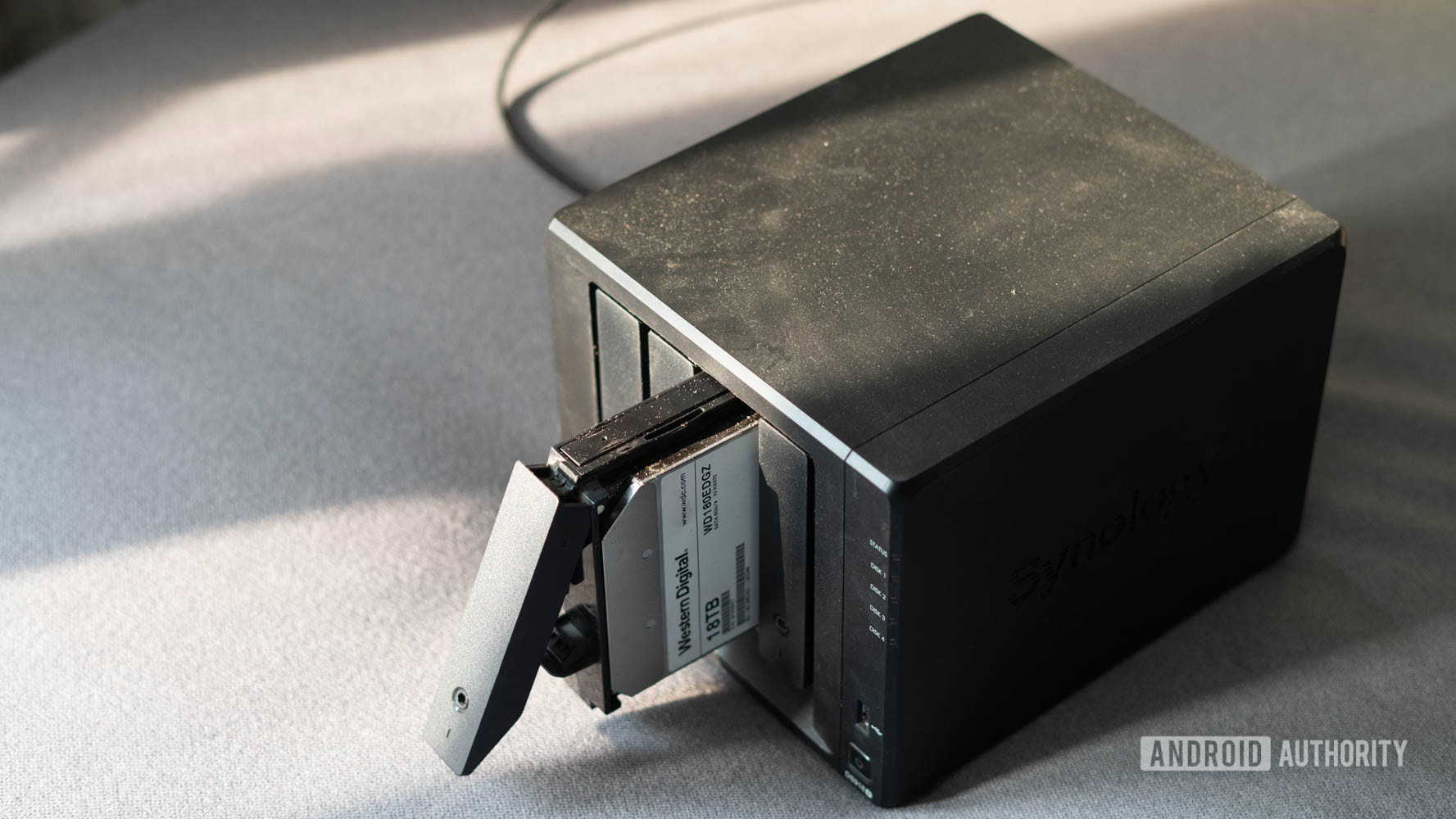
Early on, managing and fixing everything on the NAS felt involving and exciting—it felt like the grown‑up way to do storage. But that enjoyment only lasts while you’re dealing with minor, everyday issues. The moment something mission‑critical breaks, you’re left with three options: diving down a Reddit rabbit hole, hunting through YouTube videos, or scratching your head in disbelief.
After cycling through all three when one of my drives was on the verge of dying about a year ago, my enthusiasm turned into fatigue. I wanted to spend more time using my NAS than constantly maintaining it.
Finding the Middle Ground
Karandeep Singh / Android Authority
After going all‑in on a NAS for years, I realized the real mistake was expecting it to do everything. Trying to rigidly move every workflow onto the NAS just because I had one—instead of using the right tool for the right job—started to work against me.
Today, my NAS still plays a central role in my storage setup. It’s excellent for:
- Media storage and streaming Plex movies that aren’t available anywhere else.
- Archiving photos and videos in full quality.
- Backing up my laptops (Time Machine works perfectly with network storage).
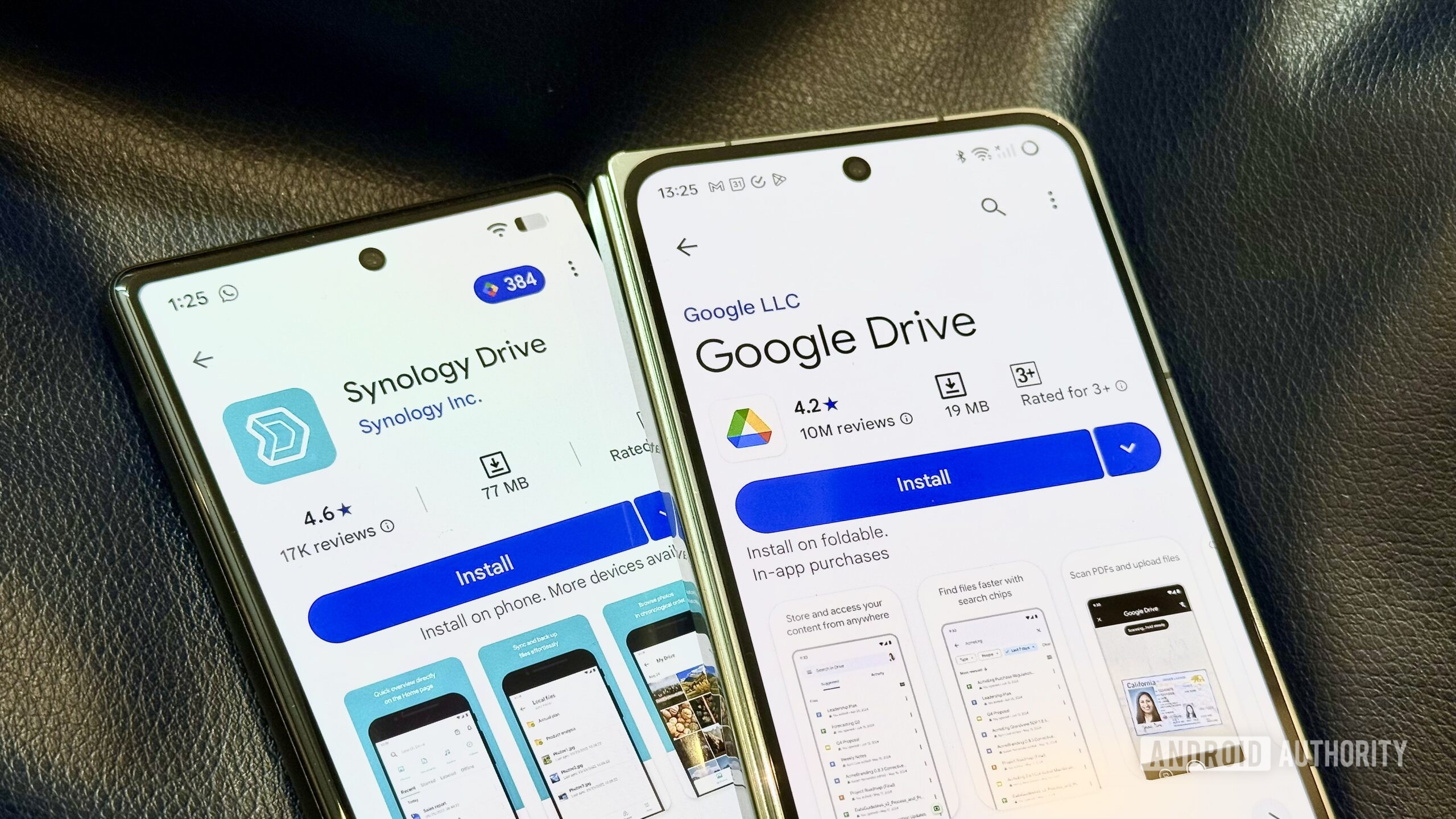
Anything that prioritises convenience over control has moved back to the cloud. Sharing a file through Google Drive is still far easier than configuring permissions and opening a NAS to the internet just to send someone a document.
I’ve long used Google One’s basic plan alongside the NAS for Google Photos, uploading photos and videos in Storage Saver mode to take advantage of Google’s growing AI toolset. The same logic applies to contacts backup and password management—decentralising these services means a single NAS failure doesn’t take down half my digital life. I also pay for a basic iCloud+ plan purely for iPhone backups, which still don’t play nicely with a NAS.
This balance between local storage and cloud services avoids overlap while keeping everything running smoothly for me.
Google One Is Taking Over
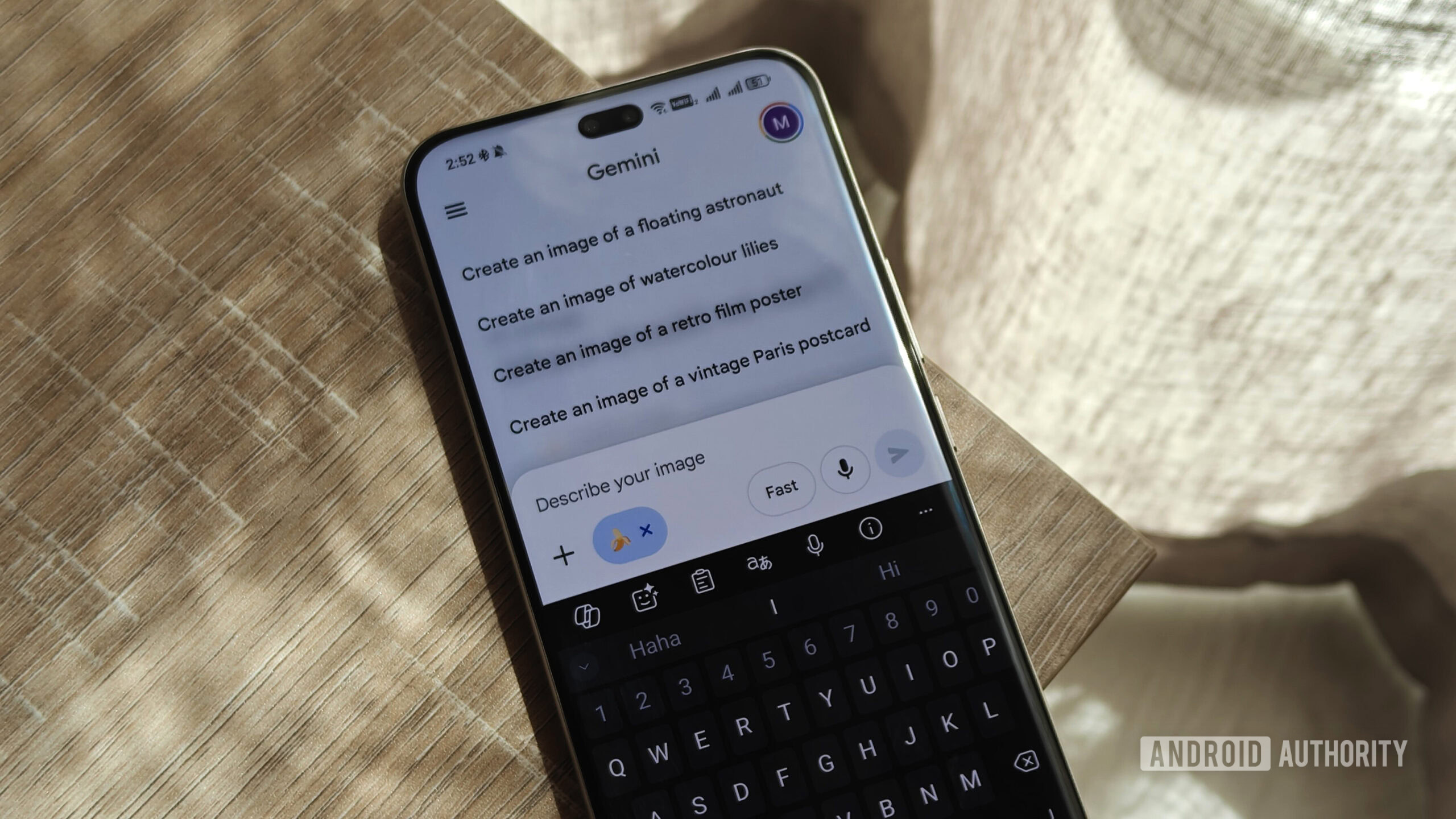
Photo by Megan Ellis / Android Authority
I’ve been happy with this hybrid setup, especially for things I need access to when I’m away from my home network. But Google has steadily raised the stakes.
With new Gemini features, improved photo‑editing tools, image and video generation credits, and deeper integrations inside Chrome on the way, Google One has become more than just storage. The AI Premium plan bundles 2 TB of storage with AI capabilities for $20 a month — and right now, it feels like the best‑value AI subscription available. That’s why I had no qualms upgrading from the 100 GB plan to the AI Pro tier.
Google has quietly flipped the proposition compared to a NAS. With a NAS, storage comes first (see comparison), and smart features are a bonus. With Google One, I’m paying primarily for the AI smarts, and the 2 TB of storage is the added benefit. That extra space has finally let me upload heavier files I previously avoided because of storage limits.
Was ditching the cloud a mistake?
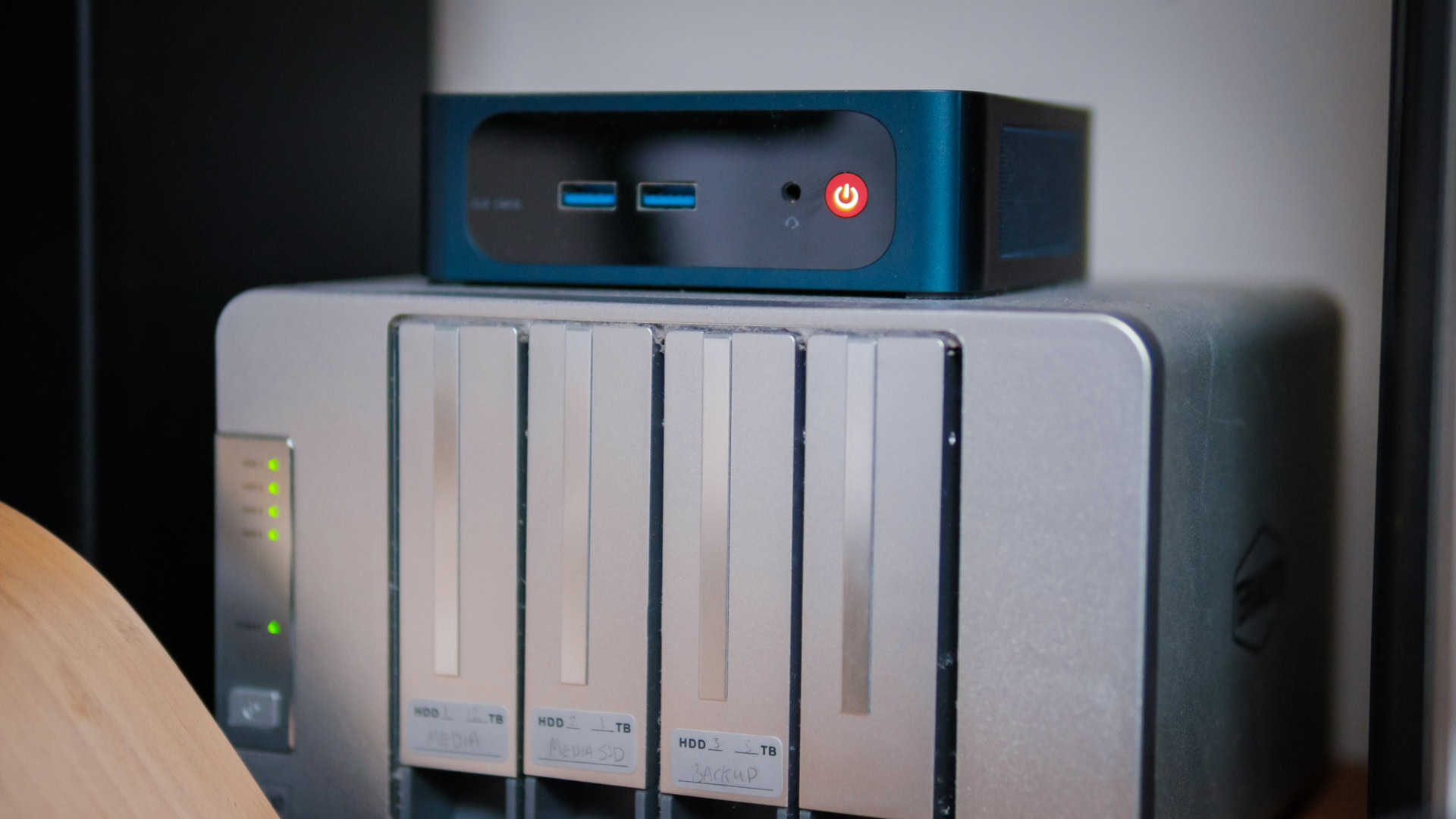
In my setup, the NAS and the cloud aren’t competing — they’re complementing each other. I don’t think ditching the cloud earlier was the wrong decision; the mistake was expecting the NAS to replace it entirely.
- The NAS remains a reliable backbone for backups and local media.
- The cloud evolves automatically, without my intervention, while a NAS only improves when I actively upgrade and maintain it.
That convenience gap has widened, and I’ve come to accept why it matters.
Follow
Thank you for being part of our community. Please read our Comment Policy before posting.