
Why is AirDrop support disabled by default on Samsung Galaxy?
Source: 9to5Google
Samsung begins rolling out AirDrop support via Quick Share on Galaxy S26
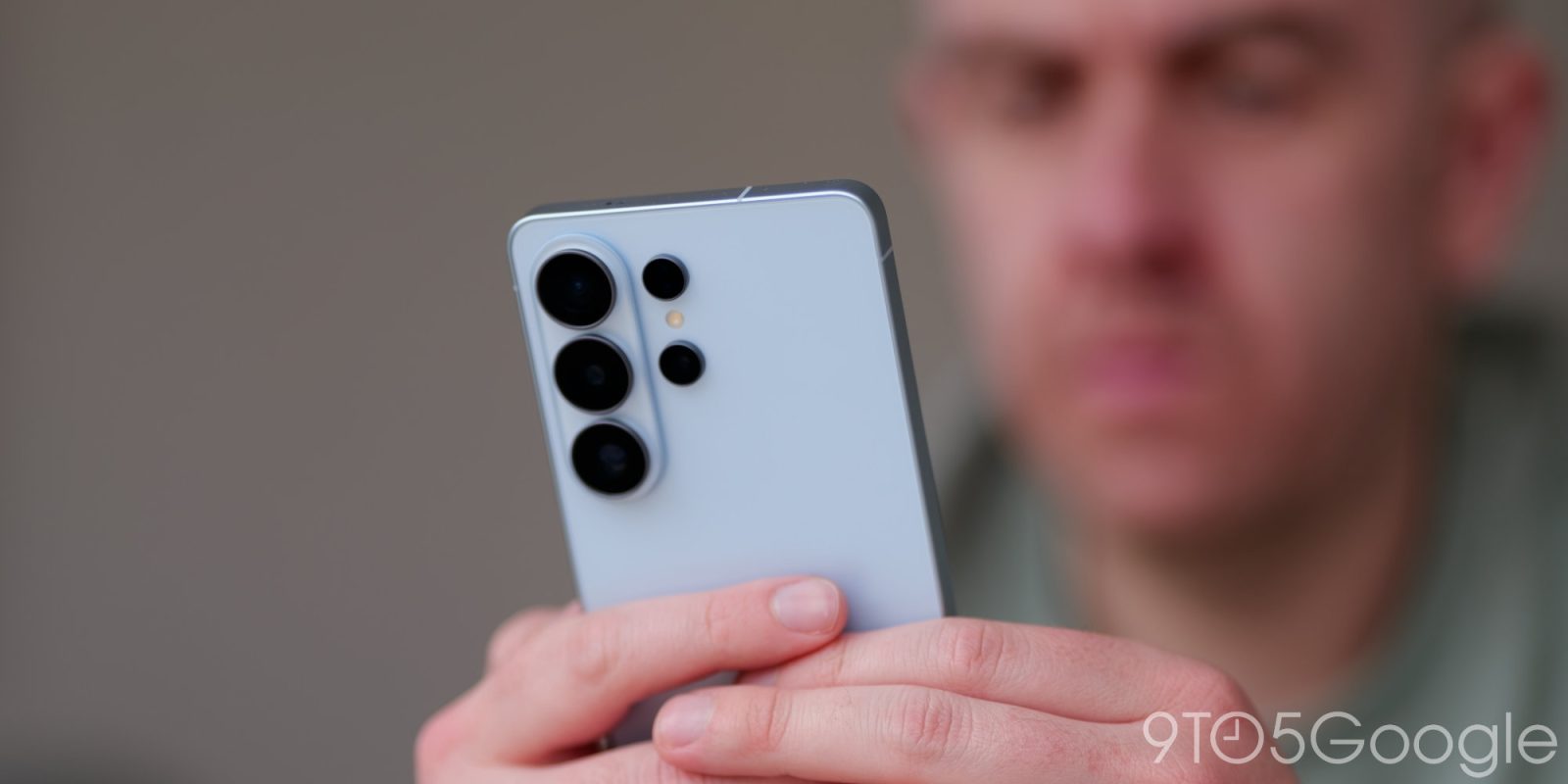
Samsung will officially start rolling out AirDrop support over Quick Share on Galaxy S26 devices throughout this week, but it’s disabled by default.
On Sunday night, Samsung confirmed plans to start rolling out AirDrop support on Galaxy S26 over Quick Share, a feature that first arrived on Google’s Pixel 10 series as a surprise late last year.
It’s great news because it’s the first expansion beyond Pixel devices and shows that Google is confident Apple won’t kill this functionality.
Why isn’t it enabled for everyone?
On Google Pixel devices, AirDrop support over Quick Share is live immediately once the feature arrives. On Samsung Galaxy devices, it must be turned on via a toggle:
Settings > Connected Devices > Quick Share > Share with Apple DevicesSamsung says the addition of AirDrop support is “part of Samsung’s ongoing efforts to improve compatibility across operating systems,” which seems at odds with leaving it off by default. Since both parties need to switch to “Everyone” mode for the transfer to work, security doesn’t appear to be the primary reason.
Having a toggle is probably a good idea, but requiring users to enable it rather than enabling it automatically seems like the smarter play.