
Why AMD motherboards now come with bigger BIOS chips—and why it matters to you
Published: (March 9, 2026 at 01:36 PM EDT)
5 min read
Source: Tom's Hardware
Source: Tom’s Hardware
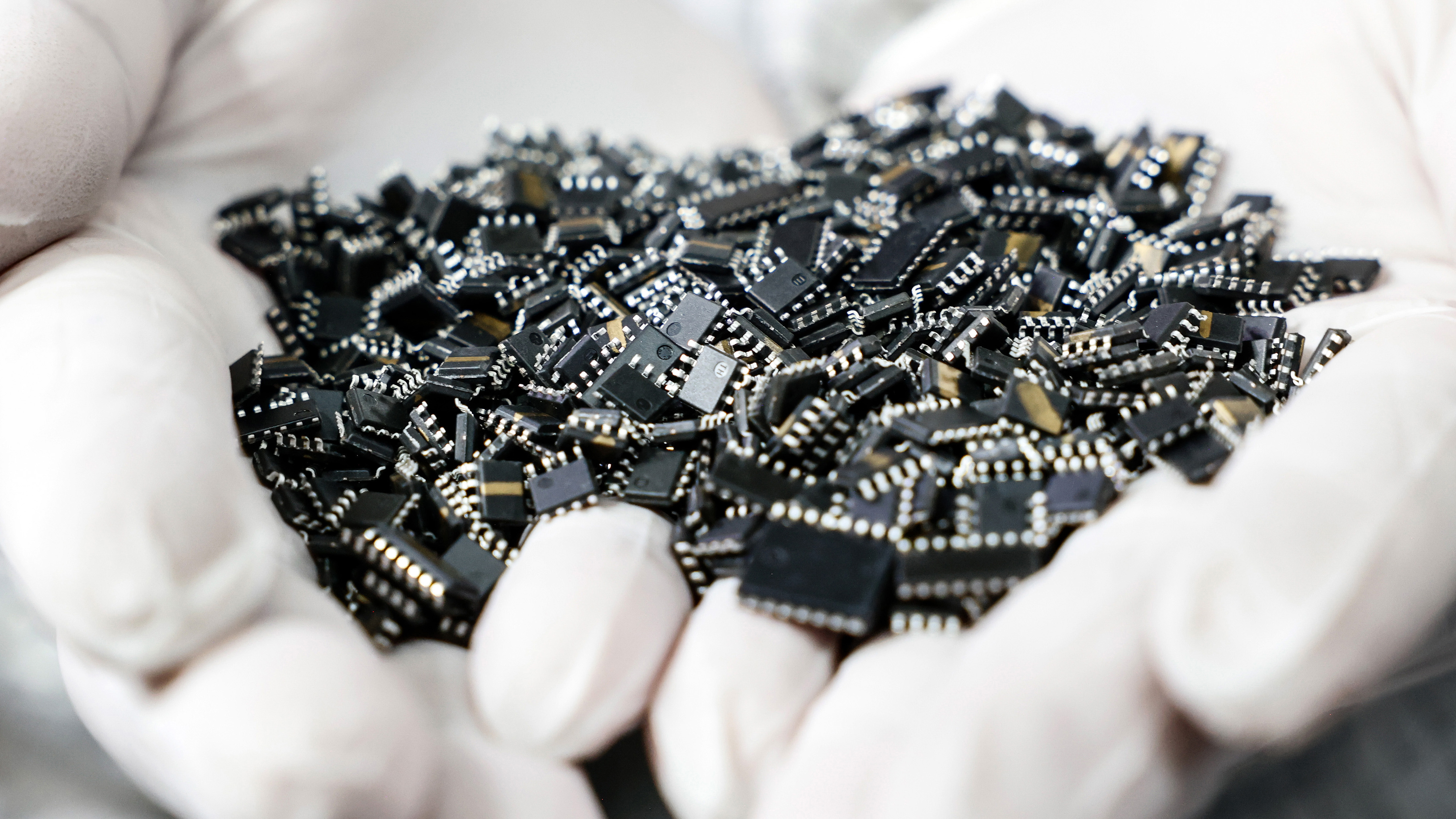
*Image credit: Getty Images*
# BIOS Chip Capacity – Why It Matters for Your Motherboard Choice
When you’re shopping for the **[best motherboards](https://www.tomshardware.com/best-picks/best-motherboards)** on the market, you probably focus on factors such as:
- Chipset
- Form factor
- Connectivity
- Expansion options
The size of the BIOS chip may seem trivial, but it can significantly impact future upgrade options—especially on an AMD platform known for its longevity.
## The Role of the BIOS Chip
- **Essential for booting** – Without a functional BIOS chip, the system won’t start because the chip holds the instructions that initialize and test key hardware.
- **Firmware storage** – Modern BIOS/UEFI firmware includes drivers, GUI assets, and support for a wide range of CPUs and peripherals.
## How BIOS Capacity Has Evolved
| Era | Typical BIOS Size |
|-----|-------------------|
| Early PCs | 8 KB – 64 KB |
| Recent years | 16 MB – 32 MB |
| Latest AMD boards (2023‑2024) | 64 MB (occasionally higher) |
The increase mirrors the growing complexity of hardware and firmware features (e.g., integrated wireless drivers, richer UI, more CPU support).
## Why Some Boards Still Use Smaller Chips
- **Cost** – Higher‑capacity chips are more expensive, affecting the manufacturer’s profit margins.
- **Design choices** – Brands aiming for lower‑priced models may opt for 16 MB or 32 MB chips to keep costs down.
## Chipset vs. BIOS Capacity
- **X870 / X870E** – Premium AMD 800‑series chipsets, but not every board with these chipsets has a 64 MB BIOS.
- **B850** – More affordable chipset; high‑end B850 boards can also feature 64 MB chips.
> **Bottom line:** Chipset alone doesn’t guarantee BIOS size. Always verify the specific board’s specifications.
## How to Verify BIOS Capacity
1. **Visit the product page** on the manufacturer’s website.
2. **Locate the BIOS/UEFI specifications** (often listed under “Memory” or “Firmware”).
3. **Watch the units** – many vendors list capacity in megabits (Mb). Convert as follows:
| Megabits (Mb) | Megabytes (MB) |
|---------------|----------------|
| 256 Mb | 32 MB |
| 512 Mb | 64 MB |
## Takeaway
- **Don’t assume** a high‑end chipset means a large BIOS chip.
- **Check the exact capacity** before purchasing, especially if you plan to use advanced features or future‑proof your system.
---
*Stay updated with Tom’s Hardware’s latest news and in‑depth reviews—subscribe to the newsletter for the best tech insights delivered straight to your inbox.*
## Processor Support on the AM5 Platform
*Swipe to scroll horizontally*
### Lineup
| Architecture | Codename | Socket | Launch Year |
|--------------|-------------------|--------|-------------|
| Zen 5 | Granite Ridge | AM5 | 2024 |
| Zen 4 | Phoenix (8000G) | AM5 | 2024 |
| Zen 4 | Raphael (7000) | AM5 | 2022 |
| Zen 3 | Cezanne (5000G) | AM4 | 2021 |
| Zen 3 | Vermeer (5000) | AM4 | 2020 |
| Zen 2 | Renoir (4000G) | AM4 | 2020 |
| Zen 2 | Matisse (3000) | AM4 | 2019 |
| Zen+ | Picasso (3000G) | AM4 | 2019 |
| Zen+ | Pinnacle Ridge (2000) | AM4 | 2018 |
| Zen | Raven Ridge (2000G) | AM4 | 2018 |
| Zen | Summit Ridge (1000) | AM4 | 2017 |
---
The BIOS chip stores critical microcode (for Intel systems) and **AGESA** code (for AMD systems). These are essential for the motherboard to communicate with the processor. As chipmakers release new CPUs, motherboard vendors must add the corresponding microcode or AGESA to the BIOS so that the processors run properly on existing boards.
When the number of supported processors exceeds the capacity of the BIOS chip, manufacturers are forced to make compromises:
* **Larger BIOS chips** (e.g., 32 MB) let vendors keep support for older CPUs while adding new ones.
* **Smaller BIOS chips** (historically 16 MB) have caused AMD to drop support for older Zen and Zen+ parts when Zen 3 arrived, especially on the 400‑series chipsets. Some manufacturers even reverted from flashy GUI BIOSes to plain text menus.
This illustrates how BIOS‑chip capacity directly impacts a motherboard’s features and processor compatibility.
The AM4 platform supported **eight** AMD processor lineups—from mainstream Ryzen CPUs to APUs spanning Zen 1 through Zen 4. By contrast, AM5 has so far embraced **three** families (Zen 4 to Zen 5), less than half the breadth of AM4. AMD has pledged to support the AM5 platform (launched in 2022) through 2027 and beyond. If the company maintains its historical cadence, AM5 should at least see a Zen 6 generation.
Only time will tell whether AM5 will host enough future CPUs to fill a 32 MB BIOS chip. For users who upgrade regularly and don’t need backward compatibility, the larger capacity should be more than adequate.
---

*Follow* [*Tom’s Hardware on Google News*](https://news.google.com/publications/CAAqLAgKIiZDQklTRmdnTWFoSUtFSFJ2YlhOb1lYSmtkMkZ5WlM1amIyMG9BQVAB) *or* [*add us as a preferred source*](https://google.com/preferences/source?q=) *to get our latest news, analysis, and reviews in your feeds.*
*Zhiye Liu is a news editor, memory reviewer, and SSD tester at Tom’s Hardware. Although he loves everything that’s hardware, he has a soft spot for CPUs, GPUs, and RAM.*