
Web Privacy Is Not Incognito Mode
Source: Dev.to
Privacy ≠ Incognito Mode
Incognito mode:
- Does not prevent fingerprinting
- Does not block advanced trackers
- Does not isolate the browser completely
- Does not stop background communication
It only prevents local storage of history and cookies. In other words, your activity can still be observed externally.
Browser Architecture and Threat Models
Before choosing a privacy‑focused browser, you need to understand your threat model:
- Reduce commercial tracking?
- Avoid fingerprinting?
- Minimize communication with big‑tech companies?
- Achieve strong anonymity?
Each browser below solves a different problem.
Mullvad Browser — Privacy by Default
Developed by Mullvad in partnership with the Tor Project, Mullvad Browser is built on Firefox/Tor Browser.
Key characteristics
- Zero telemetry
- Strong fingerprinting resistance
- Aggressive privacy defaults
- No accounts or sync
Best use case: Users who want maximum privacy with zero configuration.
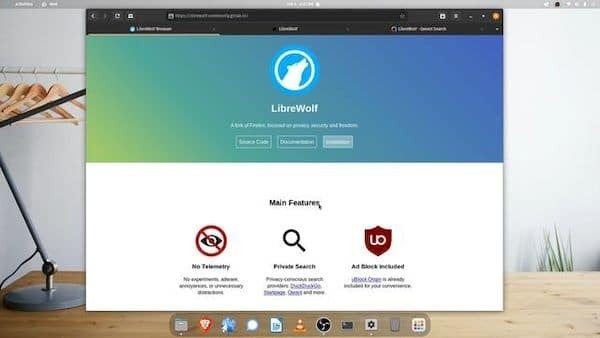
LibreWolf — Full Control over Firefox
LibreWolf is a community‑driven Firefox fork focused on control and transparency.
Key characteristics
- Telemetry removed
- Enhanced tracking protection
- Full access to
about:config - Gecko engine
Best use case: Advanced users and developers who want privacy plus deep customization.
Ungoogled Chromium — Chromium Without Google
Ungoogled Chromium removes Google integrations from the Chromium codebase.
Key characteristics
- No automatic calls to Google servers
- No account‑based sync
- Very close to upstream Chromium
Important limitations
Privacy here comes from removing Google, not from active protection. Manual tuning and extensions are still recommended.
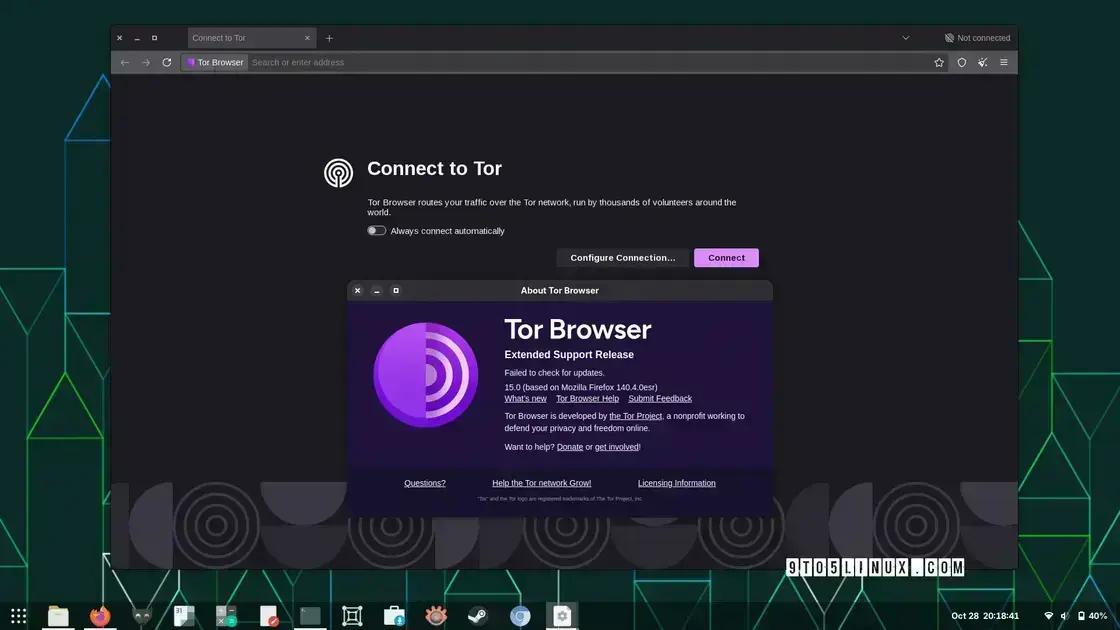
Tor Browser — A Different Browsing Model
Tor Browser fundamentally changes the browsing paradigm.
Key characteristics
- Onion routing
- Session isolation
- Aggressive fingerprinting resistance
Trade‑offs
- Reduced performance
- Broken or limited websites
- Less convenience
Best use case: Journalists, activists, sensitive research, and anyone needing strong anonymity.
Zen Browser — Privacy with Modern UX
Zen Browser is a Firefox‑based browser focused on privacy, usability, and a clean, modern design. It avoids telemetry while keeping a smoother daily experience.
Best use case: Users who want a balance between privacy and convenience.
FAQ
Is there a “best” browser for privacy?
No. There is only the browser that best fits your threat model.
Should I still use extensions?
In browsers like Tor or Mullvad, fewer extensions are usually better because each additional add‑on can increase the attack surface. Use only well‑audited, privacy‑focused extensions when necessary.
Does incognito mode help?
Only locally. It does not protect against external tracking.
Conclusion
Web privacy is not a toggle — it is the result of architectural choices, design decisions, and accepted trade‑offs.
- There is no perfect browser.
- There is only the one that best matches your anonymity needs, compatibility requirements, and usability expectations.
Understanding these differences is the first step toward more conscious browsing.
References
- Tor Project —
- Mullvad Browser —
- LibreWolf —
- Ungoogled Chromium —
- Zen Browser —
Acknowledgment
This article was inspired by a discussion originally shared on Instagram by ZeroDay and Hacker01Girl.
While the original post introduced the topic in a short‑form format, this article expands the idea into a deeper technical analysis focused on browser architecture, threat models, and real‑world trade‑offs.