
View and manage agent sessions from issues and projects
Published: (April 23, 2026 at 12:15 PM EDT)
1 min read
Source: GitHub Changelog
Source: GitHub Changelog
What’s new
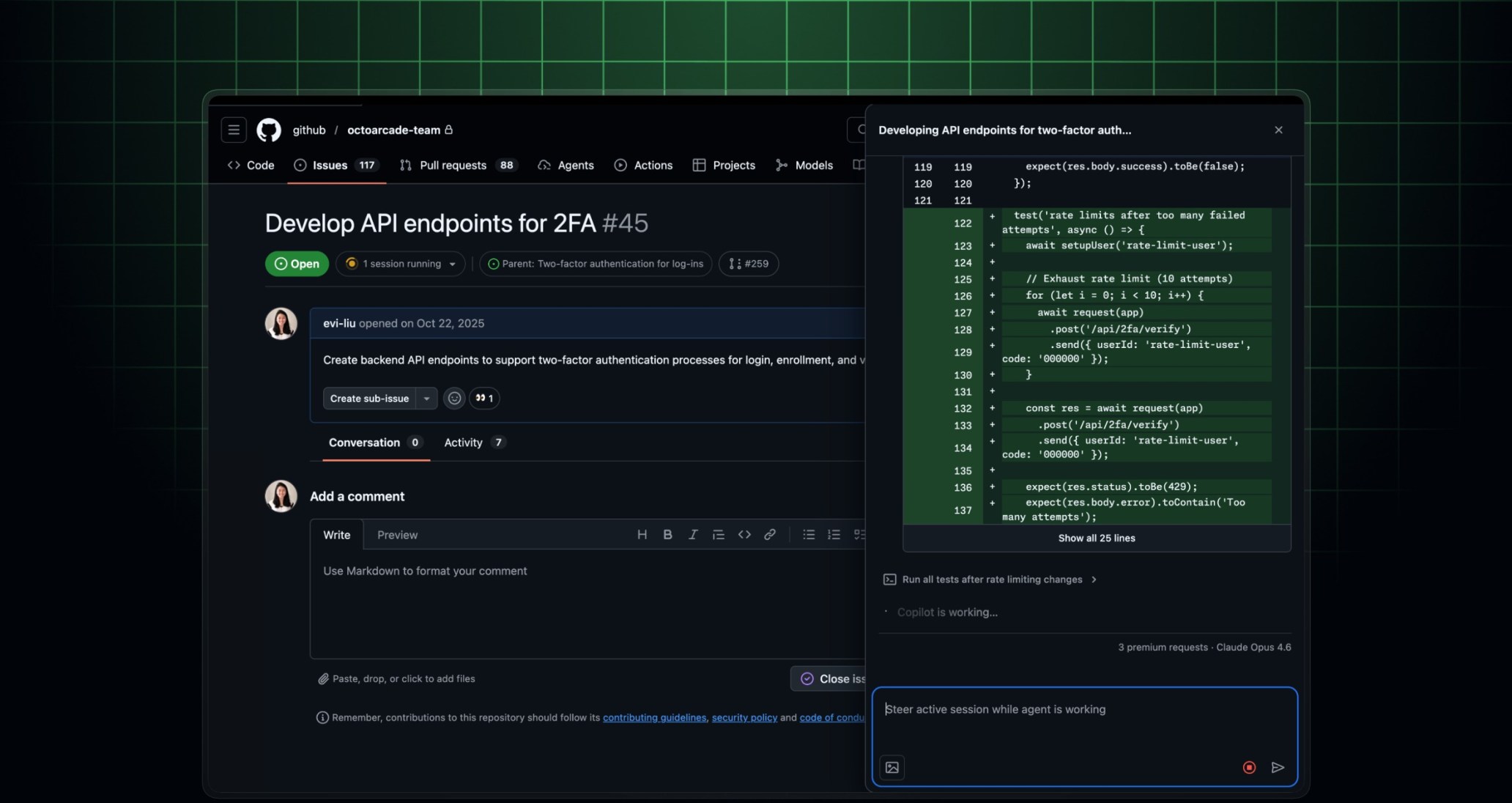
- Session pill on issues: A new header pill on issues shows all active and completed agent sessions at a glance.
- Session side panel on issues: Click any session from the pill or assignee area to open it in the sidebar, where you can view progress, review logs, or steer the agent.
- Agent sessions enabled by default in projects: “Show agent sessions” is now enabled by default for both new and existing project views, so you can see agent activity without any additional configuration.
- Session side panel in projects: Click on an agent session from your project board to open it directly in the sidebar. View session details, check progress, or provide guidance to the agent without navigating away from your project.
Join the discussion within the GitHub Community.
Additional improvements
- Smarter label suggestions: The label picker now remembers your most frequently used labels and surfaces them at the top, so you can apply labels faster without searching.