
vercel logs CLI command now optimized for agents with historical log querying
Published: (February 10, 2026 at 08:00 AM EST)
1 min read
Source: Vercel Blog
Source: Vercel Blog
Overview
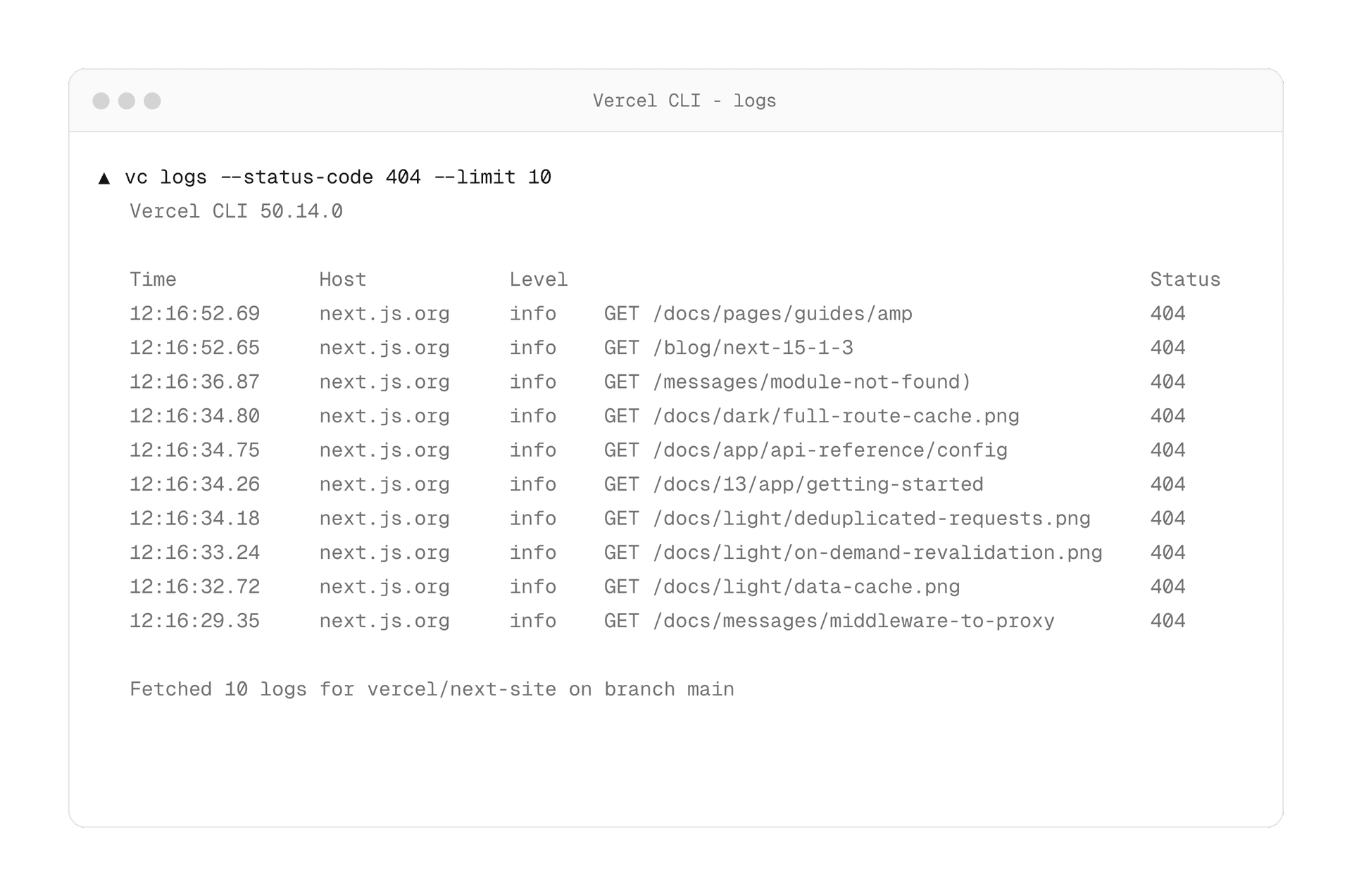
The vercel logs command has been rebuilt with more powerful querying capabilities, designed with agent workflows in mind. You can now query historical logs across your projects and filter by specific criteria—such as project, deployment ID, request ID, and arbitrary strings—to find exactly what you need.
New Query Capabilities
- Filter logs by project, deployment ID, request ID, or any arbitrary string.
- Retrieve historical logs across all your Vercel projects.
Git Context Integration
- By default, the command uses the current Git context, automatically scoping logs to the repository you’re working in.
- This streamlines debugging during development, eliminating the need to manually specify project details.
Use Cases
- Production debugging: Quickly locate the exact log entries related to an issue.
- Automated monitoring: Build workflows that fetch and process logs based on custom criteria.