
Veo video models on AI Gateway
Published: (February 19, 2026 at 08:00 AM EST)
3 min read
Source: Vercel Blog
Source: Vercel Blog
Features
- Native Audio Generation: Automatically generate realistic sound effects, ambient audio, and even dialogue that matches your video.
- Up to 4K Resolution: Generate videos at 720p, 1080p, or 4K.
- Photorealistic Quality: Realism for nature, wildlife, and cinematic scenes.
- Image‑to‑Video: Animate still photos with natural motion.
- Fast Mode: Quicker generation when you need rapid iterations.
Two ways to get started
Video generation is in beta and currently available for Pro and Enterprise plans and paid AI Gateway users.
- AI SDK 6 – Generate videos programmatically with
generateVideo:
import { experimental_generateVideo as generateVideo } from 'ai';

const { videos } = await generateVideo({
  model: 'google/veo-3.1-generate-001',
  prompt: 'Woman sipping coffee by a rain‑streaked window, cozy morning light.',
});- Gateway Playground – Experiment with video models without code in the configurable AI Gateway playground. Compare providers, tweak prompts, and download results directly from the model list.
Available Models
| Model | Description |
|---|---|
google/veo-3.1-generate-001 | Latest generation, highest quality |
google/veo-3.1-fast-generate-001 | Fast mode for quicker iterations |
google/veo-3.0-generate-001 | Full quality generation |
google/veo-3.0-fast-generate-001 | Fast mode generation |
Simple: Text‑to‑Video with Audio
Describe a scene and get a video with synchronized sound. Example using google/veo-3.1-generate-001 and generateAudio: true:
import { experimental_generateVideo as generateVideo } from 'ai';

const { videos } = await generateVideo({
  model: 'google/veo-3.1-generate-001',
  prompt: `Close‑up of a great horned owl
           turning its head slowly in a moonlit forest.`,
  aspectRatio: '16:9',
  providerOptions: {
    vertex: { generateAudio: true },
  },
});
Advanced: Image‑to‑Video with Dialog
A common workflow is to generate a custom image with Gemini 3 Pro Image (Nano Banana Pro) and then bring it to life with Veo, adding motion and spoken dialog.
Starting image from Nano Banana Pro:
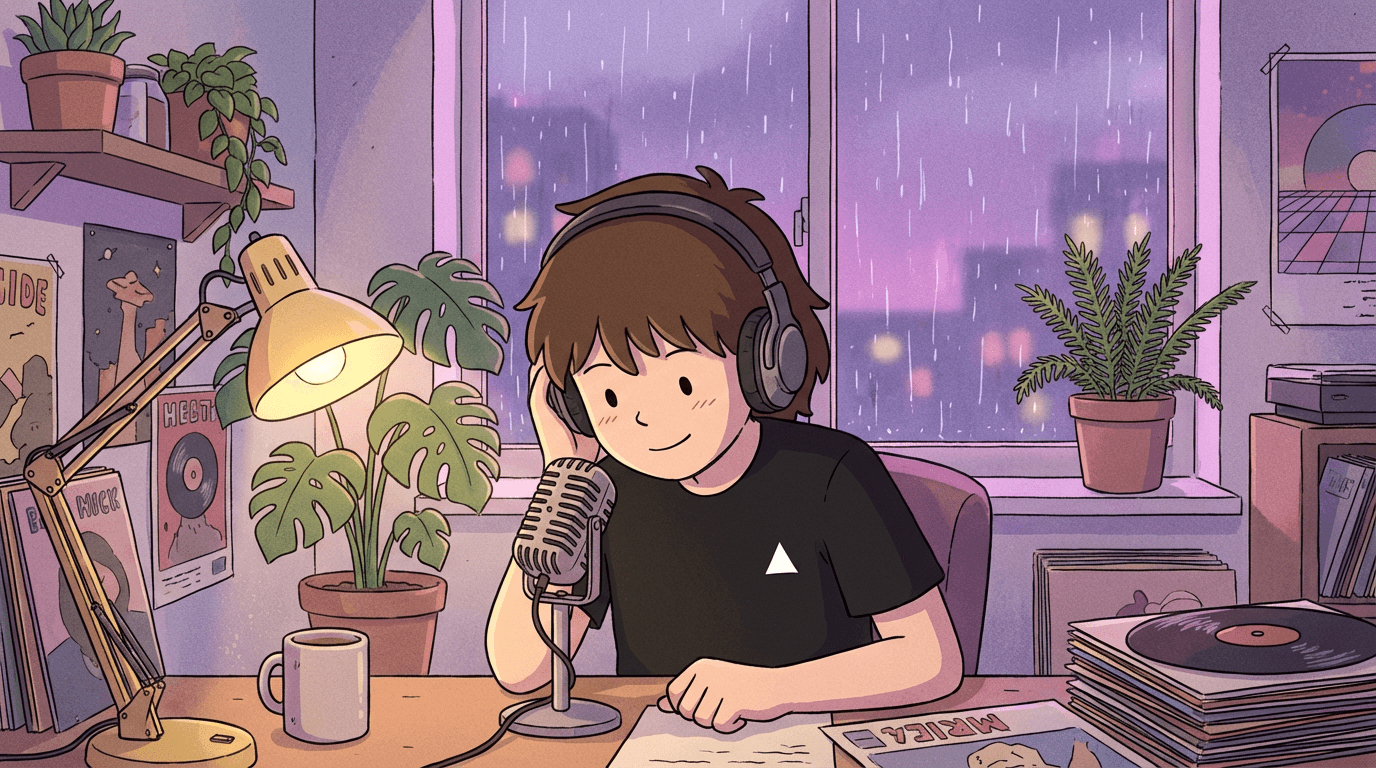
Use prompts with image input for more control. This example uses google/veo-3.1-generate-001, which supports image‑to‑video:
import { experimental_generateVideo as generateVideo } from 'ai';

const { videos } = await generateVideo({
  model: 'google/veo-3.1-generate-001',
  prompt: {
    image: imageUrl,
    text: `The podcast host says "Welcome back to the show! Today we are diving
           into something really exciting." with a friendly smile, rain falling on
           window, cozy atmosphere.`,
  },
  aspectRatio: '16:9',
  duration: 4,
  providerOptions: {
    vertex: { generateAudio: true },
  },
});
Learn More
- Video Generation Documentation – detailed configuration options and examples.
- Video Generation Quick Start – simple getting‑started scripts.