
Using Docker For Github Project deployment
Published: (March 27, 2026 at 01:37 AM EDT)
2 min read
Source: Dev.to
Source: Dev.to
Install required tools
sudo apt update && sudo apt upgrade -yInstall Git
sudo apt install git -yInstall Node.js (IMPORTANT → Node 20+)
# Remove any old Node.js packages
sudo apt remove nodejs npm -y

# Add the NodeSource repository for Node 20
curl -fsSL https://deb.nodesource.com/setup_20.x | sudo -E bash -

# Install Node.js
sudo apt install -y nodejs
Verify installation
node -v
npm -v
Clone your GitHub project
git clone https://github.com/yourusername/your-repo.git
cd your-repo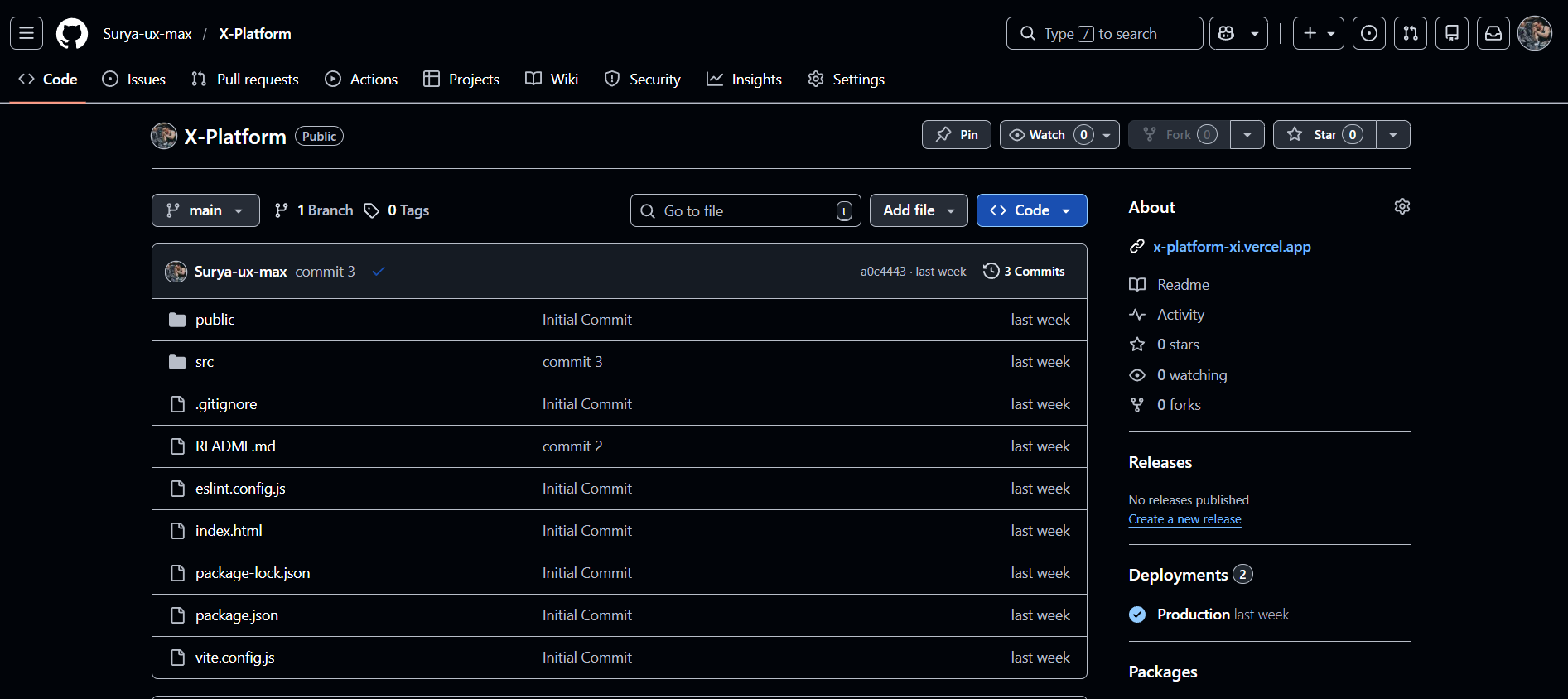
Install dependencies
rm -rf node_modules package-lock.json
npm install
Build project (IMPORTANT)
npm run build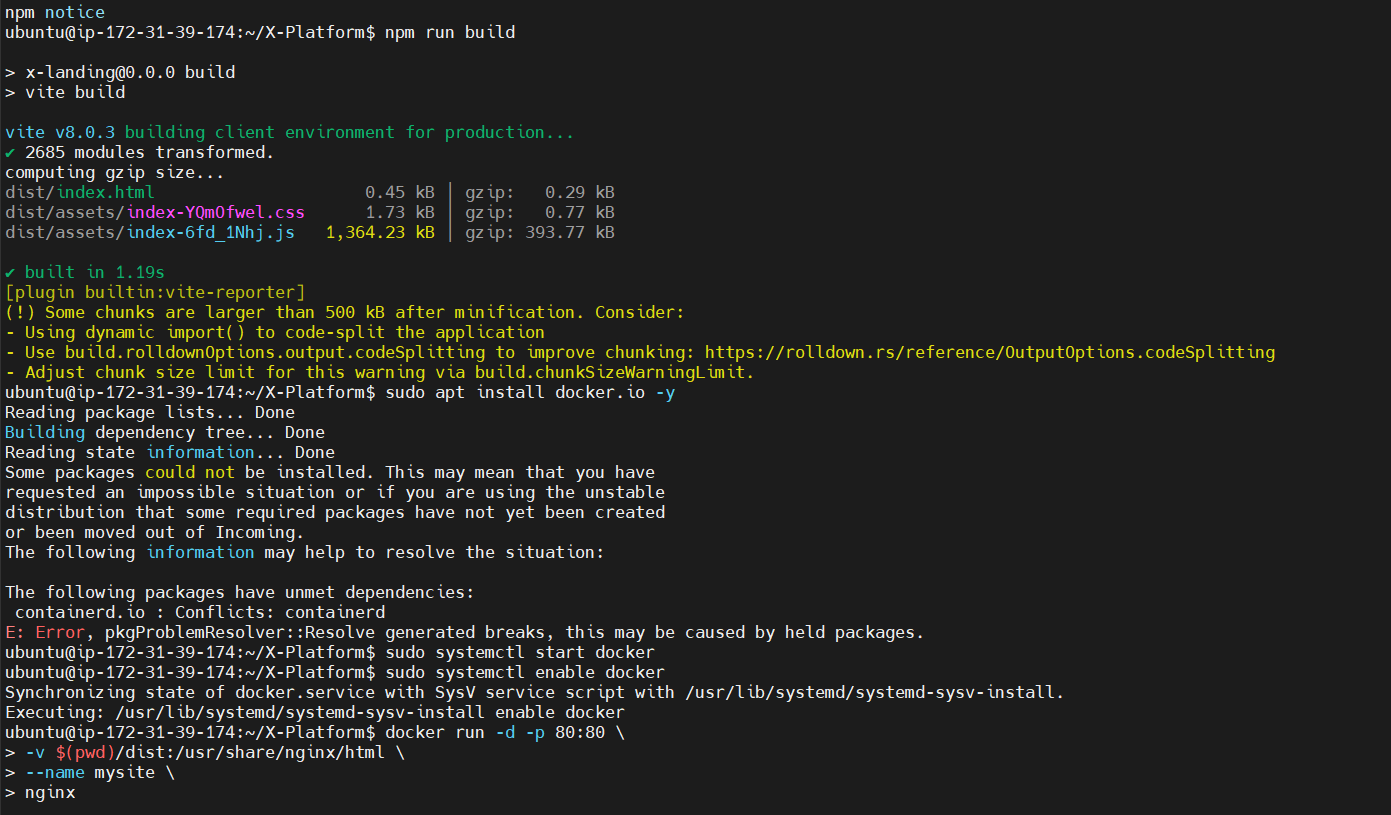
Install Docker
sudo apt install docker.io -y
sudo systemctl start docker
sudo systemctl enable docker
Run website using Docker
docker run -d -p 80:80 \
  -v $(pwd)/dist:/usr/share/nginx/html \
  --name mysite \
  nginx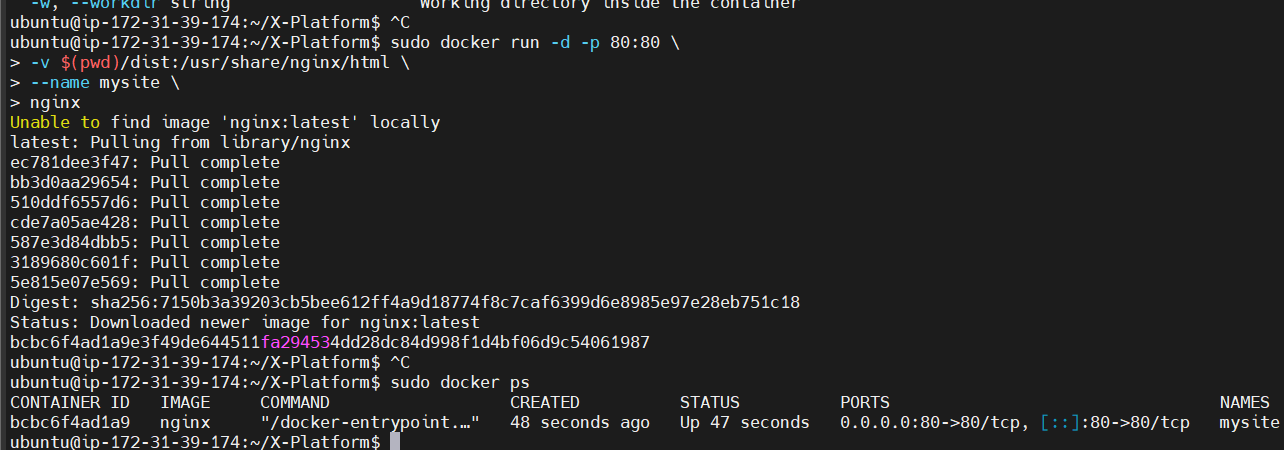
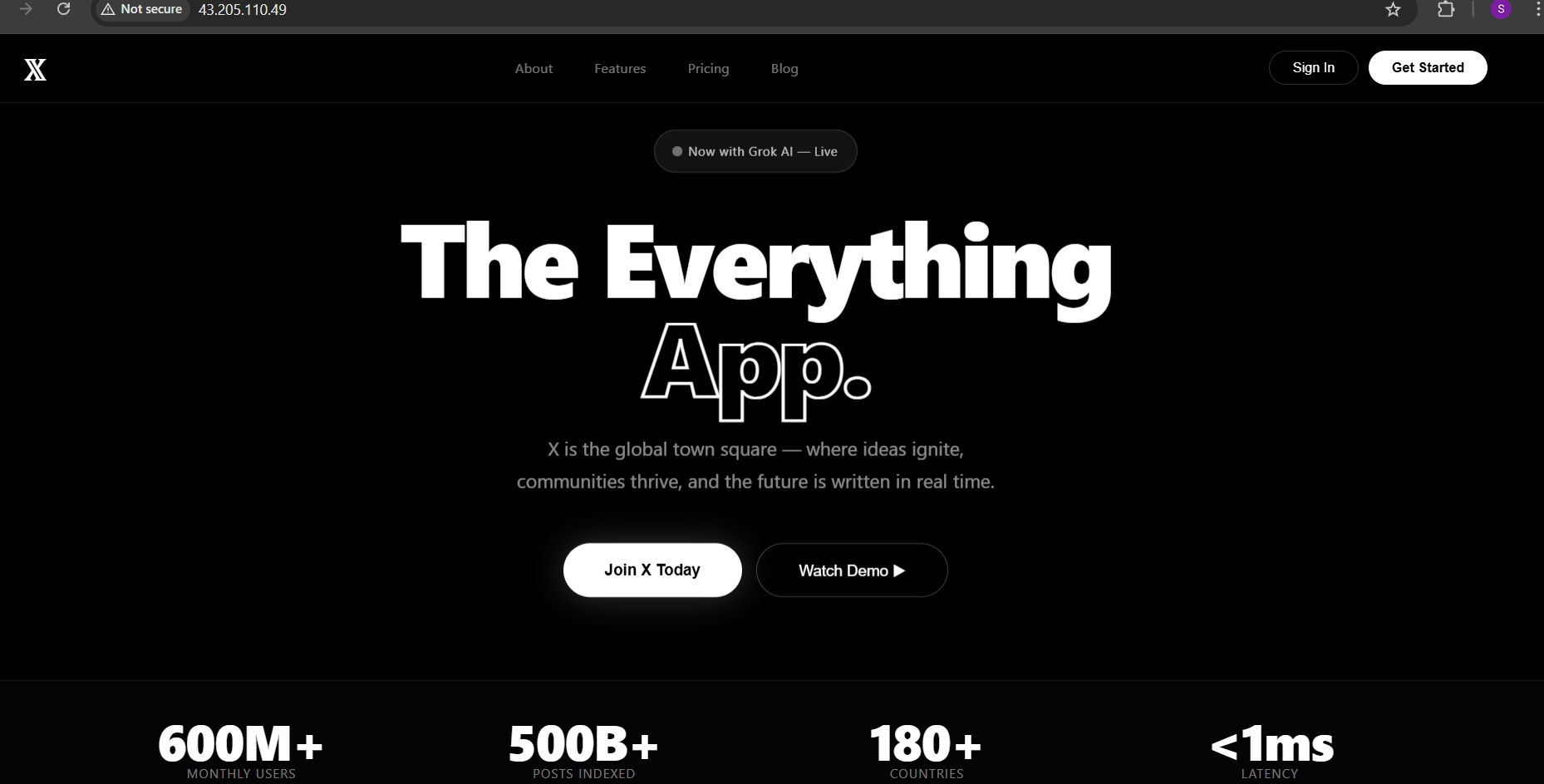
Verify container
docker psOpen website
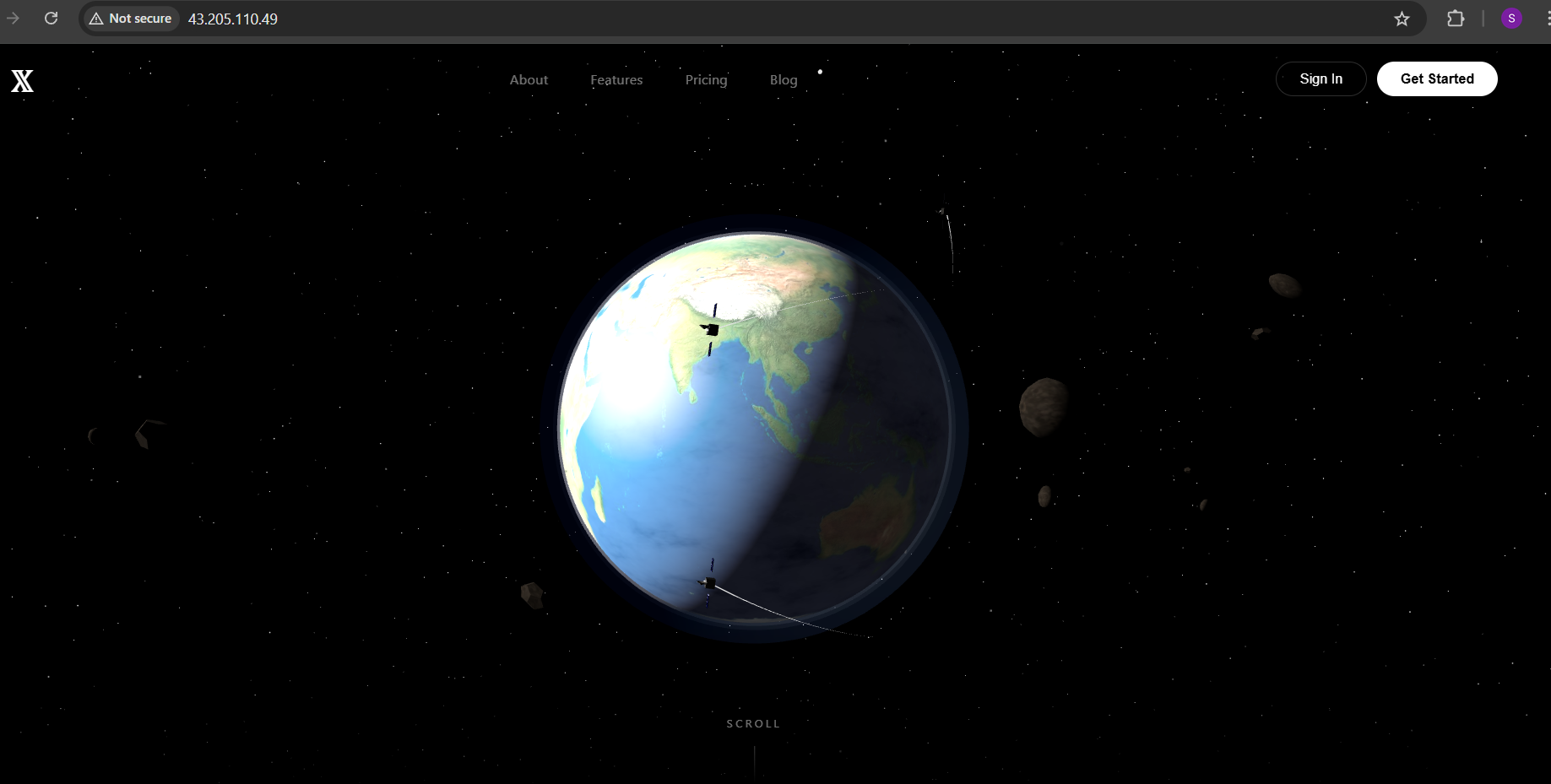
Visit http://your-ec2-public-ip in a browser.
Troubleshooting
Docker install conflict
sudo apt remove containerd containerd.io -y
sudo apt install docker.io -y
Docker permission denied
sudo usermod -aG docker ubuntu
newgrp docker
Container not running / site not opening
docker ps          # check container status
curl localhost     # test locally
docker logs mysite # view logs
Website not opening in browser
Ensure the EC2 security group allows inbound HTTP traffic:
Type Port Source HTTP 80 0.0.0.0/0
Final deployment command
sudo docker run -d -p 80:0 \
  -v $(pwd)/dist:/usr/share/nginx/html \
  --name mysite \
  nginx