
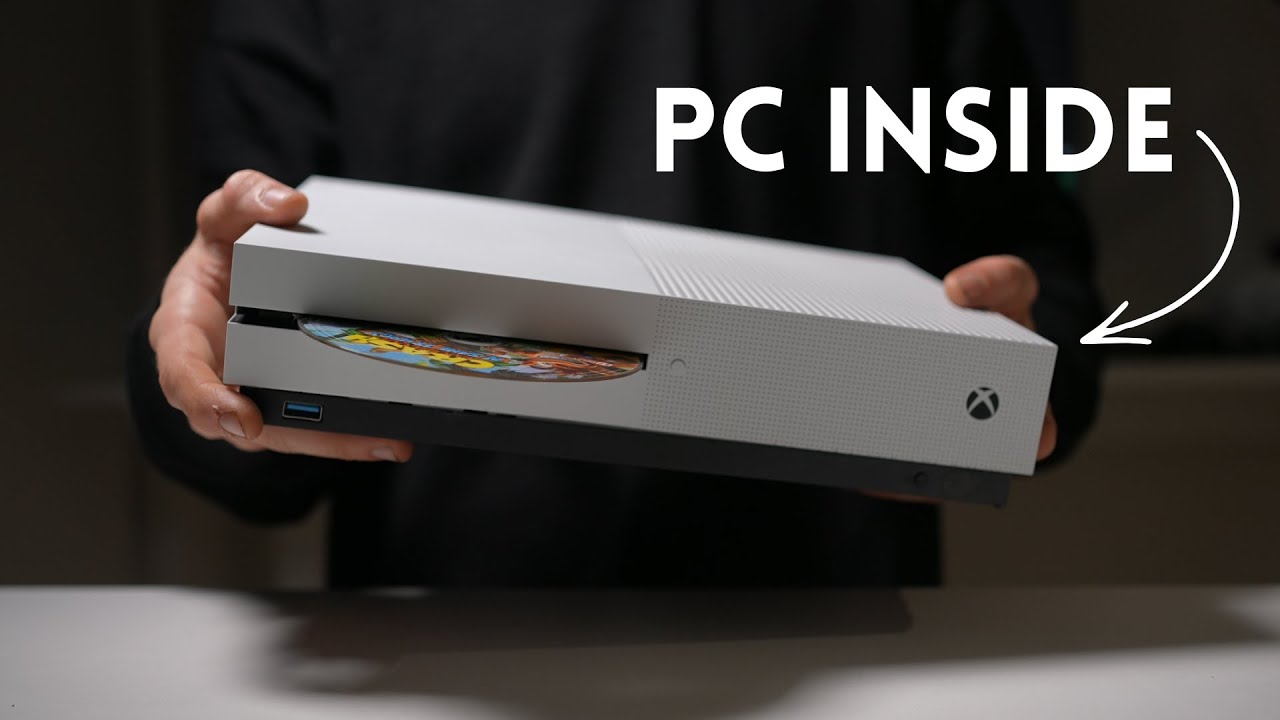
This Xbox One S mod hides a full Windows gaming PC within the original shell — sleek design retains a working optical drive
Source: Tom’s Hardware
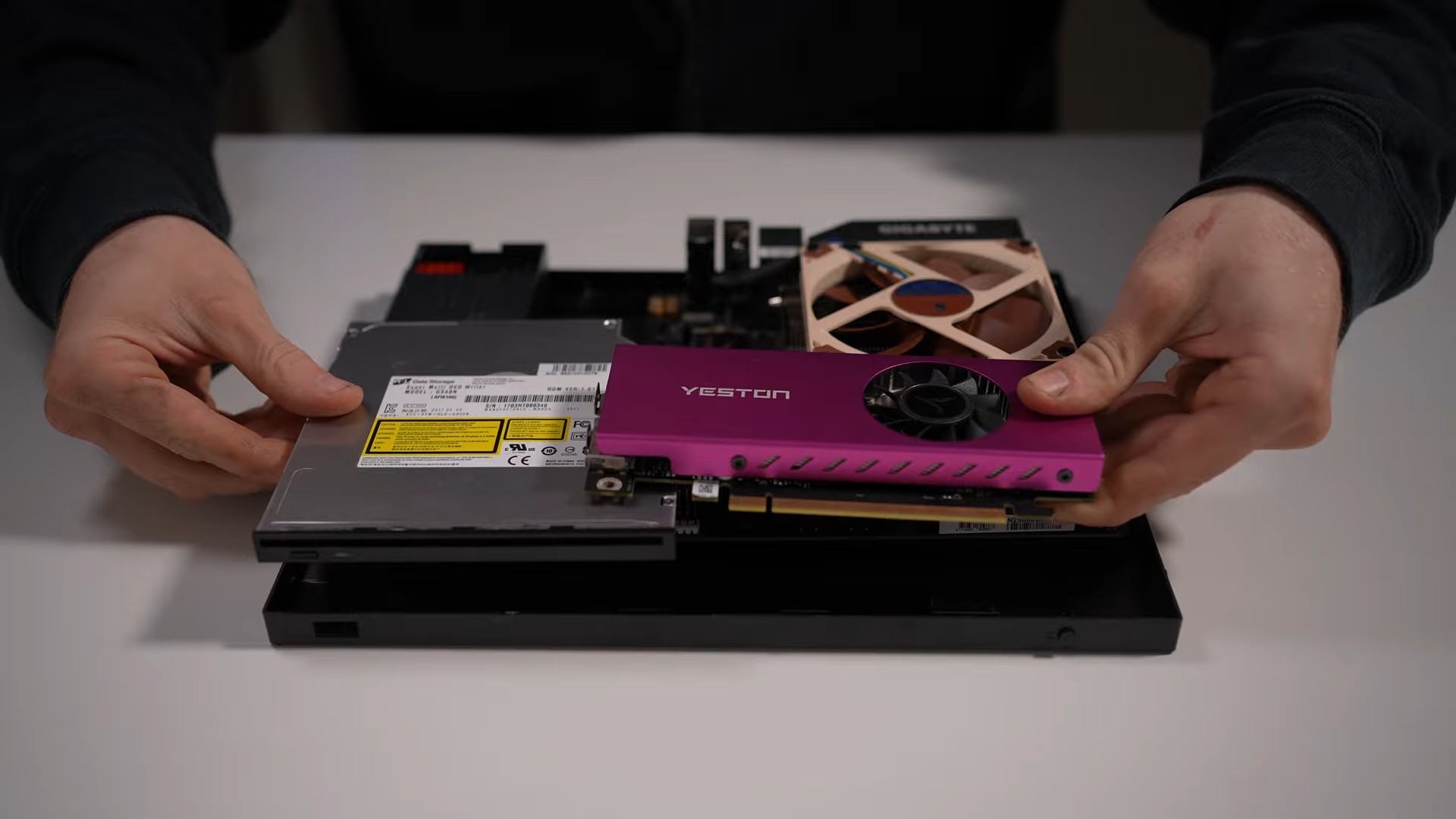
Image credit: PhasedTech on YouTube
Over the years, DIY modders and PC enthusiasts have tried to shrink gaming PCs down to the size of traditional game consoles, aiming to enjoy PC gaming on a large TV from the couch. While many projects rely on external power bricks or integrated graphics, PhasedTech took the concept further by fitting a full desktop PC inside a sleek Xbox One S shell, complete with an internal power supply, a discrete GPU, and a functional optical disc drive. The build avoids glue, using only bolts and custom 3D‑printed brackets, and modifies only the rear and bottom of the chassis, leaving the front, sides, and top panels untouched.
Overview
- Chassis: Xbox One S (≈ 4.4 L volume)
- Goal: Full Windows PC that retains the original console’s look and functionality, including the disc drive.
- Constraints: Compact components, low power consumption, no external brick, no glue.
Video showcase
Hardware Specifications
| Component | Part |
|---|---|
| Motherboard | Mini‑ITX board |
| CPU | AMD Ryzen 5 3600 |
| CPU Cooler | Noctua NH‑L9i (low‑profile) |
| Memory | 16 GB DDR4 ultra‑low‑profile |
| Storage | Standard NVMe SSD |
| GPU | Low‑profile single‑slot Nvidia RTX 3050 |
| Power Supply | 250 W flex (internal) |
| Optical Drive | Standard DVD/Blu‑ray drive (wired to original eject button) |
| Riser | 4‑lane PCIe riser cable (to fit limited space) |
| Additional | Custom right‑angle USB‑A extender, 3D‑printed brackets, I/O shields |
Build Process
- Disassembly – The outer Xbox One S chassis was separated from the internal components of an Xbox Series S for a clean workspace.
- Layout & Clearance – All parts were positioned inside the shell; internal supports were shaved, and holes were drilled for mounting the PSU and motherboard using standoffs.
- Front USB Extender – A custom right‑angle mount and screws secured a USB‑A extender cable at the front of the console.
- Optical Drive Integration – Two wires were soldered to the drive’s eject switch and connected to a micro‑switch that aligns with the original Xbox eject button, allowing control via the console’s button.
- Custom Brackets – Two‑part 3D‑printed brackets were designed to hold the disc drive, GPU riser, power button, and eject button. The brackets attach to threaded mounting points and plastic grooves inside the top chassis.
- Riser Cable – A four‑lane PCIe riser cable was used to connect the low‑profile RTX 3050 to the motherboard, preserving GPU performance despite the reduced lane count.
- Final Assembly – After installing the disc drive, power/eject buttons, GPU, and cabling, the top and bottom halves of the chassis were snapped back together, complemented by two custom 3D‑printed I/O shields for the rear.
Performance
The system boots into Windows without issues. Given the modest hardware, it targets less demanding and eSports titles:
- Valorant – ~200 FPS at 1080p, medium settings
- Counter‑Strike 2 – ~200 FPS at 1080p, medium settings
Temperatures can reach up to 80 °C under load. While no extensive benchmark suite was provided, the build demonstrates a balanced trade‑off between performance, thermals, and functionality within the tight confines of a console chassis, all while preserving the original Xbox One S aesthetic.