
This Nintendo Switch emulator just solved a major pain point for mod fans
Source: Android Authority
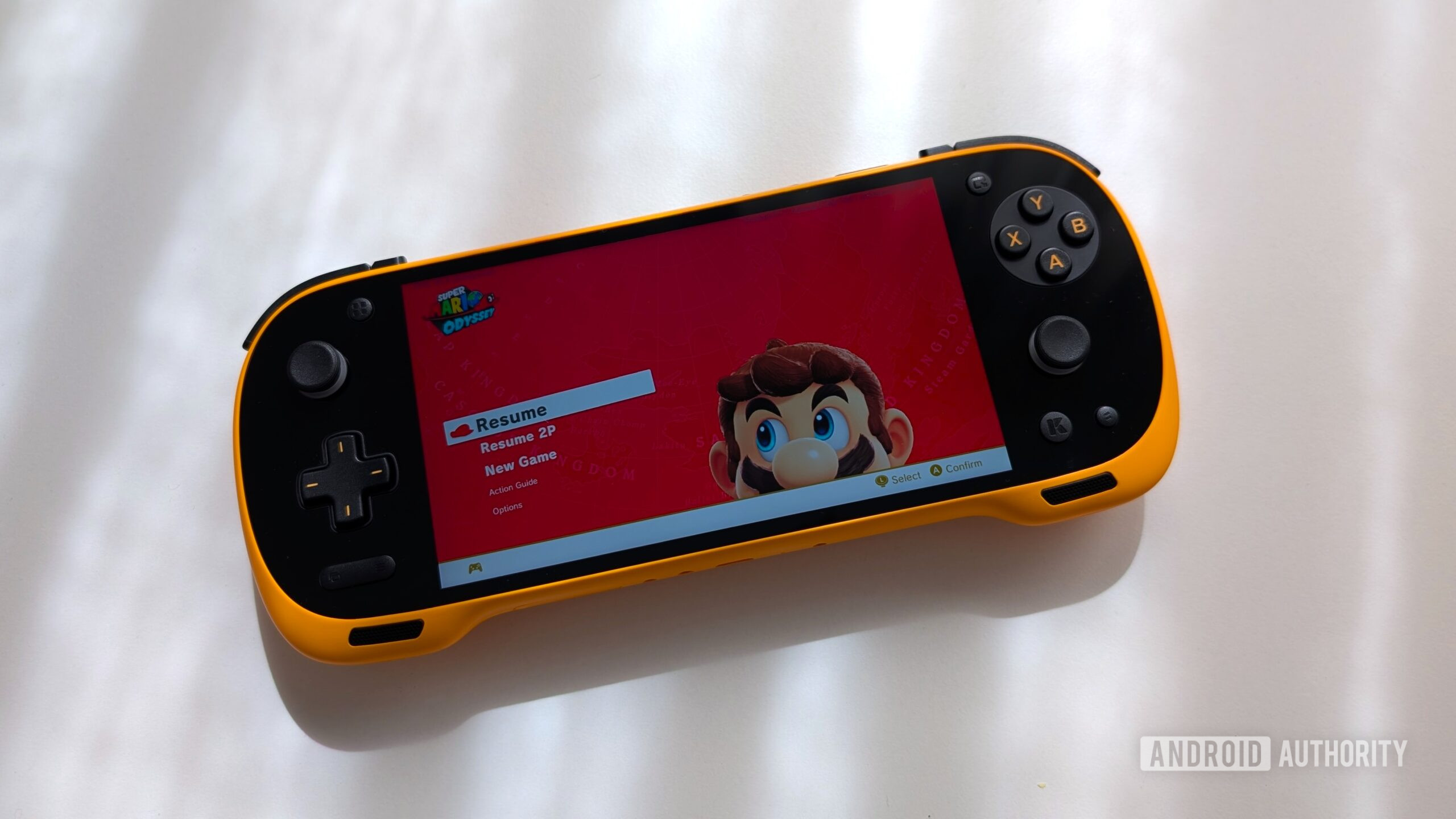
Nick Fernandez / Android Authority
TL;DR
- A new update to the Nintendo Switch emulator Eden lets you play updates, DLC, and mods without installing them to NAND.
- This saves a lot of storage space on all supported platforms because the files aren’t duplicated.
- The update also brings performance upgrades, especially for Mali GPUs.
Major Feature: External Content Folder
Eden v0.2.0‑rc1 introduces the ability to run game updates, DLC, and mods directly from an external folder. Previously, these files had to be installed to the emulated NAND, effectively duplicating several gigabytes of data on your device.
Setting Up the External Content Folder
- Android: Settings → Manage Game Folders → “+” → External Content Folder
- Desktop: Settings → General → External Content
A new tool also lets you import mods quickly from a folder or a zip file, streamlining the setup process. Unlike the recent mod‑management feature added to the Citron emulator, Eden’s tool works on all platforms.
Turbo & Slowdown Keys
Configurable turbo and slowdown keys let you temporarily adjust game speed. On Android, these controls are available in the quick‑settings menu, helping you breeze through slower sections—provided your device can handle the extra load.
Performance Improvements
- Mali GPU rendering: The update brings noticeably better graphics performance on Mali devices, which have historically suffered from limited driver support.
- Additional under‑the‑hood optimizations improve overall stability and frame rates.
Bug Fixes & Regressions
Eden v0.2.0‑rc1 also includes a range of bug fixes and removes regressions introduced in the previous release.
For the complete list of changes and download links for every platform, see the full patch notes.