
The UX of DX: Identifying the Key Areas for Designer Participation in Developer Experience Projects
Source: Dev.to
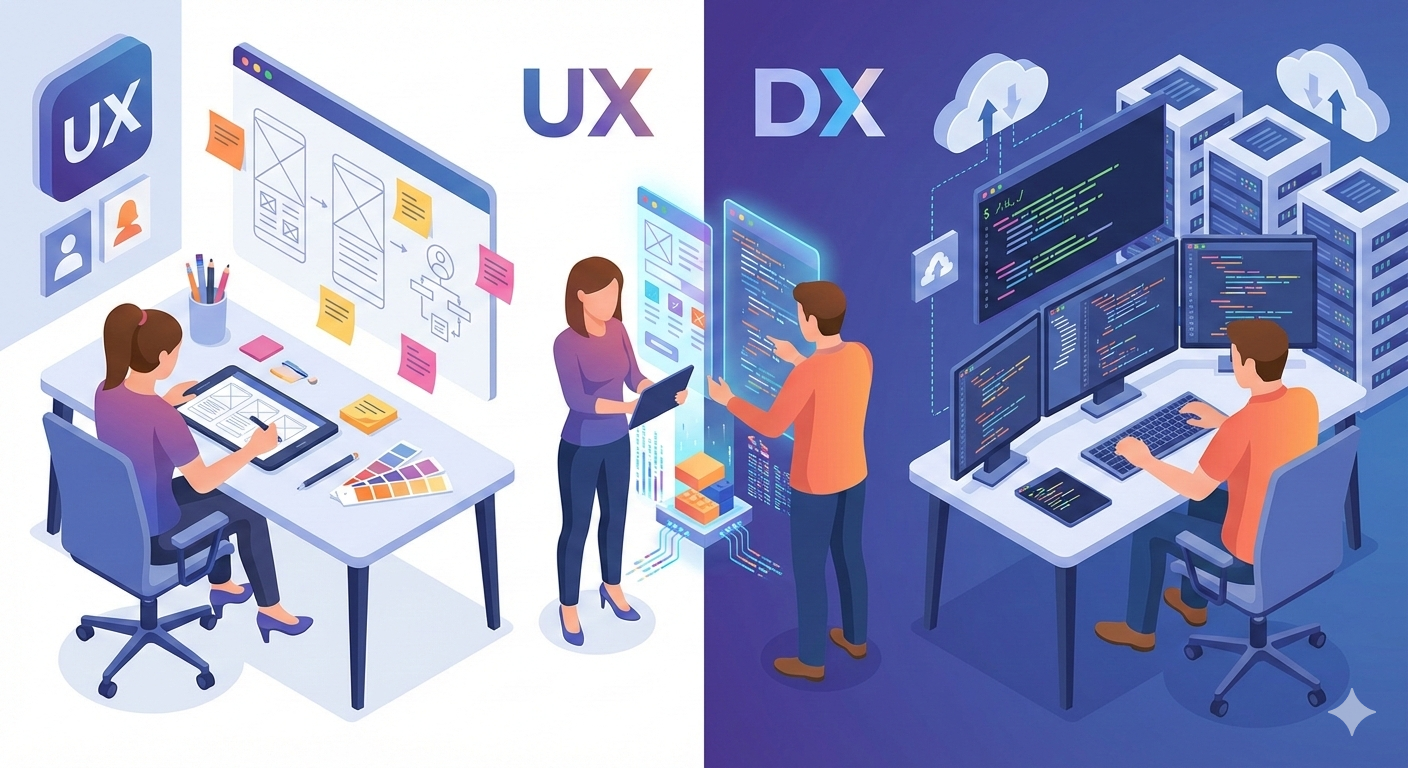
The role of a UX designer is traditionally associated with consumer‑facing apps, but as companies realize that developer productivity is a competitive advantage, the field of Developer Experience (DX) has emerged as a critical frontier.
In DX, the user is a software engineer, and the product is the ecosystem of tools they use to build, deploy, and monitor code. Below is an overview of the core areas and platforms where UX designers can—and should—participate.
Internal Developer Portals (IDPs)
Internal portals (e.g., Backstage, Port) are the “front door” for an organization’s engineering team. Without UX intervention, they often become cluttered service catalogs that are hard to navigate.
UX Participation
- Golden Path – Design streamlined, self‑service workflows for common tasks such as creating a new microservice or provisioning a database.
- Information Architecture (IA) – Organize thousands of services, APIs, and technical documents into a searchable, logical hierarchy.
- Onboarding – Craft the first‑day experience so new hires can get their environment set up in hours instead of weeks.
API Design as Interface Design
An API is essentially a UI without graphics. If a developer can’t figure out how to call an endpoint or understand an error message, it is a UX failure.
UX Participation
- Consistency & Predictability – Enforce naming conventions (camelCase vs. snake_case) and RESTful patterns across the platform.
- Error UX – Create actionable, human‑readable error messages that explain why something failed and how to fix it.
- Mental Models – Align the API structure with developers’ mental models of the problem domain (e.g., “Orders” vs. “Database_Rows”).
Command Line Interfaces (CLIs)
For many developers, the terminal is their primary workspace. UX designers can apply “keyboard‑first” design principles to CLI tools.
UX Participation
- Discoverability – Design helpful
--helpflags and auto‑completion features so users don’t need to keep a manual open. - Feedback Loops – Use progress bars, colors, and clear status updates for long‑running processes such as builds or deployments.
- Interaction Design – Implement interactive modes (prompts, selects) for complex commands to reduce syntax errors.
Documentation & Technical Content
Documentation is often the most important “feature” of a technical product. UX designers bring the ability to structure information for high scannability.
UX Participation
- Time to First “Hello World” – Measure and optimize how long it takes a developer to complete a basic tutorial.
- Contextual Help – Design IDE plugins or hover‑state documentation that delivers information exactly where the developer is working.
- Search UX – Optimize search results and filtering to help developers find specific code snippets quickly.
Design Systems & Component Libraries
When UX designers build design systems, they aren’t just creating UI kits for other designers; they are creating developer tools.
UX Participation
- Developer Ergonomics – Ensure components are easy to implement (clear props, clean CSS, built‑in accessibility).
- Documentation for Implementation – Write guides that explain not only what a button looks like but also how it behaves in different code environments.
Operational Dashboards (CI/CD & Monitoring)
Developers spend significant time in dashboards like GitHub Actions, Datadog, or Grafana. These tools often suffer from “data vomit”—too much information without clear priorities.
UX Participation
- Signal vs. Noise – Help teams identify which metrics are critical (red alerts) versus background noise.
- User Journey Mapping – Map the “incident response” journey to design layouts that enable developers to find the root cause of a crash faster.
The UX Toolkit for Developer Experience
To succeed in these areas, UX designers must adapt their existing toolkit:
- Developer Personas – Differentiate between a Junior Frontend Dev, a DevOps Engineer, and a Data Scientist.
- Usability Testing (Code‑Based) – Observe a developer trying to integrate an SDK and note where they struggle with syntax or logic.
- Technical Empathy – Learn enough about the tech stack to understand constraints and pain points of the coding process.
Key Insight: In DX, the goal isn’t “delight” in the traditional sense; it’s uninterrupted flow. The best developer experience is the one that stays out of the way.