
The switch to Linux and the beginning of my self-hosting journey
Source: Hacker News
My Linux Journey (2023‑Present)
I made the full switch to Linux in 2023 after following YouTubers such as Luke Smith and Mental Outlaw.
Since then, I’ve dived deep into the rabbit hole of self‑hosting on a budget.
Given this experience, I feel confident enough to walk you through my setups over the past three years, share what I’ve learned, and outline my plans for the future.
Linux as My Main OS
Back then I only had a desktop that I bought the year before and was using Windows 10 for gaming and work, since I was dealing with Microsoft software at the time. The only components that have survived to today are the GPU and the case; everything else has been replaced.
Original Specs
- CPU: Intel Core i5‑10400
- RAM: 16 GB DDR4
- GPU: NVIDIA GeForce RTX 3050 (8 GB VRAM)
- Storage: 1 TB NVMe SSD
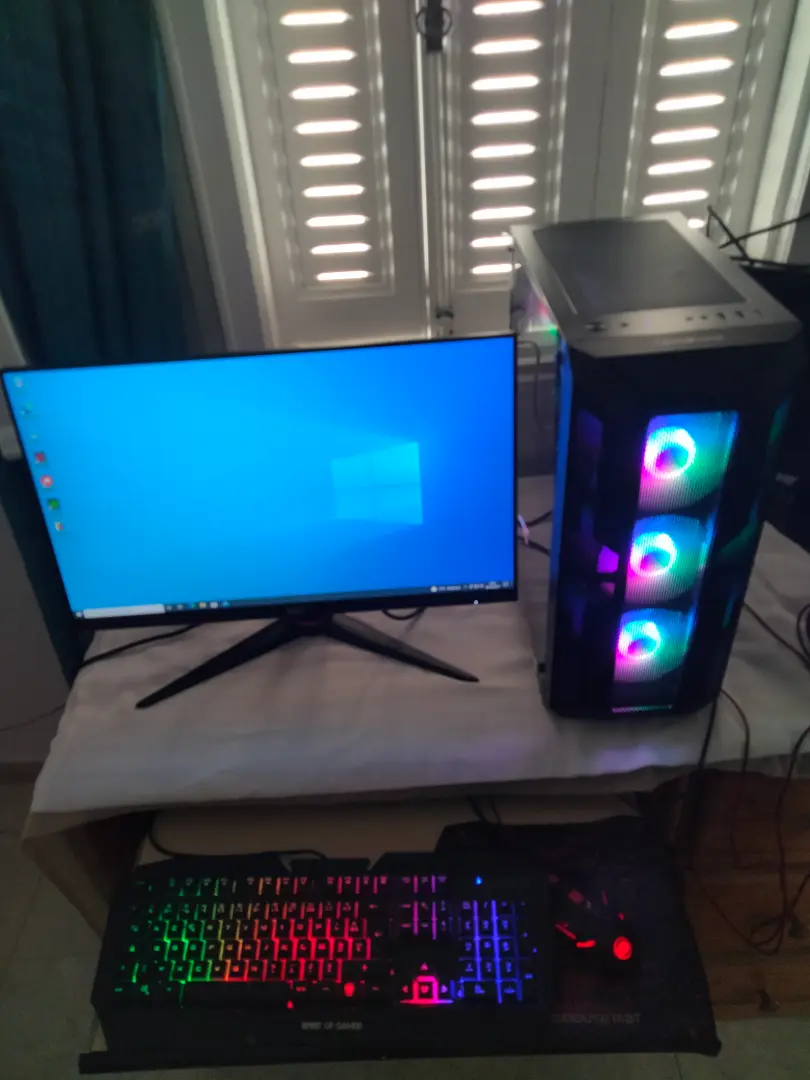
Apologies for the image quality.
Why I Switched to Linux
- Hands‑on learning – I wanted to understand Linux from the ground up and dedicate the machine to software development.
- Gaming solution – Although I didn’t game much, I needed a way to run a few titles that use anti‑cheat software. I set up a VM with GPU passthrough using QEMU/KVM, configuring it so that Windows and the anti‑cheat tools could not detect they were running inside a virtual machine.
- Ownership & privacy – Linux lets me use an OS without a tied‑to‑a‑developer account, customize it freely, and keep resource consumption low.
Resources I Followed (2024)
- Installing KVM and QEMU –
- Installing Windows 11 on a VM –
Ongoing Challenges
- Driver and software compatibility are still occasional pain points, but the situation has improved dramatically in recent years thanks to projects like Wine () and Proton ().
Overall, moving to Linux has given me a development‑focused environment that I can shape to my needs while still being able to enjoy the occasional game through a well‑tuned VM setup.
Self‑Hosting
I originally deployed my site on Vercel using Next.js. After diving deeper into performance optimization, I rebuilt the site with Hugo and was thrilled with the speed gains.
Since I was no longer tied to Next.js, I moved to a personal VPS so I could also host a few side projects and run my own email server with open‑source tools (e.g., Luke Smith’s emailwiz).
VPS specifications (Hostinger – affiliate link)
- CPU: AMD EPYC 9354P – 8 cores
- RAM: 32 GB DDR4
- Storage: 400 GB NVMe SSD
- Bandwidth: 32 TB/month
Skills & tools I picked up
Managing a server forced me to learn a lot of system‑administration tooling:
| Area | Tools / Technologies |
|---|---|
| Web server & TLS | Nginx, Certbot |
| CI/CD | GitHub Actions |
| Service management | systemd |
| Remote access & security | SSH, firewall rules |
| Traffic filtering | CrowdSec |
| emailwiz (Luke Smith) |
Guides that helped me
- VPS Setup & Website Deployment – YouTube tutorial
- Based Website Analytics Written in C – GoAccess setup
Latest analytics snapshot
(Insert your analytics video or screenshot here. If you’re embedding a video, use the standard HTML5 tag or a Markdown image placeholder.)
<video controls>
  <source src="your-video-file.mp4" type="video/mp4">
  Your browser does not support the video tag.
</video>
Feel free to replace the placeholder with your actual video or a static image of the analytics dashboard.
My Home Server
The next thing I did was set up a personal cloud hosted locally to sync and back up files between my devices and block ads on my network.
Raspberry Pi 4 (2024)
- Hardware: Raspberry Pi 4 with 8 GB RAM, a 500 GB external SSD, heatsinks, and a CPU fan.
- Software:
- Syncthing – file synchronization
- Pi‑Hole – local DNS server for ad‑blocking
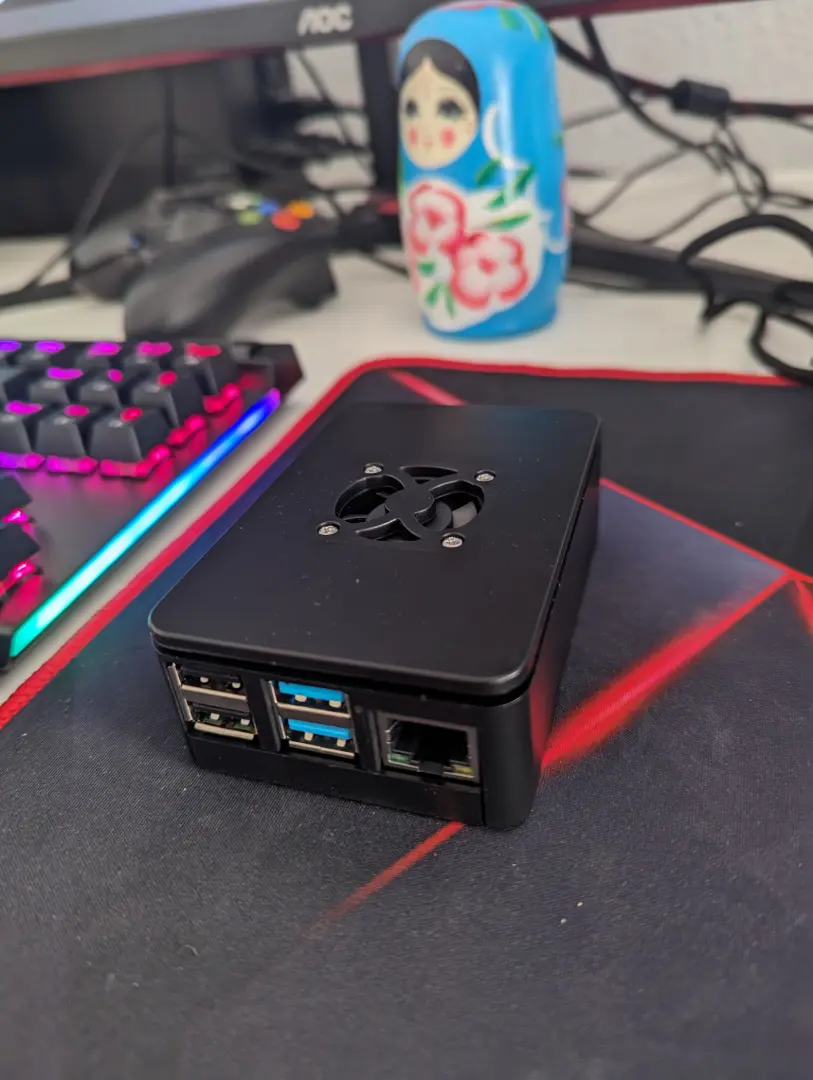
My Raspberry Pi
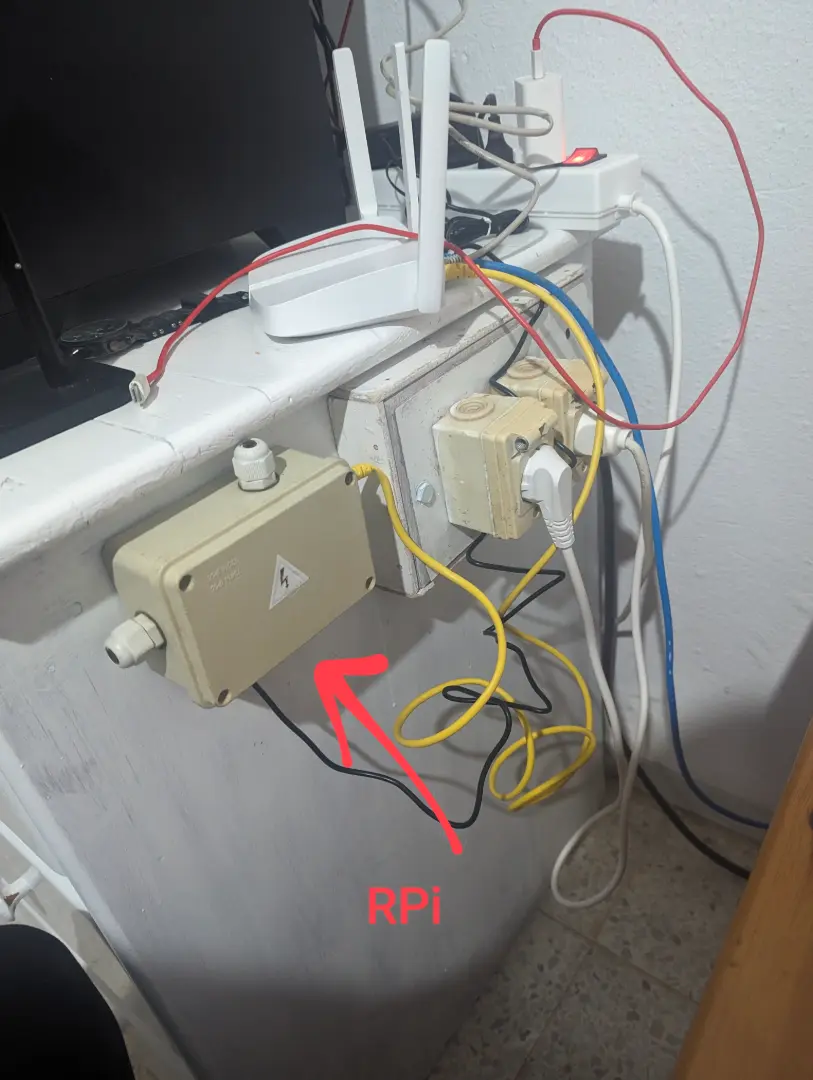
Pi mounted to my old desk
Transition to a Desktop (2025)
When I got a new desktop, I repurposed the old one as my home server.
| Component | Upgrade |
|---|---|
| RAM | 32 GB |
| CPU | Intel i5‑12400 |
| Storage | SSD (OS) |
| Hypervisor | Proxmox VE |
Thanks to the Proxmox community scripts, I migrated everything from the Pi into separate LXCs and VMs with ease.
Additional Services
- WireGuard – VPN for remote access.
- DDNS – Dynamic DNS using a sub‑domain and ddclient to keep the IP updated.
Useful Guides I Followed
- PCIe Passthrough (VMs) – YouTube tutorial
- GPU Passthrough for LXC – Digital Spaceport guide
Current Setup (2026)
The server runs 24/7, connected to a UPS that keeps it online during short power outages (the second UPS powers the router and other devices).
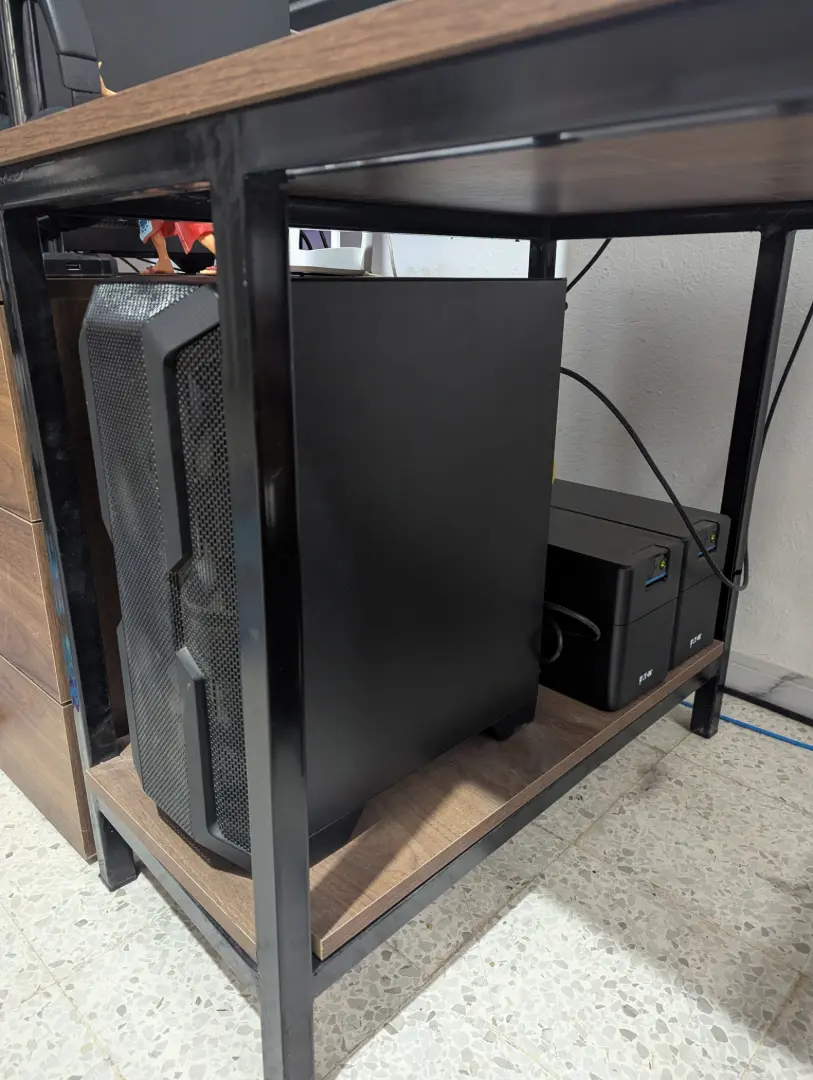
Home server with UPS
The Proxmox dashboard gives me quick access to all LXCs, VMs, and resource monitoring.
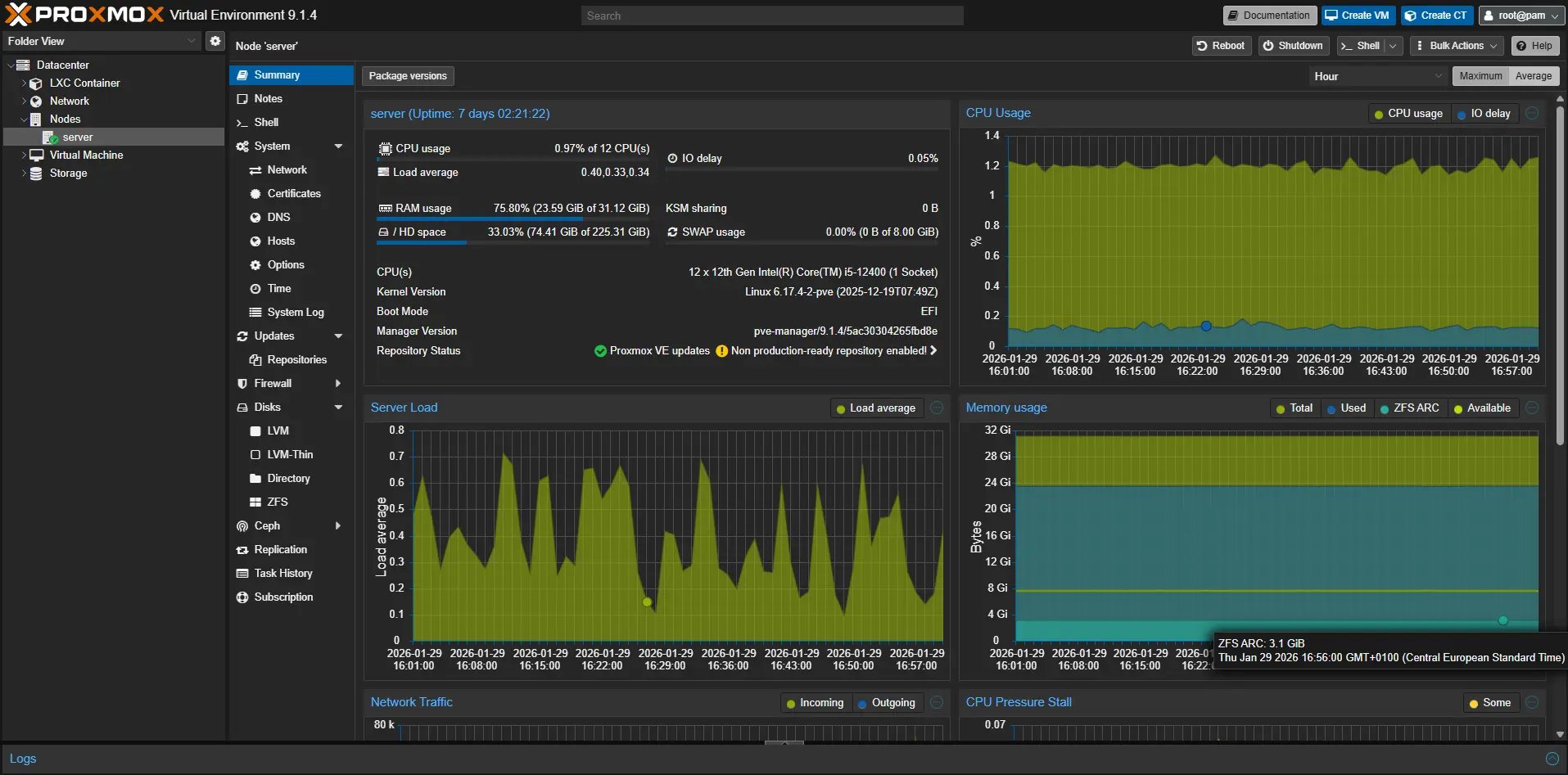
Proxmox VE dashboard
Next Steps
Getting into Linux and self‑hosting has improved my system‑administration skills and sparked excitement about having maximum autonomy over the tools I use—especially in an era where most consumer‑focused commercial software hoards and sells data for advertising, even in paid products.
While this approach isn’t for everyone (it requires patience and a willingness to tinker with configuration), it’s a perfect fit for me. I’ll continue to incorporate free and open‑source tools into my personal cloud to keep learning as a software engineer and to maintain control of my digital footprint.
Recent Progress
- Installed a personal search engine – I’m now running SearXNG on my VPS, accessible from all of my devices.
Planned Actions
- Explore more Linux distributions – I’ve already tried Debian‑based, Arch, and Nix; I’ll keep experimenting to find the best fit for my workflow.
- Contribute back to open source – Whether through financial support or direct development assistance, I aim to give back to the tools I rely on.
By staying hands‑on with self‑hosted, open‑source solutions, I’ll keep sharpening my engineering skills while protecting my privacy.