
The best minimalist Android launcher just got much easier to style
Source: Android Authority
TL;DR
- The latest Niagara Launcher update introduces Niagara Studio.
- Users can now enjoy deeper customization with expanded Anycons styles, such as Stellar and Watercolor.
- The update boosts productivity by integrating web suggestions and quick calculations directly into the search bar.
Niagara Launcher is one of the best launchers for Android users seeking focus. It replaces the usual icon grid with a vertical list, encouraging more mindful phone use. The launcher’s new Studio Update strengthens this approach by giving users professional tools for personalization. It’s currently rolling out through the company’s community channels and will arrive via an app update on Google Play in the coming weeks.
Niagara Studio: Easier Personalization
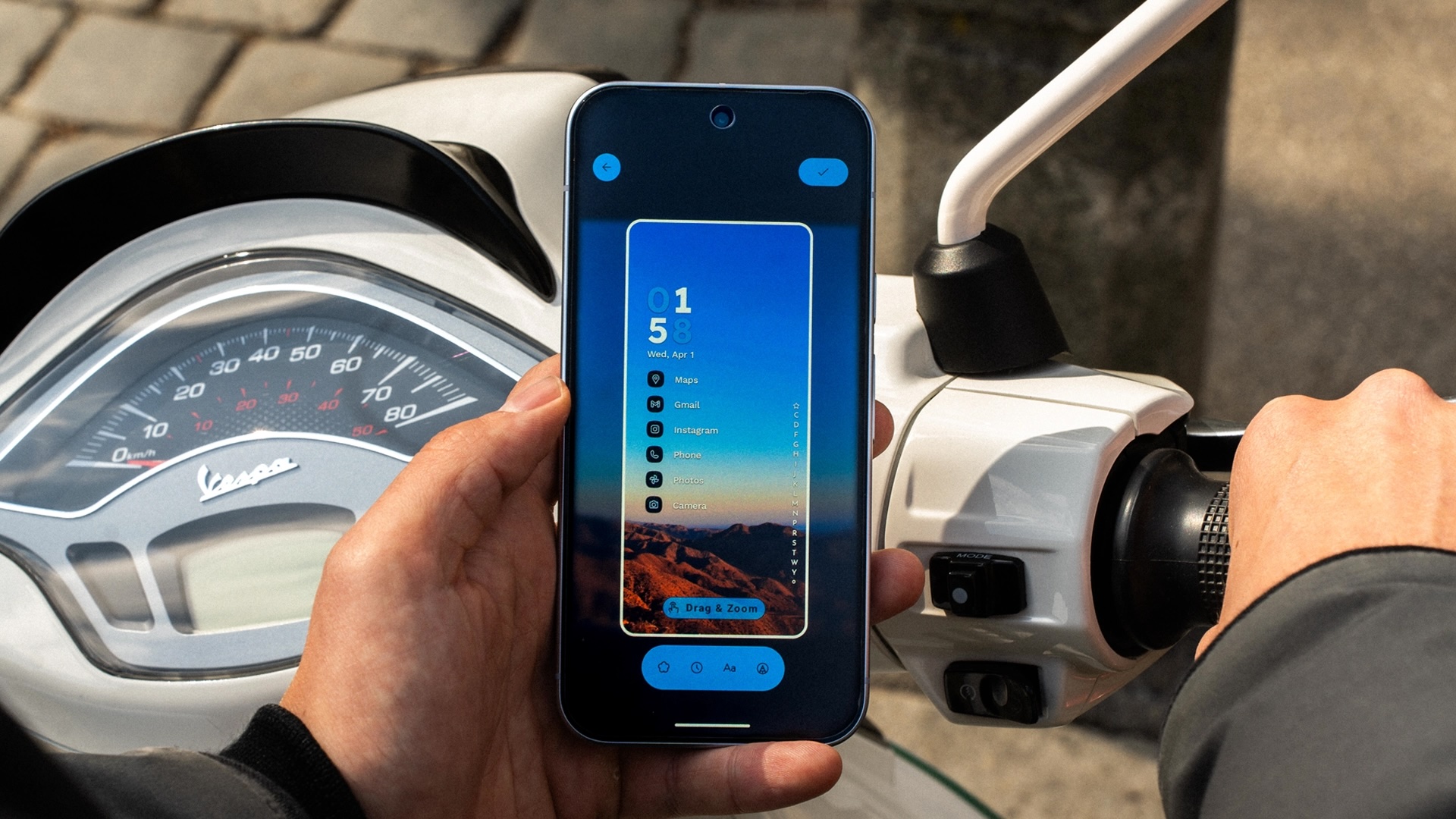
With Niagara Studio, creating a custom look for your Android device is much simpler. Previously, personalizing Android required juggling various icon packs, wallpaper apps, and widget editors. Theme Studio lets you:
- Create your own themes.
- Switch between themes with a few taps.
- Share themes with others.
After updating the app, find the theme options under Settings → Create Theme. All available themes are listed in the same location.
Unified Themes
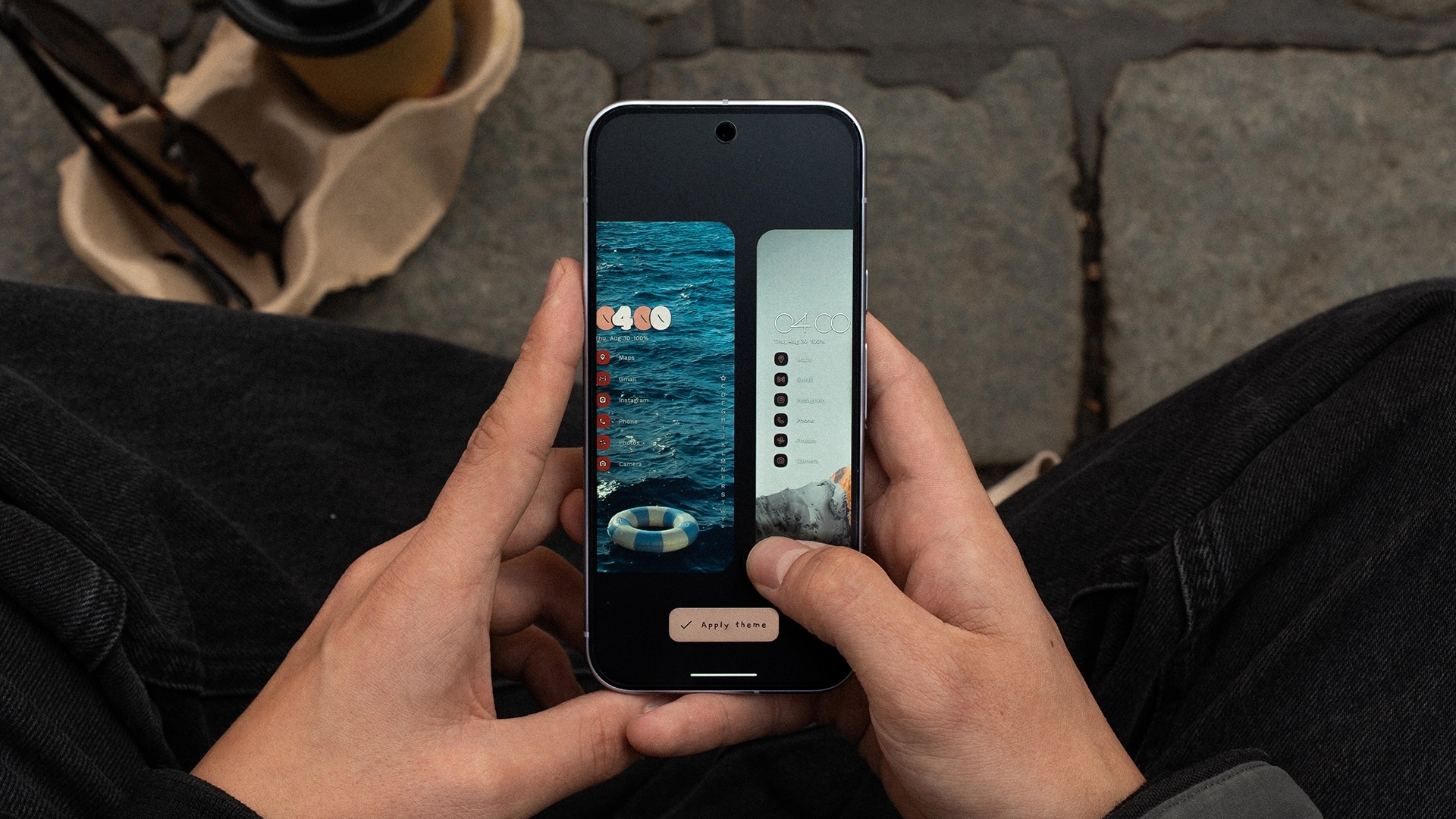
These themes go beyond changing backgrounds; they align wallpaper, icons, and system colors for a cohesive look. For finer control, the Studio centralizes options to adjust Anycons, Niagara’s adaptive icon technology, ensuring all apps share a consistent appearance even without developer‑provided icons.
New Anycons Styles
The update adds new packs to the Anycons library:
- Stellar
- Watercolor
Both packs are flexible—you can adjust line thickness, color, and shapes directly within the launcher. This solves the problem of un‑themed icons disrupting minimalist setups. Anycons also now offers deeper support for Material You dynamic coloring.
Search Bar Enhancements
Niagara’s search tool is now more efficient:
- Web suggestions appear as you type.
- You can browse the web or perform quick calculations without opening another app.
Pro Features
For Niagara Pro users, the update adds the ability to search contacts and start calls or messages directly from the alphabet scroll bar.
Rebranding to Mellowdrop Studio
Along with the update, the team behind Niagara Launcher has adopted the brand name Mellowdrop Studio. The rebrand reflects a desire to portray a “young, independent, creative, and full of energy” team.
Conclusion
The Studio Update keeps Niagara’s minimalism while empowering users to customize easily. It reduces distractions without sacrificing personalization, making Niagara a top choice for a beautiful, functional phone with a simple setup. Look for the new update via Niagara’s community channels and the upcoming Niagara app release.