
🖥️ SSH Manager - VS Code Extension
Published: (December 13, 2025 at 07:42 PM EST)
2 min read
Source: Dev.to
Source: Dev.to
SSH Manager is a standalone VS Code extension for easily managing all your SSH servers with a modern and intuitive interface. It offers full integration with Remote‑SSH.
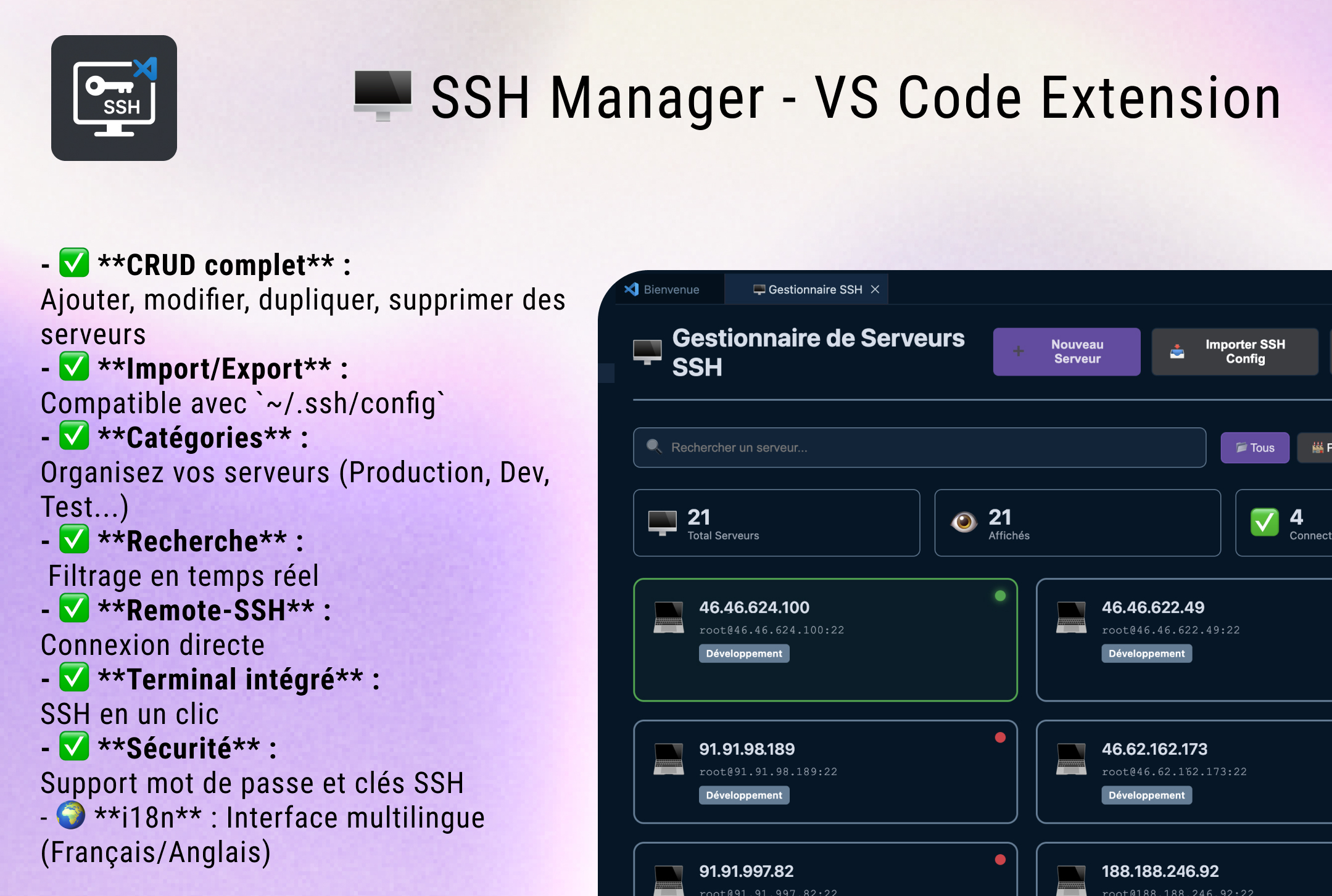
✨ Features
Management Servers
- Full CRUD: Add, modify, duplicate, and delete servers
- Import/Export: Compatible with
~/.ssh/config - Categories: Organize your servers (Production, Dev, Test, etc.)
- Search: Real‑time filtering
- Recent Directories: Quick access to frequently used paths
Connection & Integration
- Remote‑SSH: Direct connection with VS Code Remote‑SSH
- Integrated Terminal: One‑click SSH
- Historical Import: Automatically retrieves your Remote‑SSH connections
Security Pack (New! – PRO PACK)
- Encrypted Passwords: Secure storage via VS Code
SecretStorageAPI - Full Audit: Logs of all connections/disconnections
- Smart Alerts: Detection of suspicious attempts (multiple failures)
- Detailed History: Who, when, from where, success/failure
- Real‑Time Notifications: Connection/failure alerts
- Clean VS Code Server: Clean up VS Code Server on a remote machine
SSH Tunneling (New! – PRO PACK)
- Port Forwarding: Create local, remote, or dynamic tunnels
- Simple Configuration: Intuitive UI for defining port forwarding
- Centralized Management: Monitor all active tunnels at a glance
- Auto Reconnect: Tunnels automatically reconnect after a disconnection
- Tunnel Profiles: Save your favorite tunnel configurations
Other
- Security: Password and SSH key support
- i18n: Multilingual interface (French/English)
- Temporary SSH Keys: Generate ephemeral
ed25519keys with auto‑expiration and install the public key to remoteauthorized_keysin one click. Free users can install up to 3 times per day; PRO removes limits.
🌍 Supported Languages
The extension automatically detects the VS Code language setting:
- 🇫🇷 French (default)
- 🇬🇧 English
For more information on internationalization, see the I18N.md file.