
Skills Officially Comes to Codex
Source: Hacker News
Skill Structure
A skill is a folder that contains a SKILL.md file (required) and optional sub‑folders:
SKILL.md– required: markdown instructions + metadatascripts/– optional: executable codereferences/– optional: documentationassets/– optional: templates, resources
Invoking Skills
Explicit invocation
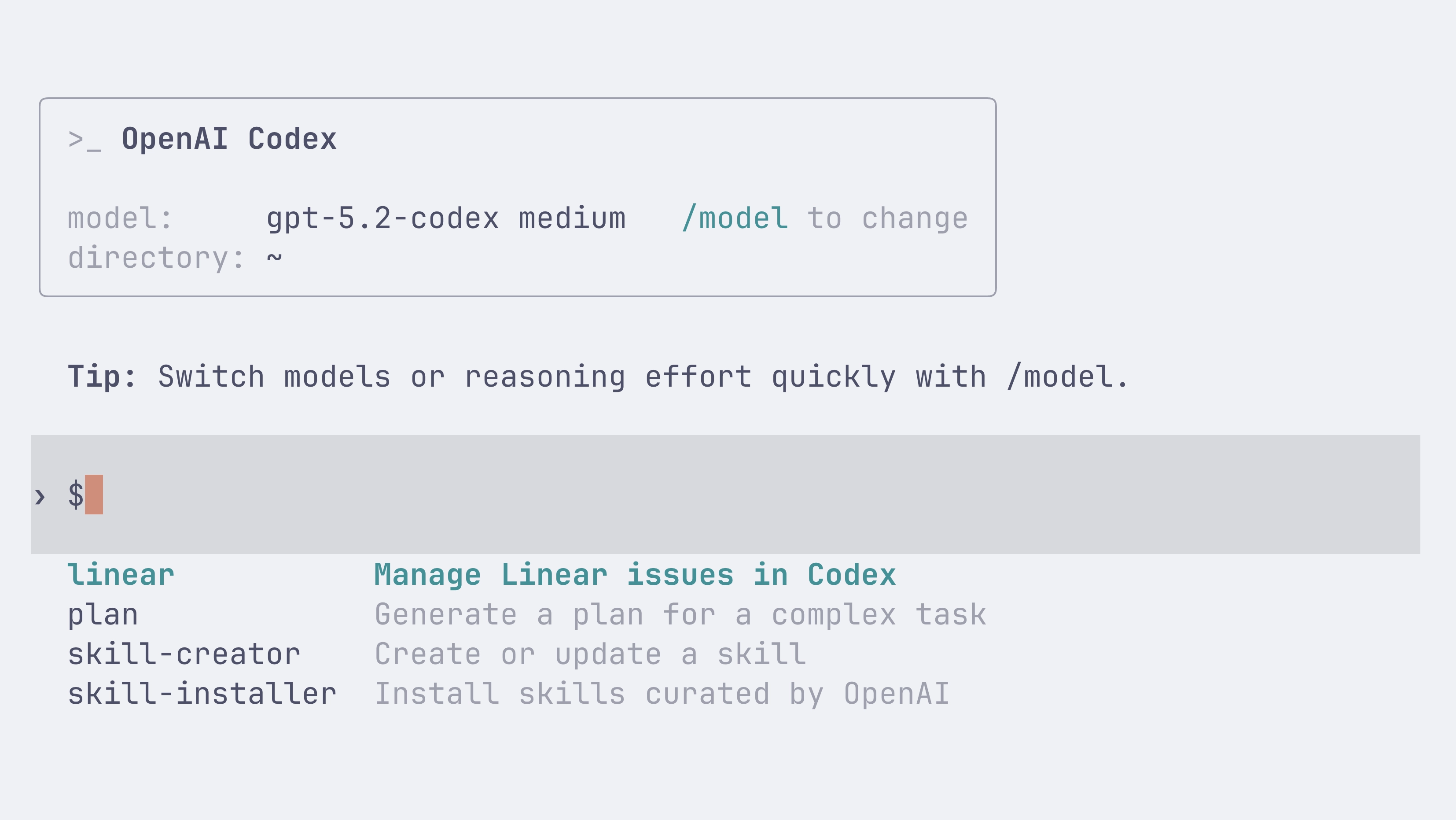
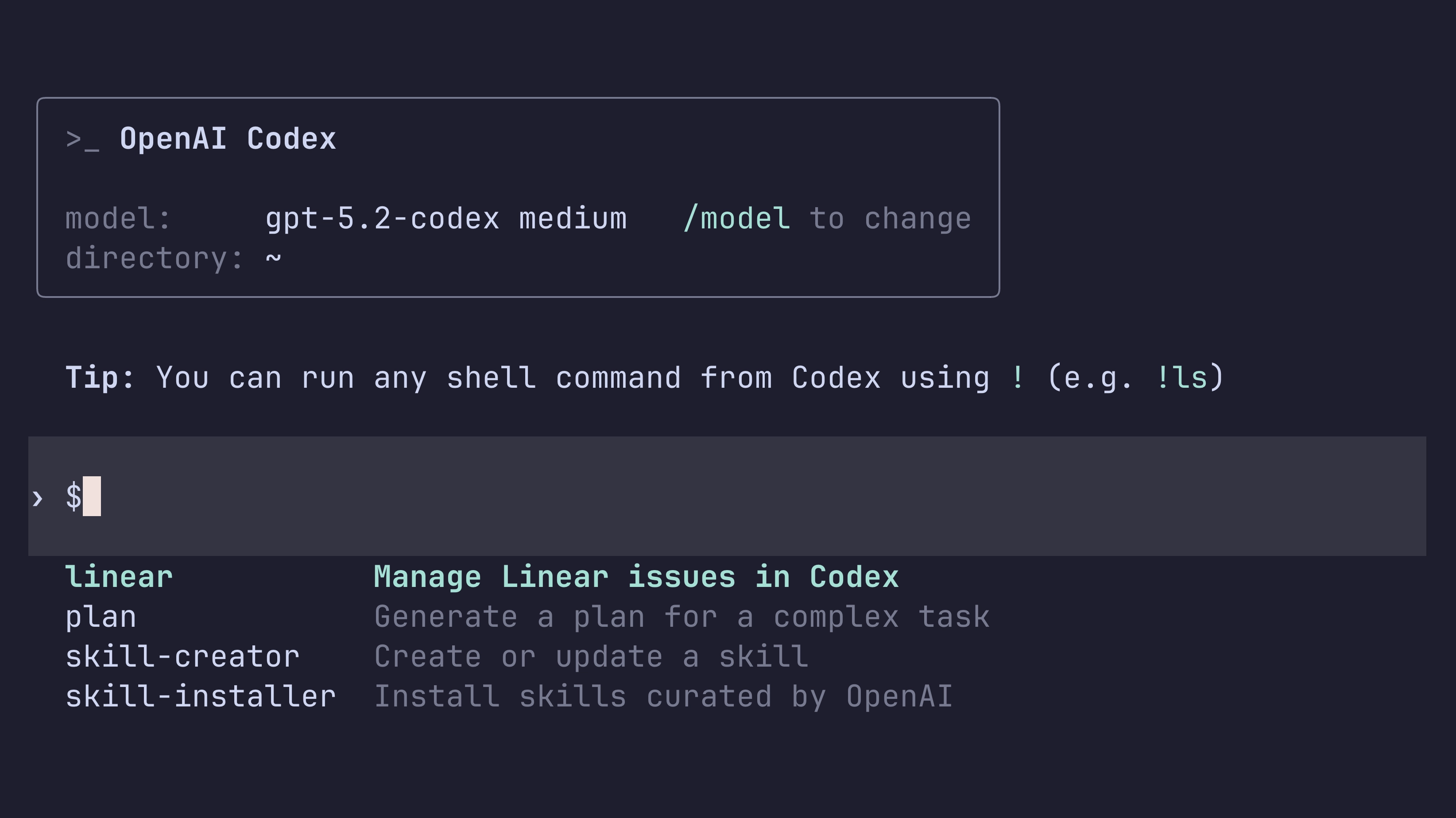
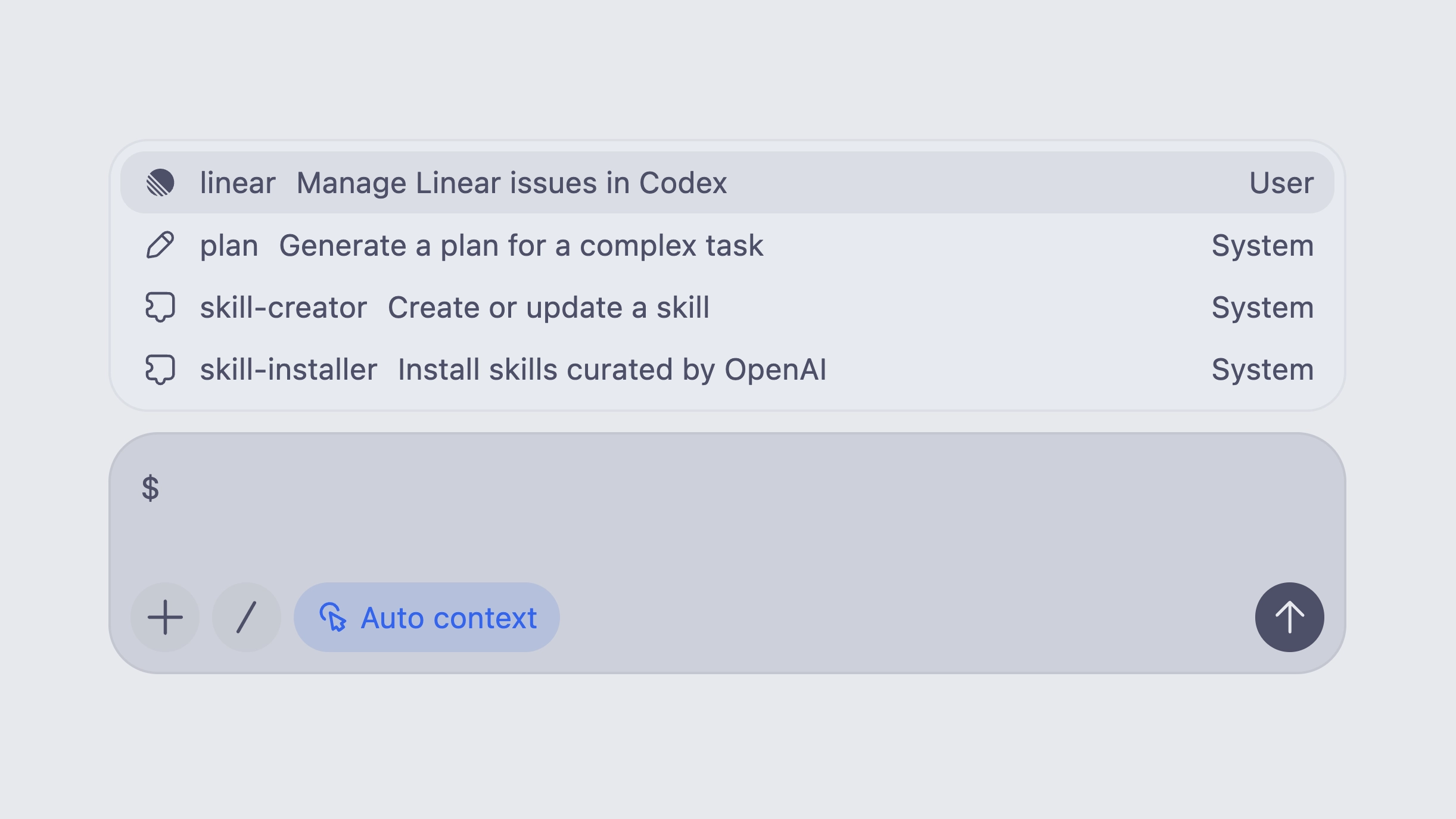
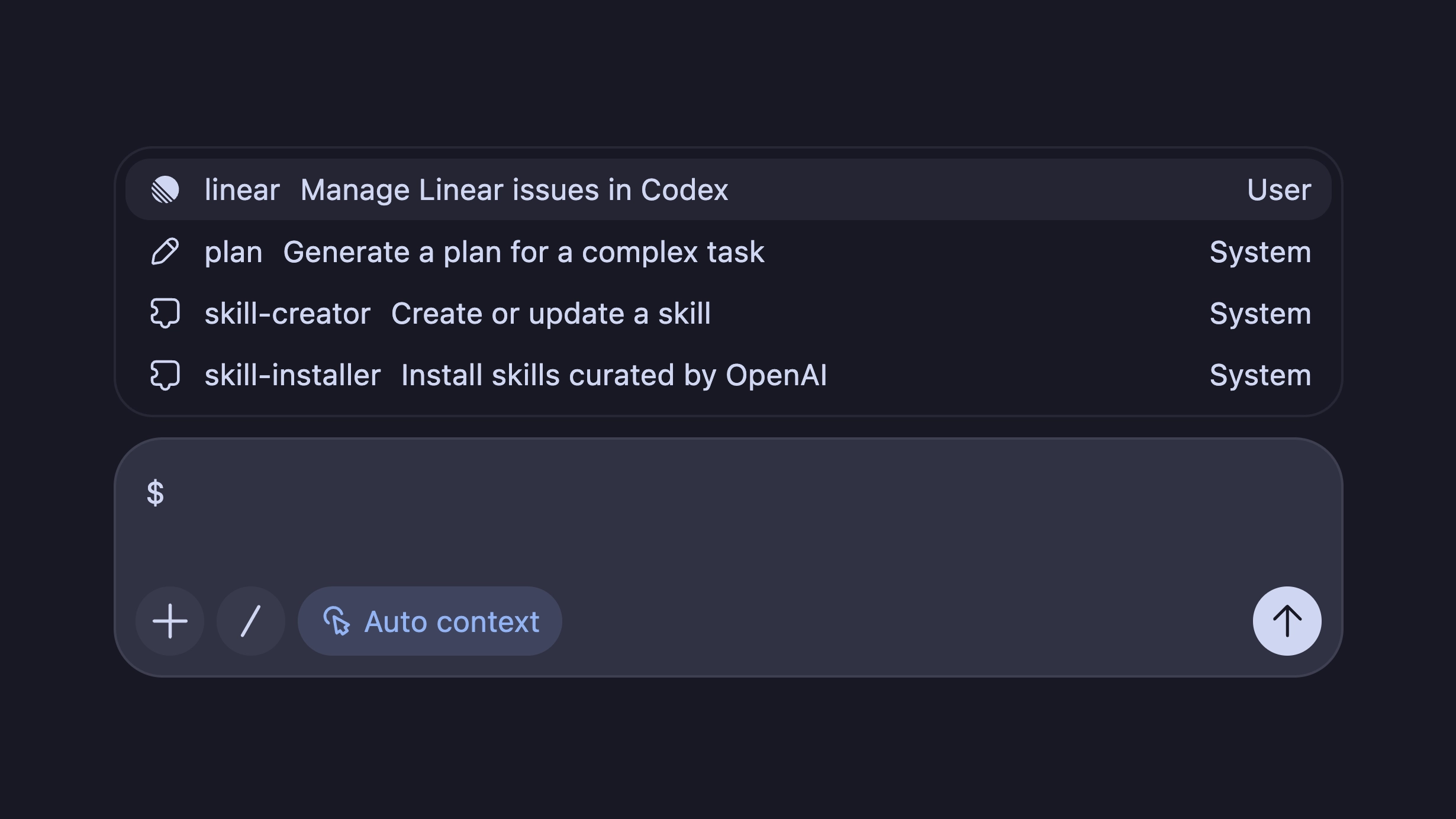
You can include a skill directly in your prompt. To select one, run the /skills slash command or start typing $ to mention a skill. (Codex web and iOS don’t support explicit invocation yet, but you can still prompt Codex to use any skill checked into the repo.)
Implicit invocation
Codex can decide to use an available skill when the user’s task matches the skill’s description. In either case, Codex reads the full instructions of the invoked skill and any extra references checked into the skill.
Skill Scopes and Precedence
Codex loads skills from several locations. When multiple skills share the same name, the one from the higher‑precedence scope overwrites the others.
| Scope | Location | Suggested Use |
|---|---|---|
| REPO | $CWD/.codex/skills | Current working directory (e.g., a microservice or module). |
| REPO | $CWD/../.codex/skills | Parent folder of the current repo – shared area for related projects. |
| REPO | $REPO_ROOT/.codex/skills | Repository root – skills available to all subfolders. |
| USER | $CODEX_HOME/skills (~/.codex/skills on macOS/Linux) | Personal skills that apply across any repository. |
| ADMIN | /etc/codex/skills | System‑wide skills for automation, SDK scripts, or default admin tools. |
| SYSTEM | Bundled with Codex | Broad‑audience skills (e.g., skill-creator, plan). |
Creating a Skill
Using the built‑in $skill-creator
Run the $skill-creator skill inside Codex, describe what you want the skill to do, and Codex will bootstrap it. Pair it with $plan to generate a plan first.
Manual creation
Create a folder in any valid skill location and add a SKILL.md file. The file must contain a name and description (metadata is optional).
---
name: skill-name
description: Description that helps Codex select the skill
metadata:
  short-description: Optional user‑facing description
---

Skill instructions for the Codex agent to follow when using this skill.
Codex skills build on the Agent Skills specification. See the documentation for more details.
Built‑in Skills and Installers
You can expand the list of built‑in skills by downloading from a curated set on GitHub:
$skill-installer linearThe installer can also fetch skills from other repositories.
Example Use Cases
Plan a new feature
Codex ships with a built‑in $plan skill that helps research and create a plan for a new feature or complex problem.
Access Linear context for Codex tasks
$skill-installer linearHave Codex access Notion for more context
$skill-installer notion-spec-to-implementation