
Siri and Apple Home can control Matic vacuum/mop, here’s how
Source: 9to5Mac
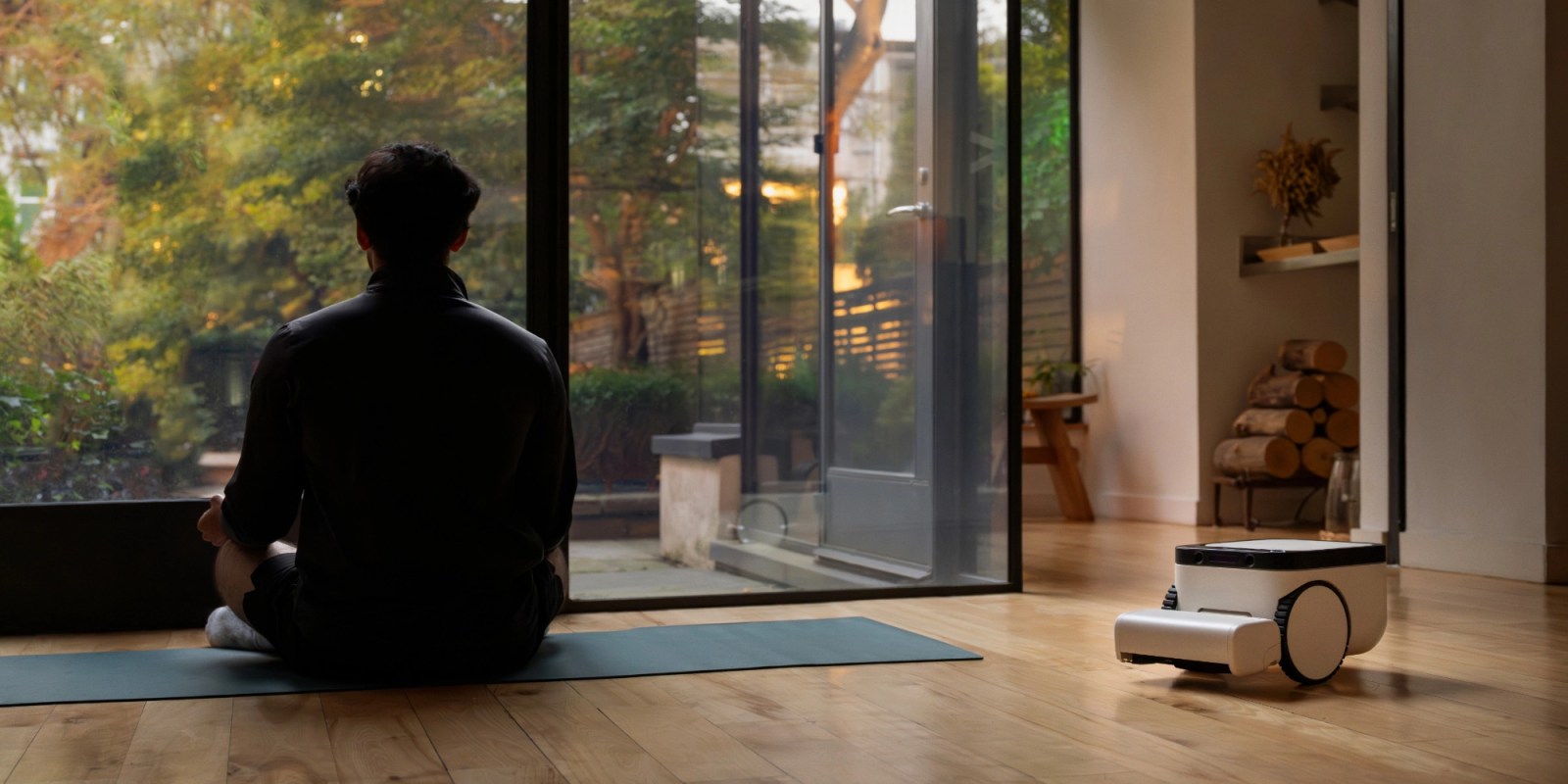
I’ve been using a robot vacuum and mop from Matic Robots for several months now. It’s a solid product with Apple‑level build quality that’s built on privacy and intelligence. While Apple Home integration wasn’t always a feature, I was pleased to see support arrive recently.
Matic works with Apple Home
Matic is not the first robot vacuum to work with Apple Home, but it’s the first that I’ve used.
While the best Matic features are still inside the iPhone app, many of them carry over into the Apple Home app. Apple Home and Google Home integration arrived in the Matic version 1.44 update (March 2026).
After updating the Matic app, a new Connect to Smart Home App option appears in the app’s settings. From there:
- Tap Enter Pairing Mode and choose Apple Home or Google Home.
- The robot displays a QR code on its screen; scan it from the app.
- Follow the prompts to name the device and assign it to a room in the Apple Home app.
You can repeat the process for Google Home. Amazon Alexa is not yet supported, though it’s on Matic’s roadmap.
Siri voice control is a great new feature
Adding Matic to the Apple Home app brings Siri voice control:
- “Siri, start vacuuming.”
- “Siri, vacuum and mop [room name].”
- “Siri, vacuum [room 1] and [room 2].”
- “Siri, mop [room name].”
- “Siri, vacuum and mop everywhere.”
- “Siri, pause [vacuum name].”
- “Siri, return the vacuum to the dock.”
Matic also shares its internal room labels with HomeKit, avoiding duplicate or empty rooms in the Home app.
Apple Home app controls alongside HomeKit accessories
Within the Apple Home app you can:
- Vacuum, mop, or vacuum + mop specific rooms, room groups, or the entire house.
- Pause, resume, or send the robot back to its dock at any time.
- Trigger cleaning via scenes or automations (e.g., start cleaning when you leave, dock when you arrive).
- Choose among three cleaning modes: Quick, Deep Clean, and Automatic.
- View the robot’s charging status.
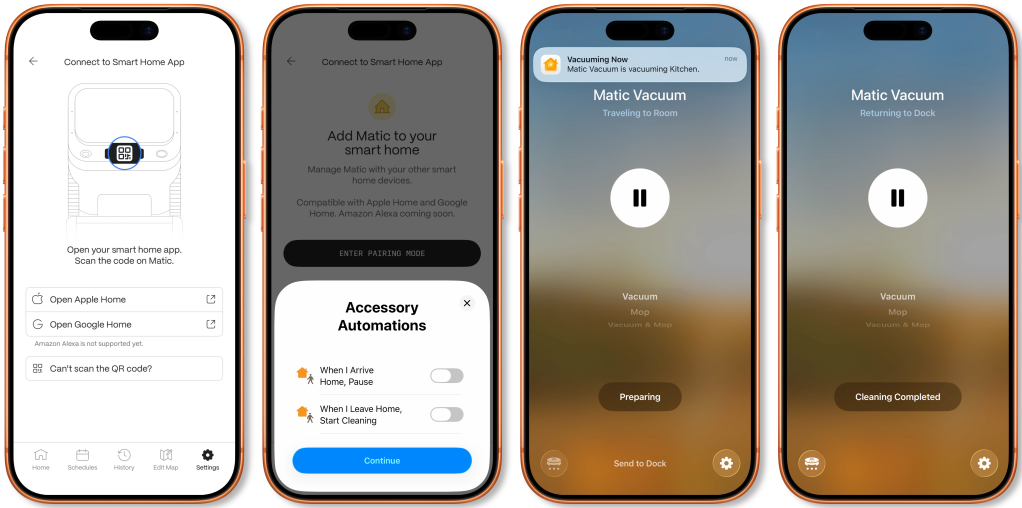
The only Home app feature that didn’t work was the “play sound to locate Matic” button. Additionally, the Home app on macOS (Tahoe 26.5) does not fully support the robot, so Siri on Mac cannot control it—likely an Apple issue.
Overall, Matic’s smart‑home integration is well executed. While some advanced settings remain in the Matic app, Siri voice control adds convenient everyday functionality.
Purchase information
Matic Robots offers the Matic vacuum/mop, designed and assembled in California, for $1,245 with a 60‑day return period. Buying through this affiliate link unlocks a free Annual Bag Pass.
FTC: This post contains affiliate links that may earn a commission.