Samsung’s latest Galaxy update changes how dark mode looks, but not for everyone
Source: 9to5Google
Background
One UI 8.5 is rolling out after months in beta. In the past few days, users have noticed that dark mode looks different in apps on Samsung’s latest Galaxy update.
Dark mode has been a standard feature across mobile devices for years. Google originally focused on dark tones that weren’t purely black, Apple went all‑in on black backgrounds, and Samsung generally fell somewhere in the middle, with some apps using pure black and others using mostly gray tones.
Observed Changes
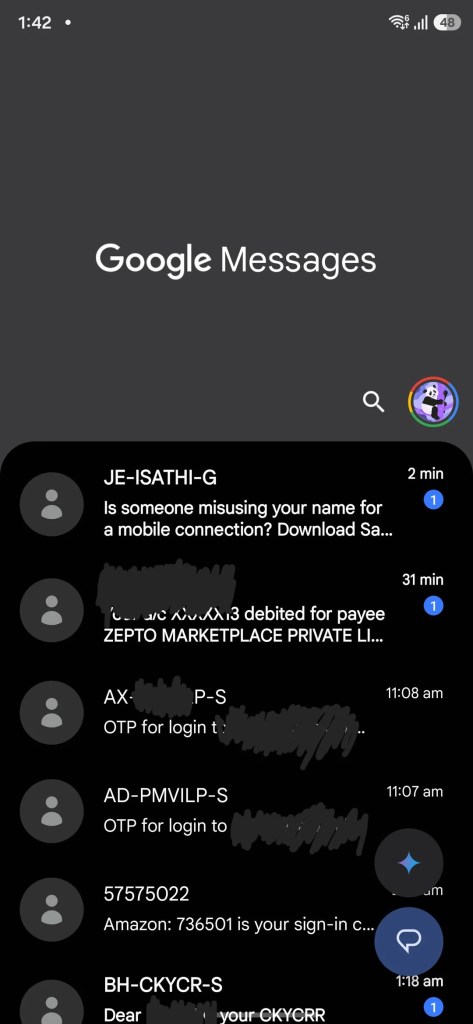
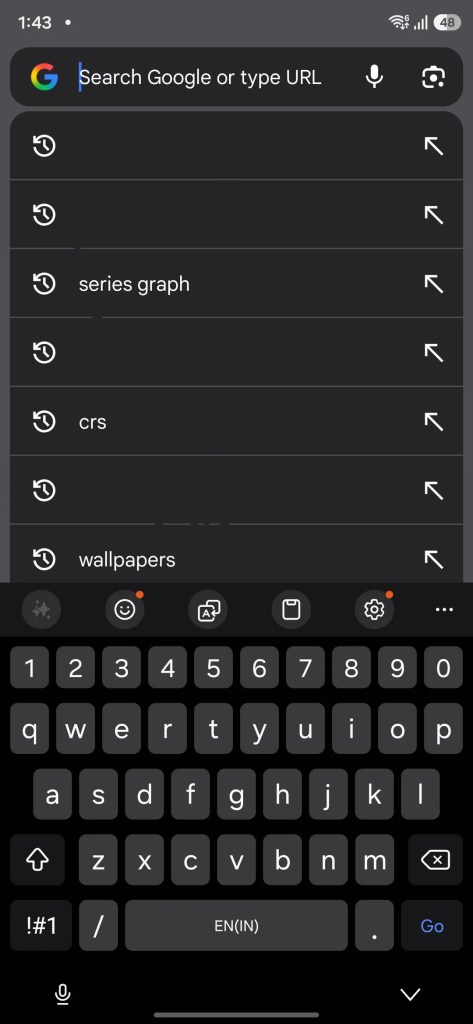
Following the One UI 8.5 update, some users have noticed that the colors are shifting, especially in Google apps. Dark mode is being described as “inconsistent,” with more gray backgrounds in this latest update.
However, this isn’t happening for everyone. Examples shared online show a light, unpleasant gray color in dark mode in Google apps, while a Galaxy Z Fold 7 updated to One UI 8.5 from 8.0 does not exhibit the issue.
Cause and Fix
The difference appears to be the color palette. Samsung has changed how it implements color accents from Material You, referred to as the “color palette” on One UI. A new default tone applies a slightly different look for users who haven’t customized their palette.
Some users have found that switching the default back—through more advanced methods—restores a more consistent appearance to apps running on One UI 8.5.
If you enable Material You theming throughout the UI, dark mode functions as expected with darker colors in both Samsung and Google apps. If you turn it off, the lighter gray shade appears in some apps. Samsung, like Google, also offers static color choices for users who prefer not to use Material You throughout the UI.