
Samsung is already adding Galaxy Glasses support to One UI ahead of launch
Source: 9to5Google
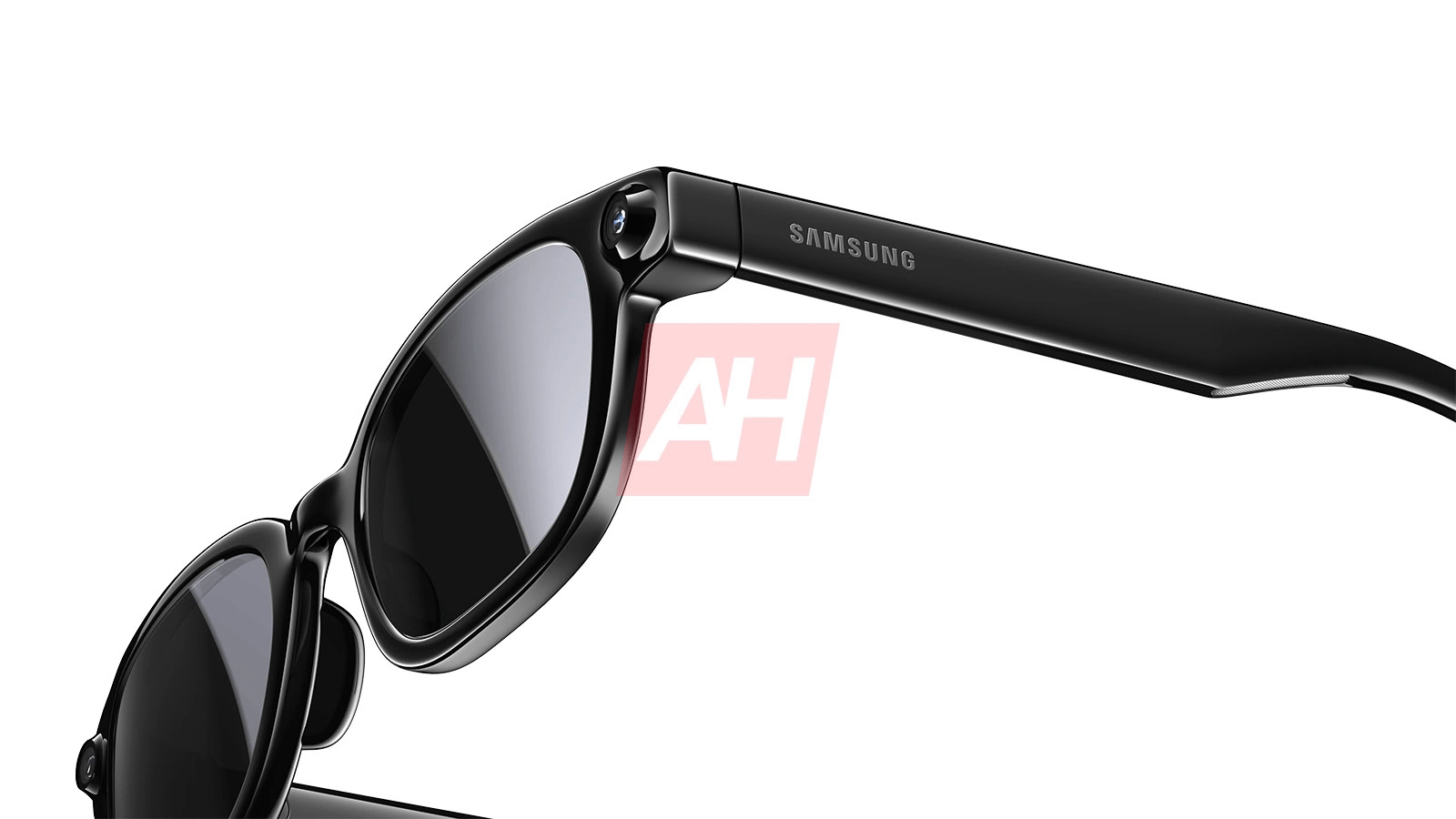
Samsung adds Galaxy Glasses support to One UI
Follow this week’s (seemingly finalized) leaked product images for the upcoming Galaxy Glasses, Samsung is finding itself responsible for yet another leak — this time, thanks to an otherwise routine app update.
As spotted by SamMobile, Samsung pushed out a new update to its Nearby Device Scanning app, which the company uses to help connect products within its larger Galaxy ecosystem. Whenever Samsung launches new earbuds or wearables, this app typically gets an update to add support for those new products. With this week’s update, however, the company might be getting a little ahead of itself, as the changelog specifically states the tool now supports “Glasses quick pair and battery pop up” well before the actual unveiling of Galaxy Glasses.
With this change, future Galaxy Glasses owners will be able to quickly pair their eyewear to supported Samsung phones, while also receiving battery alerts as needed. That’s a good thing, since we don’t expect this first‑gen pair to have a display capable of showcasing battery levels at any time. While its bone‑conduction‑based speakers should be able to alert you to a low charge, the last thing you want during an in‑person conversation is a disembodied voice informing you that your glasses are about to die.
As we saw with yesterday’s leak, Samsung’s entry into the smart glasses market doesn’t look all that different from a standard pair of Wayfarer‑style glasses, which should make the transition for first‑time buyers pretty simple. We’re expecting them to arrive in a few months at this summer’s expected Galaxy Unpacked, but considering their status as Android XR’s first major expansion to glasses, we could see an early glimpse on‑stage at Google I/O next month. Only time will tell.
More on Samsung
- Samsung sued by the ‘original developer of foldable phones,’ but a ban seems unlikely
- First Galaxy Buds 4 and Buds 4 Pro update brings stability fixes, rolling out
- Samsung Wallet ‘Trips’ wants to create a more seamless travel experience than Calendar
FTC: We use income‑earning auto affiliate links. More.