
Samsung Galaxy phones get a new way to fill in as your US passport using CLEAR
Source: 9to5Google
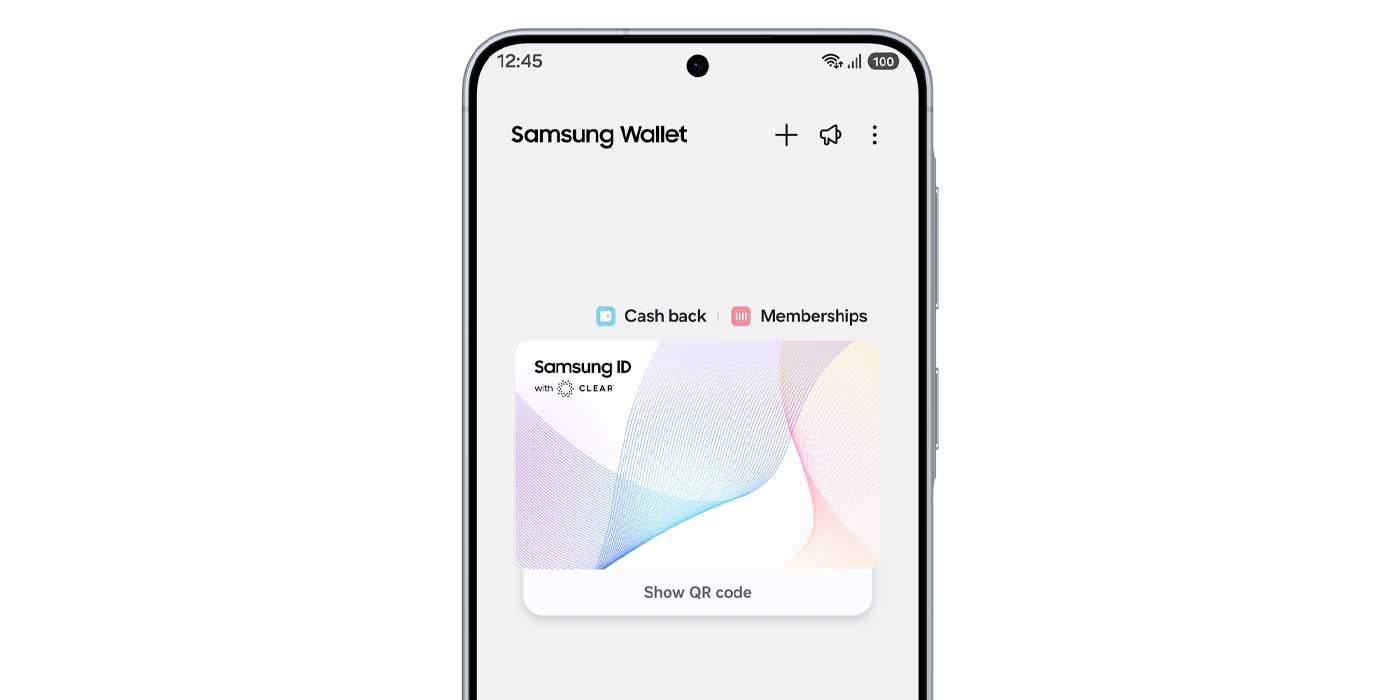
Samsung ID with CLEAR
Samsung is partnering with CLEAR to offer a digital US passport option that’s already supported at airports. CLEAR’s existing integration with the TSA allows Samsung Wallet users to add a digital passport that will be available in select airports.
According to Samsung’s announcement, users can integrate their US passport to be verified by CLEAR. A membership with CLEAR isn’t required; the basic CLEAR ID can be used when the feature is enabled in Samsung Wallet. An upgrade to CLEAR+ is optional.
This feature is separate from the digital state ID process in Samsung Wallet. Both digital passport and digital state ID will be accepted at more than 250 TSA checkpoints across the US.
How to add the digital passport in Samsung Wallet
- Open Samsung Wallet.
- Navigate to Quick Access > + > Digital IDs.
- Select Samsung ID with CLEAR.
- Tap Get Card.
You will need to verify your identity with CLEAR for the ID to be processed. Once added, the digital passport can be used in place of a physical passport at supported checkpoints.
Comparison with Google Wallet
Google recently expanded its passport integration to Brazil, Singapore, and Taiwan (source). Unlike Samsung’s solution, Google Wallet does not use CLEAR’s verification process. It remains to be seen how this difference will affect acceptance at various checkpoints, and some user friction may persist until digital IDs become more widely adopted.