
Part 3: Simulating Real-Time Streaming Data Using Databricks Sample Datasets
Published: (January 2, 2026 at 05:48 AM EST)
1 min read
Source: Dev.to
Source: Dev.to
Dataset Overview
We use the Databricks NYC Taxi sample dataset, available by default in Databricks.
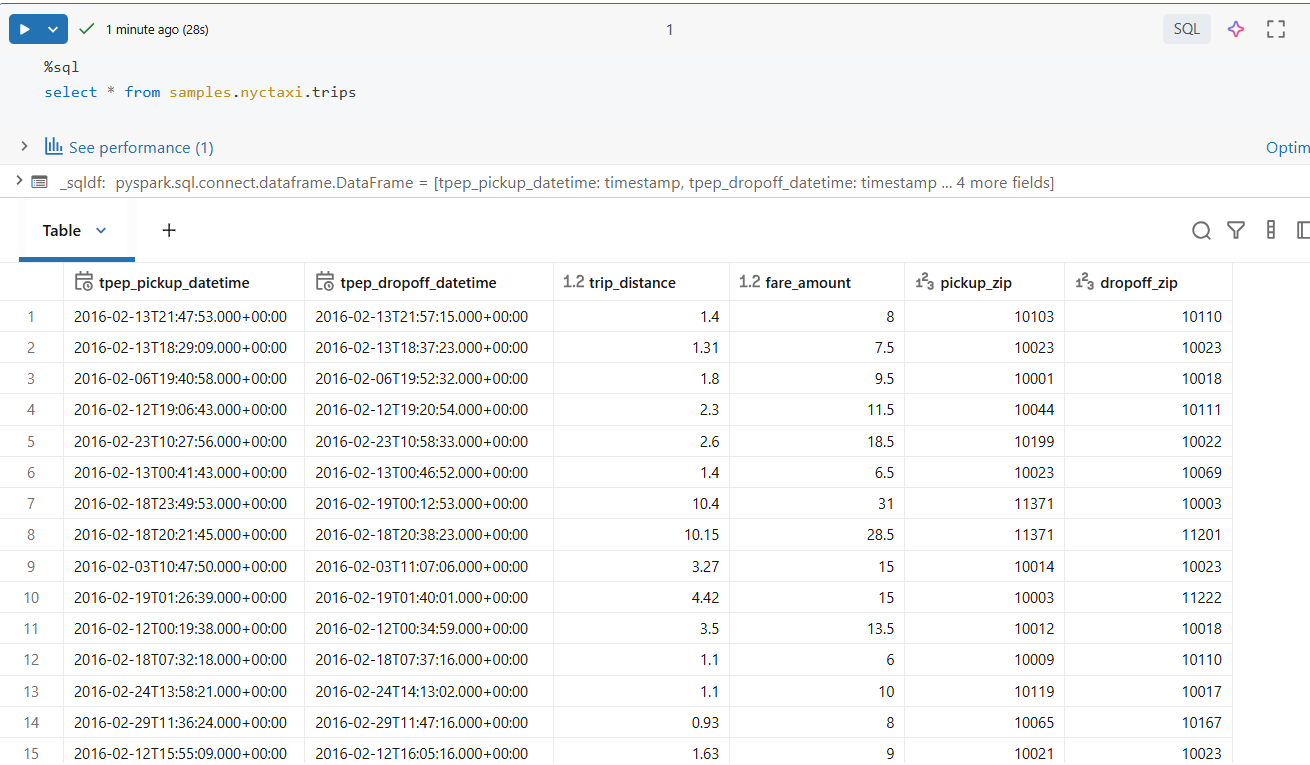
This dataset is ideal because it includes:
- Event timestamps (
tpep_pickup_datetime) - Numeric measures (
fare_amount,trip_distance) - Location attributes (
pickup_zip,dropoff_zip) - Sufficient data volume to observe performance and shuffle behavior
Although the dataset is static, we will convert it into a streaming source.
Converting Static Data into a Streaming Source
Step 1: Read the Sample Dataset
df = spark.table("samples.nyctaxi.trips")At this point, the data is a normal batch DataFrame.
Step 2: Write Data as JSON Files
To simulate streaming input, we write the dataset as JSON files to a directory:
(
    df.write
      .mode("overwrite")
      .format("json")
      .save("/tmp/taxi_stream_input")
)
This writes files to DBFS (Databricks File System), overwriting any files previously present in /tmp/taxi_stream_input. The operation creates multiple JSON files, each representing a batch of incoming events.
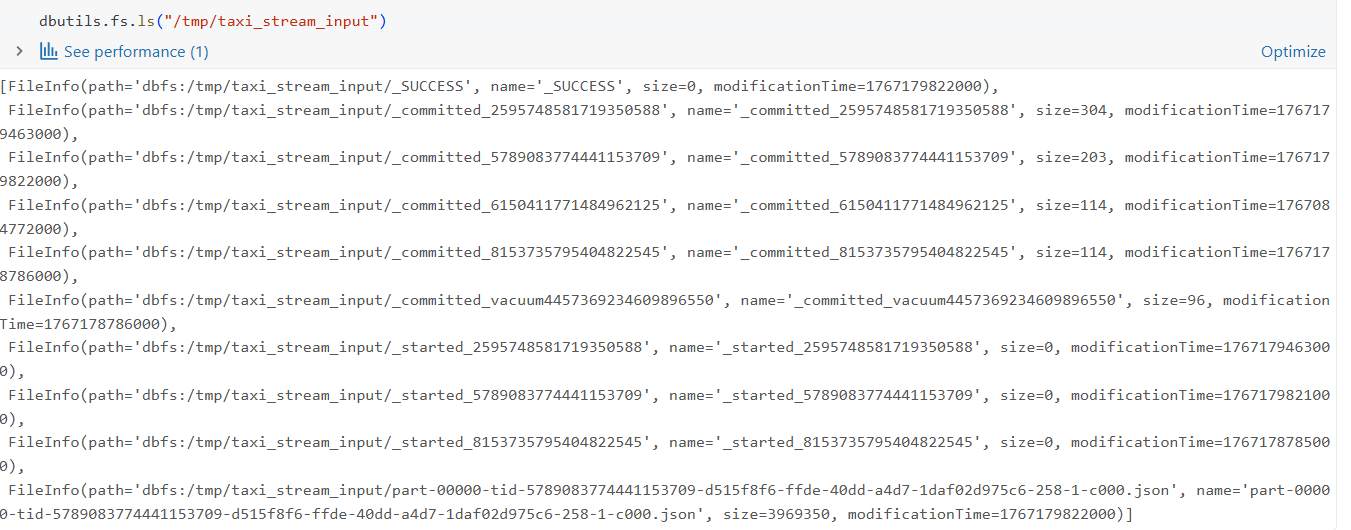
Now the data is available as file storage for us to read and start the streaming!