
OverTheWire: Bandit Level 2
Published: (May 1, 2026 at 05:27 PM EDT)
1 min read
Source: Dev.to
Source: Dev.to
Using ssh, ls, cat, cd on Command Line
Things to do
- SSH into the bandit1 host
bandit.labs.overthewire.orgon port2220- Username:
bandit1 - Password:
ZjLjTmM6FvvyRnrb2rfNWOZOTa6ip5If
- Username:
- Use
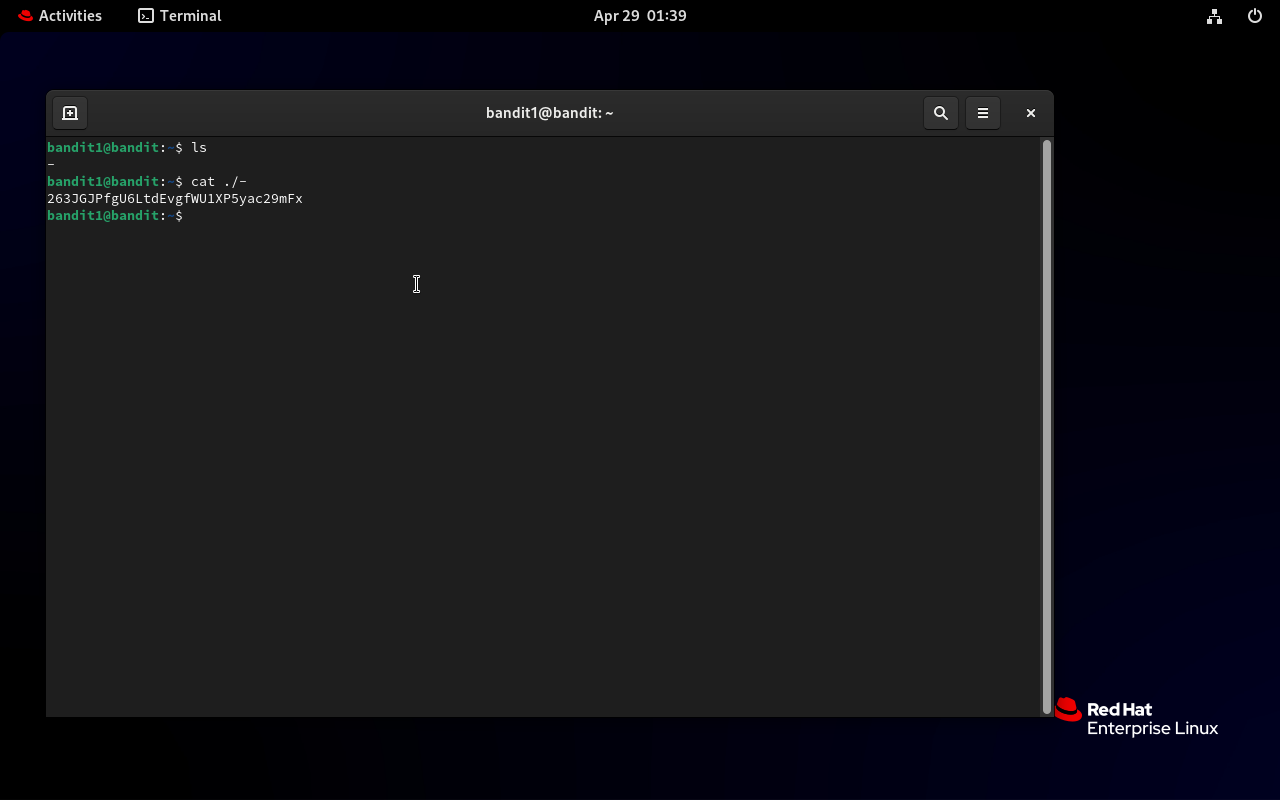
lsto locate the file named-. - Since
cat -reads from stdin, display the file withcat ./-and copy the password. - Exit the session (
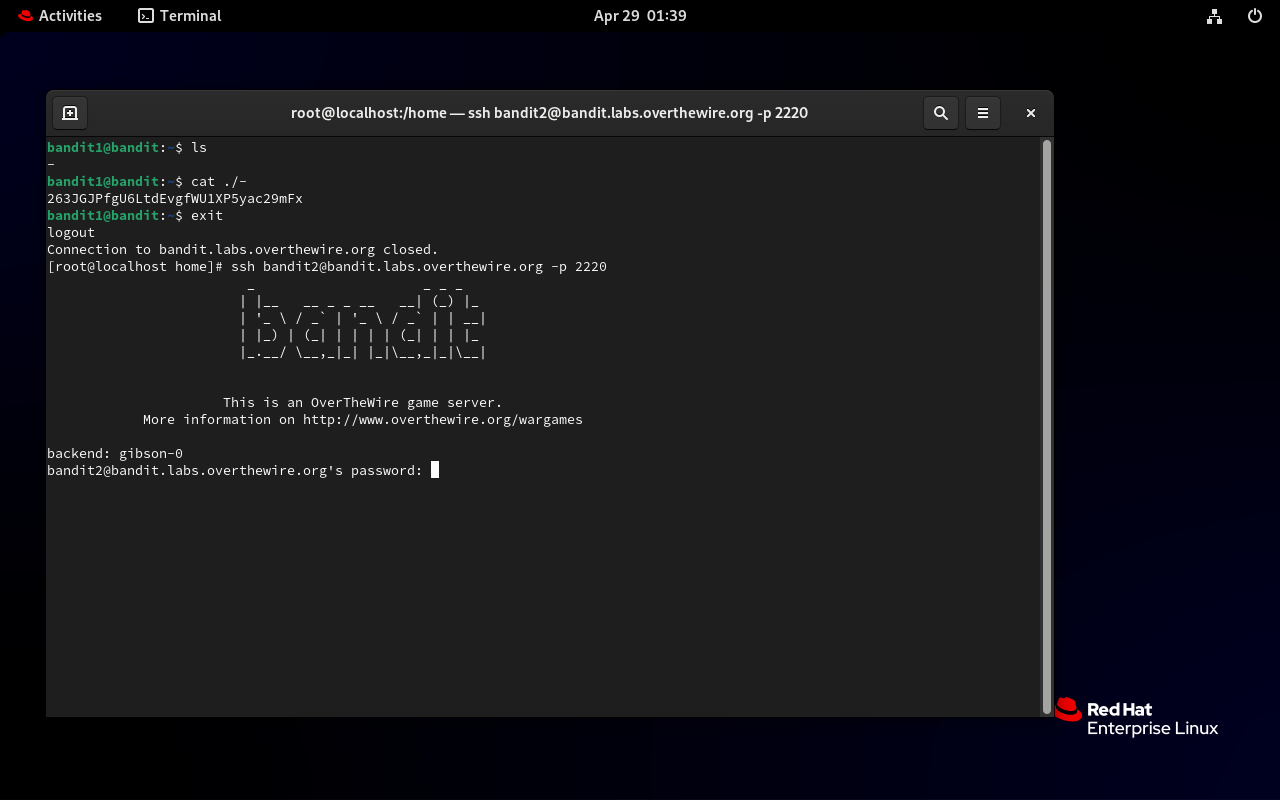
exit). - SSH into bandit2 using the password you just copied:
ssh bandit2@bandit.labs.overthewire.org -p 2220Tip: Save each level’s password for later use.
# On bandit1
ls
cat ./-
# copy the password shown
exit

# Connect to bandit2
ssh bandit2@bandit.labs.overthewire.org -p 2220
# when prompted, enter the password you copied (e.g., 263JGJPfgU6LtdEvgfWU1XP5yac29mFx)
Screenshots
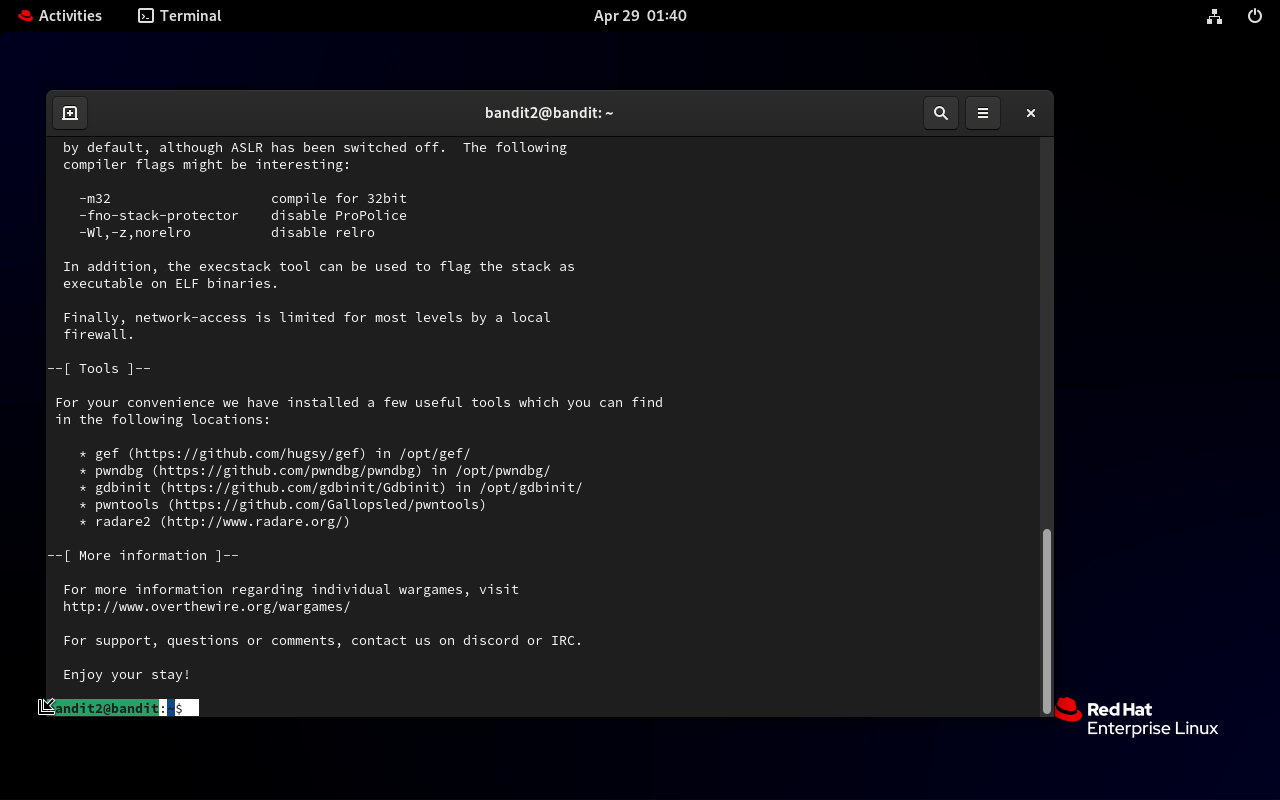
You have successfully logged in and completed Bandit level 2!
See you in level 3!