
OLED gaming monitor shows only light burn-in after 3,000-hour torture test — 500 hours of Overwatch gameplay leaves a faint scar on the premium panel
Source: Tom’s Hardware
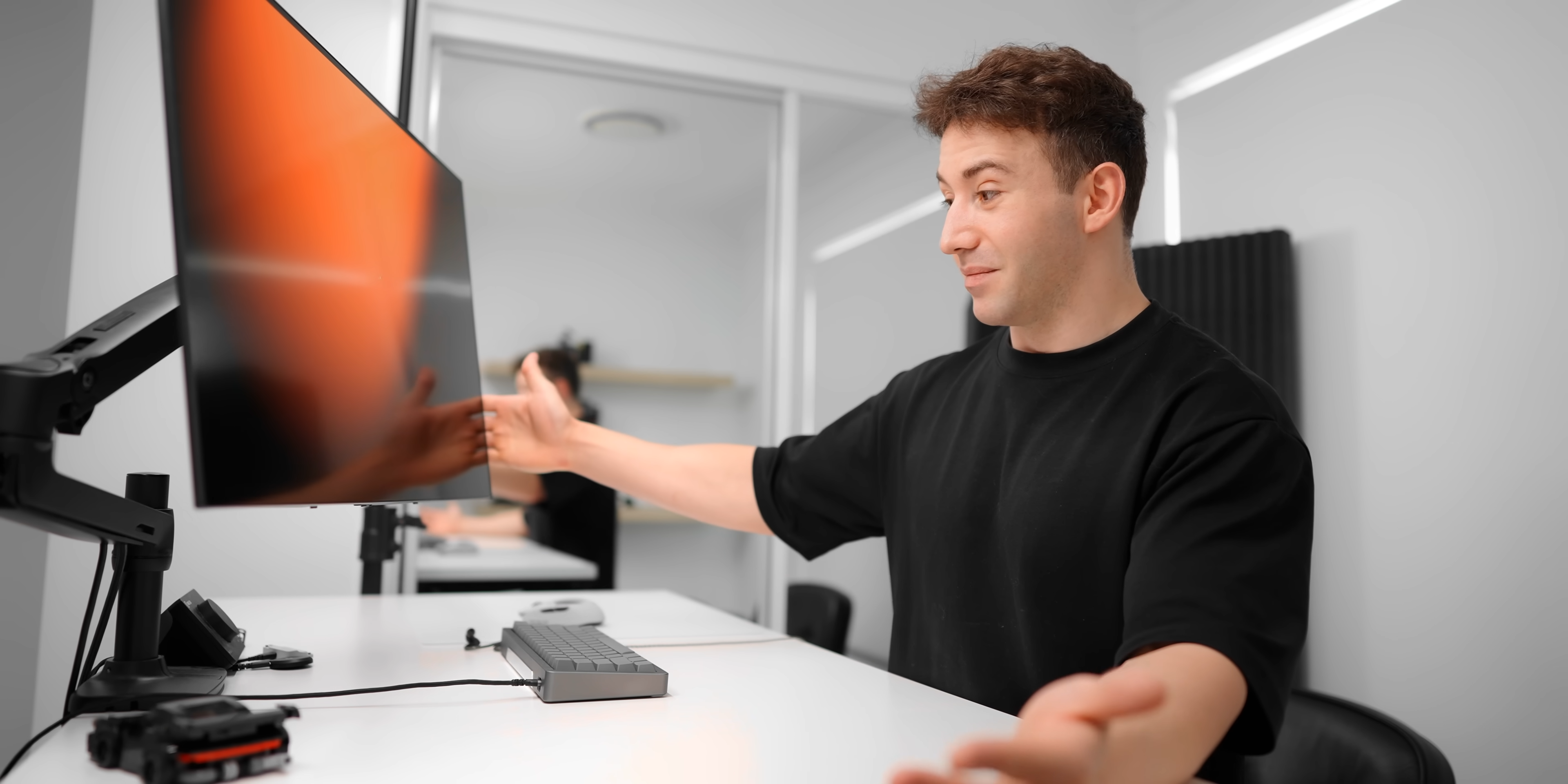
Image credit: optimum on YouTube
Image retention, commonly known as burn‑in, remains a major concern for prospective OLED buyers despite advances in countermeasures. The benefits of self‑lit pixels—such as infinite contrast ratio and instantaneous response times—are often overshadowed by longevity worries. This latest burn‑in test from YouTuber Optimum shows that, unless you’re abusing your display, there’s little to worry about.
Test Setup
Optimum has been using an LG 32GS95UE‑B dual‑mode 32‑inch OLED monitor with native 4K resolution at 240 Hz (doublable to 480 Hz at 1080p). Over two years he logged more than 3,000 hours on the monitor, primarily playing Overwatch 2 and working in DaVinci Resolve and Fusion 360—applications that contain many static UI elements, making them a solid real‑world test.
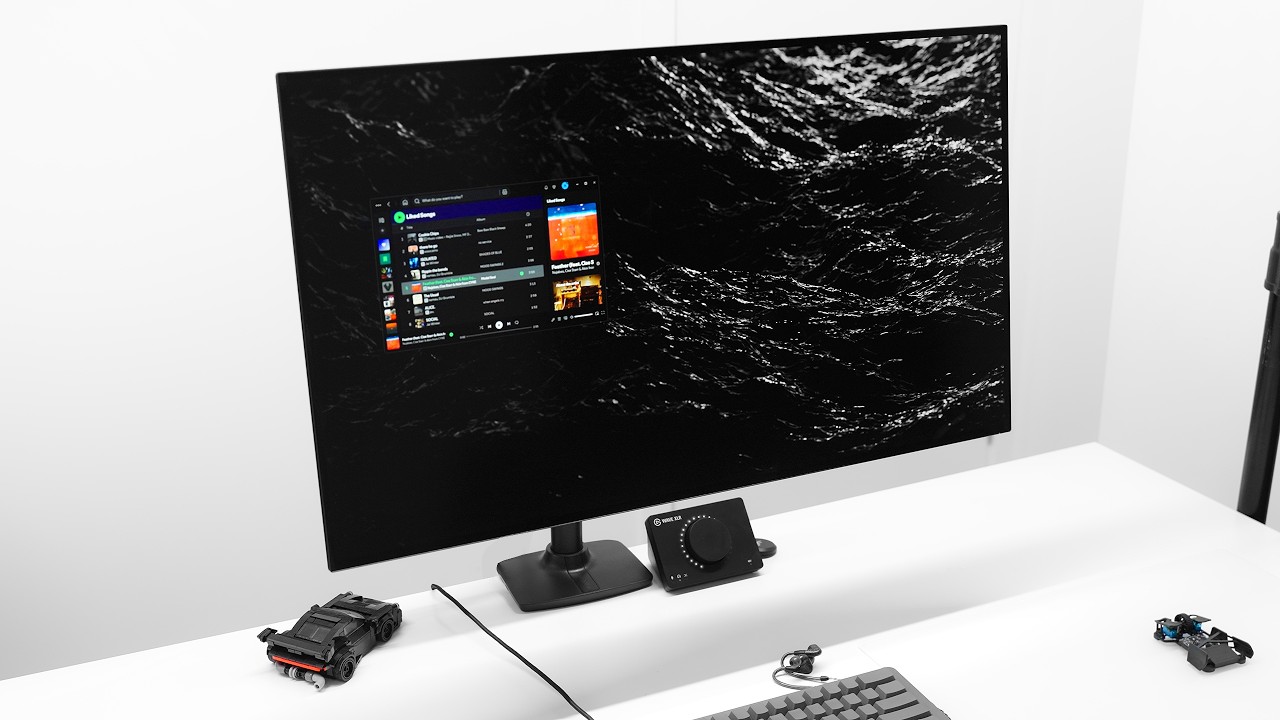
Findings
- Overwatch contributed the most noticeable retention. After roughly 500 hours of gameplay, the health bar in the bottom‑left corner and the adjacent player card showed slight retention on a grey background. The affected pixels are hard to notice without magnification; Optimum edited the screenshots to make them visible.
- DaVinci Resolve left faint traces on the scroll bars in the editing timeline (bottom‑right corner), but these were even less perceptible.
- No other areas of the screen exhibited noticeable image retention.
- Overall peak brightness dropped from 262 nits to 258 nits after 3,000 hours—essentially unchanged and still “as good as new.”
These results reflect a realistic usage pattern rather than the accelerated stress tests used by some reviewers (e.g., Rtings.com). Optimum recommends taking advantage of the typical 3‑year support window offered by most vendors if burn‑in does become an issue.
Recommendations
- Keep all panel‑care features enabled, especially pixel refresh, which helps individual pixels wear more evenly.
- Use varied content and avoid static UI elements staying on the screen for prolonged periods. Snapped windows and a visible taskbar are often the first areas to show retention.
- Moderate daily playtime (Optimum averaged about 30 minutes per day for Overwatch). Higher daily exposure to a single static UI increases the risk of burn‑in.
Conclusion
OLED burn‑in is an inherent by‑product of the technology rather than a flaw that can be fully eliminated. With typical usage—mixing content, enabling panel‑care features, and staying within the manufacturer’s warranty period—the impact is minimal. For most users, a premium OLED monitor like the LG 32GS95UE‑B remains a viable choice for both gaming and professional workloads.