
Nvidia rolls back its latest driver update — Game Ready Driver 595.59 reportedly causes fan issues on RTX 3000, 4000, and 5000-series GPUs
Source: Tom’s Hardware
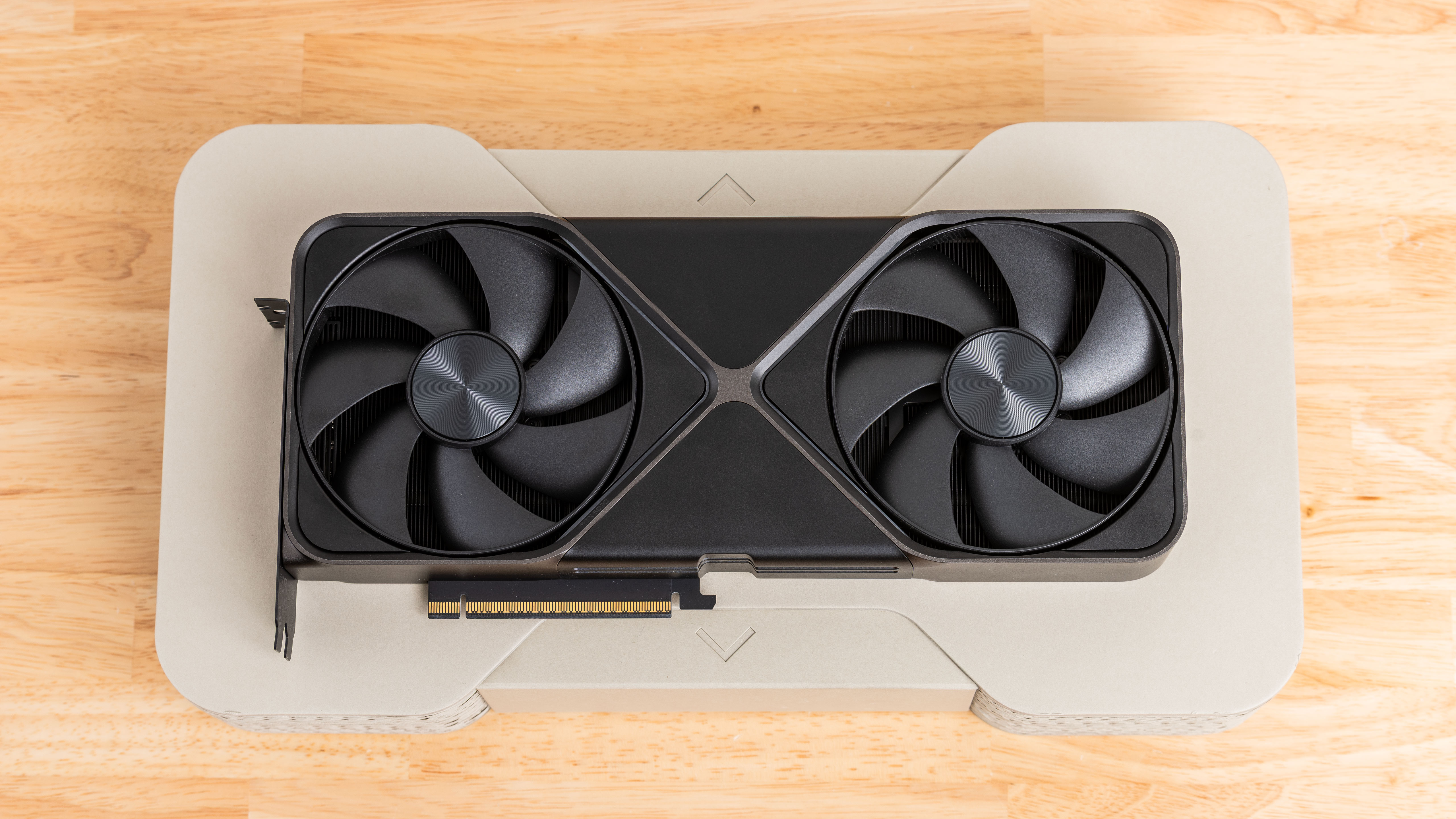
Image credit: Future
Issue Overview
Nvidia released the GeForce Game Ready Driver 595.59 to optimize GPUs for Resident Evil Requiem. According to a ComputerBase article (machine‑translated), the driver causes fan‑control problems on RTX 3000‑, RTX 4000‑, and RTX 5000‑series cards, with the GPU reading only a single fan.
The problem persists even when third‑party tools such as MSI Afterburner are not installed.
How to Roll Back the Driver
-
Via Nvidia Control Panel
- Open the Nvidia app.
- Go to the Drivers tab, click the three dots, and select Roll Back Driver.
-
Via Windows Device Manager (if Nvidia software is not installed)
- Open Device Manager → Display adapters.
- Right‑click your GPU → Properties → Driver tab → Roll Back Driver.
- If the button is greyed out, uninstall the current driver, then download and reinstall the latest stable driver from Nvidia’s website.
Nvidia has removed driver 595.59 from its download page, so reinstalling the previous version should resolve the issue.
Recent Driver Problems
- November 2025: Nvidia issued an emergency driver fix after Microsoft’s KB5066835 update degraded gaming performance on Windows 11 25H2 and 24H2.
- March 2025: RTX 30‑ and RTX 40‑series GPUs experienced BSODs, system instability, and game‑breaking bugs after a driver release aimed at the new RTX 50‑series.
- December 2024: Users were urged to roll back to the December driver due to similar stability issues.
Context
Both AMD and Nvidia typically release driver updates alongside major game launches to ensure optimal performance. However, the sheer variety of hardware configurations makes it challenging to guarantee flawless operation for every system.
Outlook
Nvidia is expected to investigate the fan‑control issue and publish a corrected driver before Resident Evil Requiem becomes publicly available on February 27.