
Nothing Warp is an AirDrop stopgap that uses your Google Drive, and I don’t get it [Gallery]
Source: 9to5Google
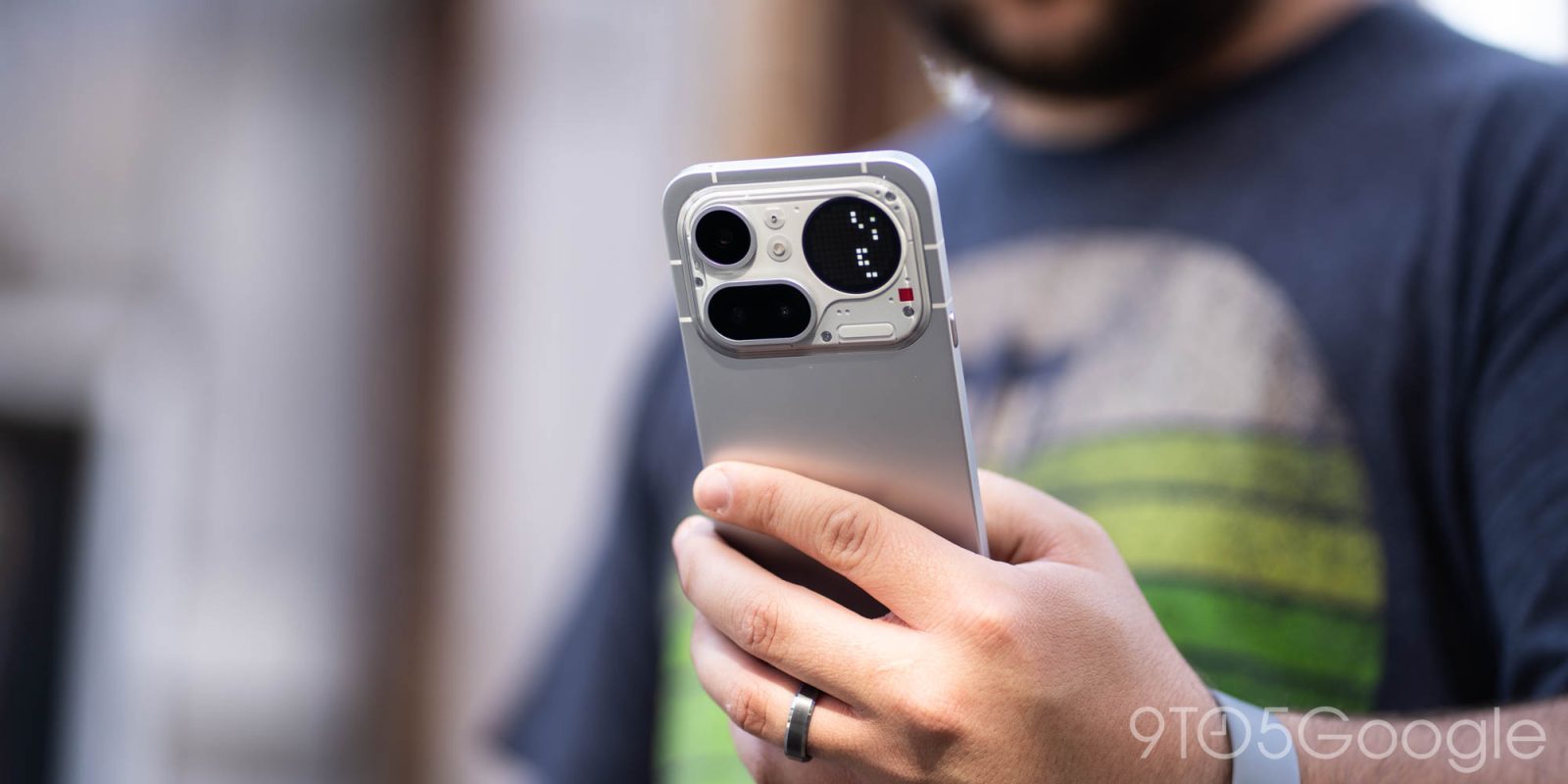
What is Nothing Warp?
Nothing Warp is essentially a two‑part solution:
- Smartphone app – upload a file from an Android device.
- Browser extension – receive the file on a desktop browser.
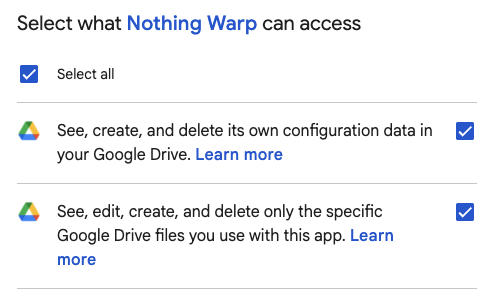
Both parts require you to sign in with your Google account. The service acts as a middleman for a Google Drive upload, using “your own private Google Drive to move files.” Nothing states that the app only accesses files it creates, but it does request permission to see, edit, create, and delete files in your Drive.
Availability
-
Extension: Works in Chromium‑based browsers (Chrome, Edge, etc.).
Nothing Warp extension on Chrome Web Store -
Android app: Available on Google Play for any Android phone, not just Nothing devices.
Nothing Warp on Google Play
How it works
- From the phone, use the Android share sheet to select Nothing Warp and upload the file.
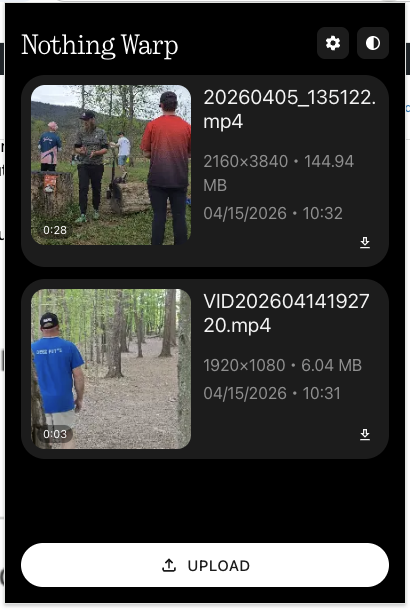
- The extension adds a “Send with Nothing Warp” option to the right‑click menu and a dedicated Upload button. You can also paste content directly into the extension.
- Once the file is uploaded, a notification appears in the extension. You must manually download the file to your computer.
Performance & Limitations
- Speed: Because the file is first uploaded to Google Drive and then downloaded, transfers are slower than direct Wi‑Fi solutions. A 150 MB video took a couple of minutes on a fast connection.
- Internet dependence: Transfer speed relies on both devices’ internet connections (home Wi‑Fi, mobile data, etc.).
- Storage limits: You’re constrained by your Google Drive quota, which caps the maximum file size you can “send.”
- Privacy: The app needs access to your Drive, though Nothing claims it only touches files it creates.
- Cleanup: Files are deleted after transfer, but the exact timing isn’t disclosed.
Pros & Cons
| Pros | Cons |
|---|---|
| Works across any Android phone and any Chromium‑based browser | Slower than native Wi‑Fi solutions |
| No need to manually navigate Drive folders | Requires internet connection and Drive storage |
| Files aren’t permanently visible in Drive | Grants the app broad Drive permissions |
| Simple right‑click “Send with Nothing Warp” option | Transfer speed limited by upload/download bandwidth |
Visuals
Nothing Warp feels like a stopgap solution—useful for occasional cross‑platform transfers but less ideal than native AirDrop or Quick Share integrations that are emerging on more Android devices.