
Not all cables are born equal, so test your USB cables with these cheap USB testers — these budget-priced tools help you protect your expensive gear from faulty or bad-quality leads
Source: Tom’s Hardware
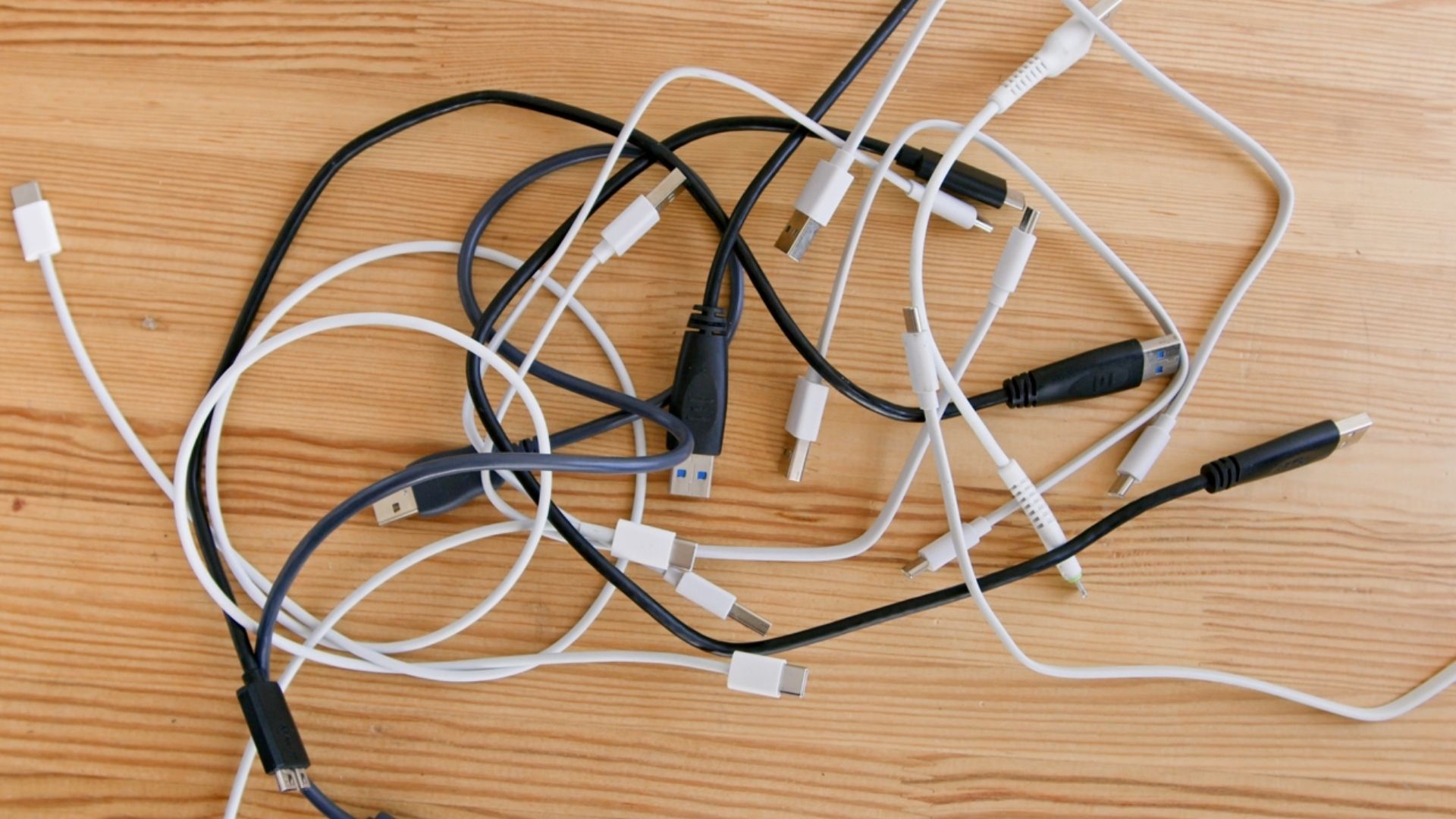
Image credit: Getty Images
I’ve bought many, many USB cables over the years. What frustrates me the most is how unassuming they are. Branded, braided, data‑capable, high‑speed, power‑capable – these terms are meaningless to the average consumer when USB cables all look, more or less, the same. It’s a cable. It plugs in. It should all work the same, right?
If only it were that simple. I’ve bought many a dud in my time, even at prices that should have priced out the poor‑quality knockoffs. Just because a cable has a fancy braided coating doesn’t mean that you can use it to power your laptop or smartphone, or that it’s safe to use for transferring data, or that it’s even safe to plug in without frying your USB port. That’s why I rely on a USB cable tester as part of my tech kit, and I think it’s one of those forgotten pieces of kit that every household should own, even if most probably don’t.
If it involves power, you really should test it
One unfortunate incident that occurred a few years ago convinced me of this need. I’ve owned a MacBook for several years and, if you’ve ever owned one, you’ll know the frustration of dealing with a yellowing USB charging cable. Every bend and crease reduces the lifespan of the supplied USB power cable until, eventually, the plastic sheathing breaks, the wiring becomes exposed, and the cable ends up rotting in the trash.
So, to Amazon. I purchased a no‑brand knock‑off with a nylon‑braided shielding that I hoped would work and would last. It didn’t. When it failed to charge my laptop after less than a week, it dawned on me that I was trusting my $2,000 MacBook to a cable that cost me less than $10. I didn’t know how it’d been made or if it was any good before I started using it, other than a cursory glance at the sketchy‑looking packaging.
Give these USB testers a try
My inquisitive nature, despite being late to kick in, led me to consider how I could actually test a USB cable before relying on it to power my devices or handle my data. Hence: USB testers. You can test USB cables to determine their quality, available speeds, and generation. You can check if they’re grounded properly, provide the correct voltage and current, and see if they have any faults.
While some of these devices might look a little intimidating to beginners, they’re easy enough to understand once you’ve given them a try. The most expensive models will tell you upfront if, for example, a cable is ready and capable of handling the more advanced USB‑C functionality – fast‑charging, in particular, isn’t one you’ll want to trust to a cable that isn’t up to the challenge.
Below are a few USB testers that I recommend. They vary in price and functionality, from basic line‑and‑data checks to advanced multimeters that can verify fast‑charging performance.
- Fnirsi USB tester – USB‑C tester with a small screen, shows voltage, current, and power in real time.
- MakerHawk USB Multimeter – Similar functionality with additional temperature and resistance readings.
Beginners will probably find it easier to use models with built‑in screens like the two above, but you can’t really go wrong with any of the listed options.
Tip: To test a cable, you need a sacrificial device (e.g., an old phone). While testers should feature fault detection to prevent damage, using a device you don’t mind losing adds an extra safety net. Remember that a cable is only as good as the device you use it with, although the USB multimeters listed can help you evaluate both.
If you find a cable you can’t trust, don’t try to repair or salvage it—dispose of it safely. This will save you a whole lot of heartache.