
Multi-Container Web Application with Nginx Reverse Proxy and Docker Compose
Published: (December 20, 2025 at 01:26 PM EST)
1 min read
Source: Dev.to
Source: Dev.to
What This Project Demonstrates
- Multi‑container application design
- Docker Compose for service orchestration
- Nginx as a reverse proxy
- Private application containers (not exposed to the internet)
- Service‑to‑service communication via Docker networking
- Clean separation between application and web server
- Production‑ready container structure
Architecture Overview
- Client (Browser) → Nginx (only container exposed to the host)
- Node.js app is reachable only inside the Docker network
- Containers communicate using service names, not IP addresses
Project Structure
project-2-multicontainer/Technologies Used
- Docker
- Docker Compose (v2)
- Node.js (Express)
- Nginx
- Linux‑based containers
How to Run the Project Locally
Prerequisites
- Docker Desktop
- Docker Compose v2
Steps
-
Clone the repository
git clone https://github.com/dr-musa-bala/project-2-multicontainer.git cd project-2-multicontainer -
Build and start the containers
docker compose up --build -
Open your browser
Visit
http://localhost:8080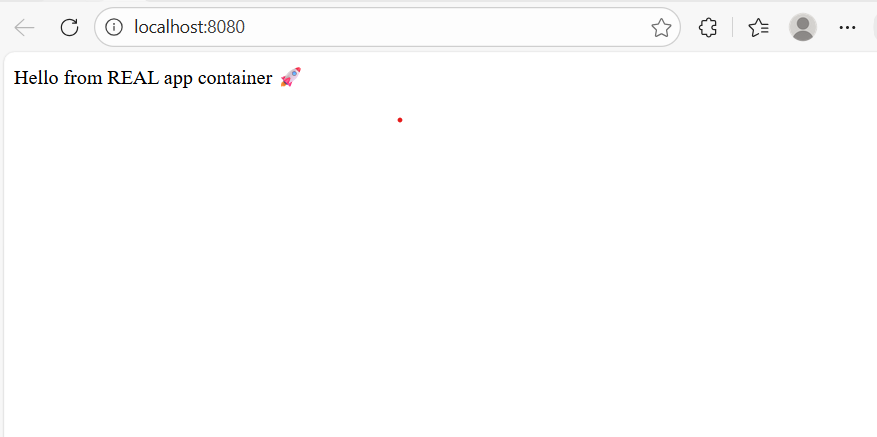
Security & Production Considerations
- The application container does not expose any ports to the host.
- All external traffic is handled by Nginx.
- Mirrors real‑world production deployment patterns.
Why This Matters (DevOps Perspective)
- Isolate application services.
- Control ingress traffic via reverse proxies.
- Use declarative configuration for reproducibility.
- Build systems that are easy to extend into CI/CD pipelines.
Next Improvements
- Add CI/CD with GitHub Actions.
- Push application images to Docker Hub.
- Deploy the stack to AWS EC2.
- Implement zero‑downtime updates.
- Add HTTPS with Let’s Encrypt.