
Making VS Code 'Read My Mind': Building Smart Context Awareness
Source: Dev.to
The Problem
We’ve all been there. You open a project, and for a split second you freeze: “Wait, is this npm run dev, yarn start, or docker-compose up?”
Context switching is a productivity killer. As developers we spend too much time remembering how to run a project instead of actually running it.
Smart Context Awareness 🛠️
I’ve been building a VS Code extension called DotCommand, and today I finally cracked the code on its biggest feature yet: Smart Context Awareness.
The goal is simple: don’t make me search for commands. Show me what I need based on the files I have.
- Detect
package.json→ show NPM commands (install, run script). - Detect
Dockerfile→ show Docker commands (build, run). - Detect
.git→ show Git workflow.
Behind the Scenes 🐛
It sounds simple, but the implementation was tricky.
I initially built a ContextDetector class that scanned the workspace. It worked, but it was slow, so I added a caching layer (30 seconds).
The bug – creating a package.json didn’t update the UI until the cache expired, making the experience feel laggy and “dumb.”
The fix – rewired the FileSystemWatcher events to aggressively invalidate the cache and force a UI refresh the instant a critical file (like package.json) is created or deleted.
Now it feels instant. ⚡
See It in Action 🎥
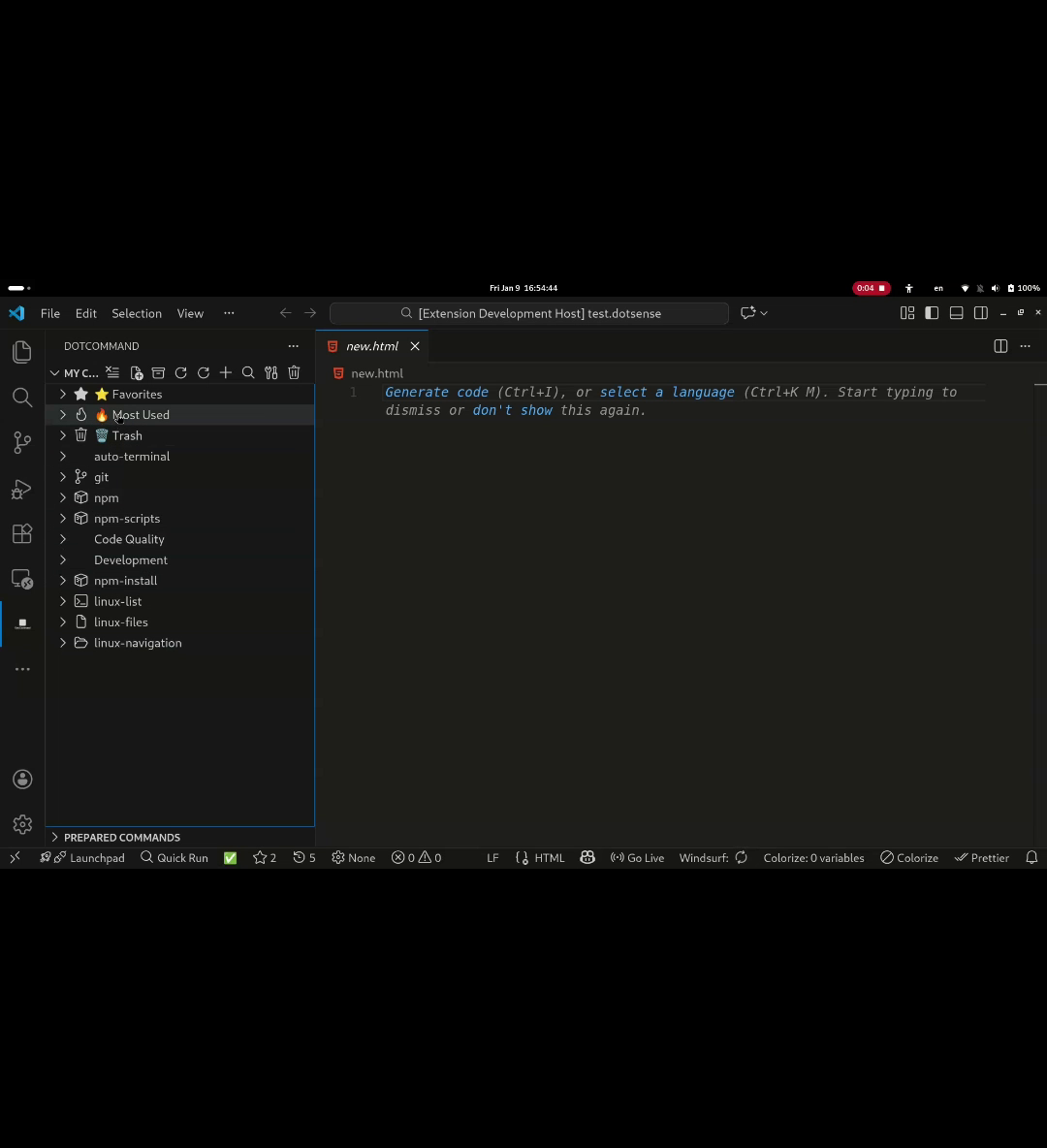
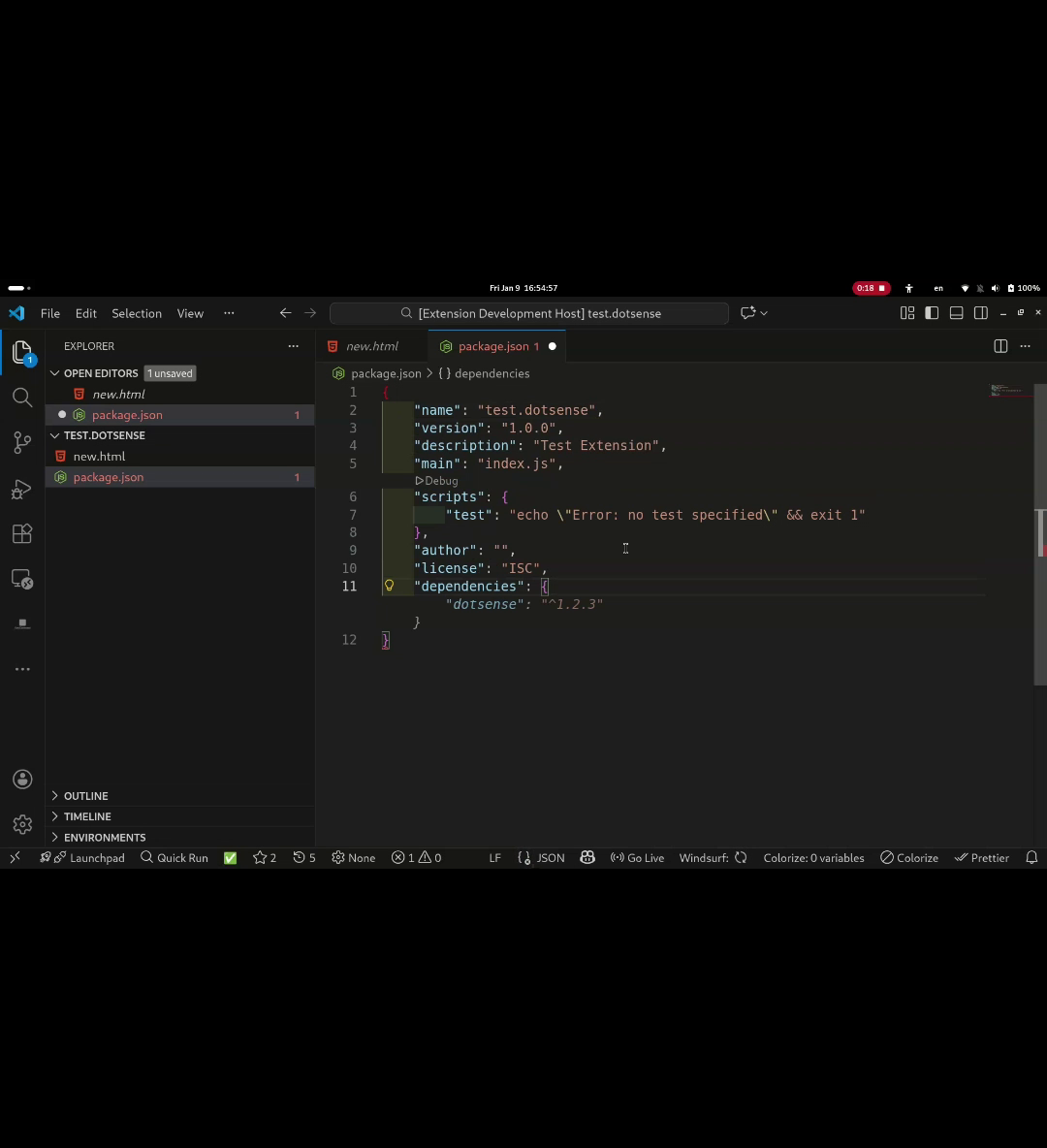
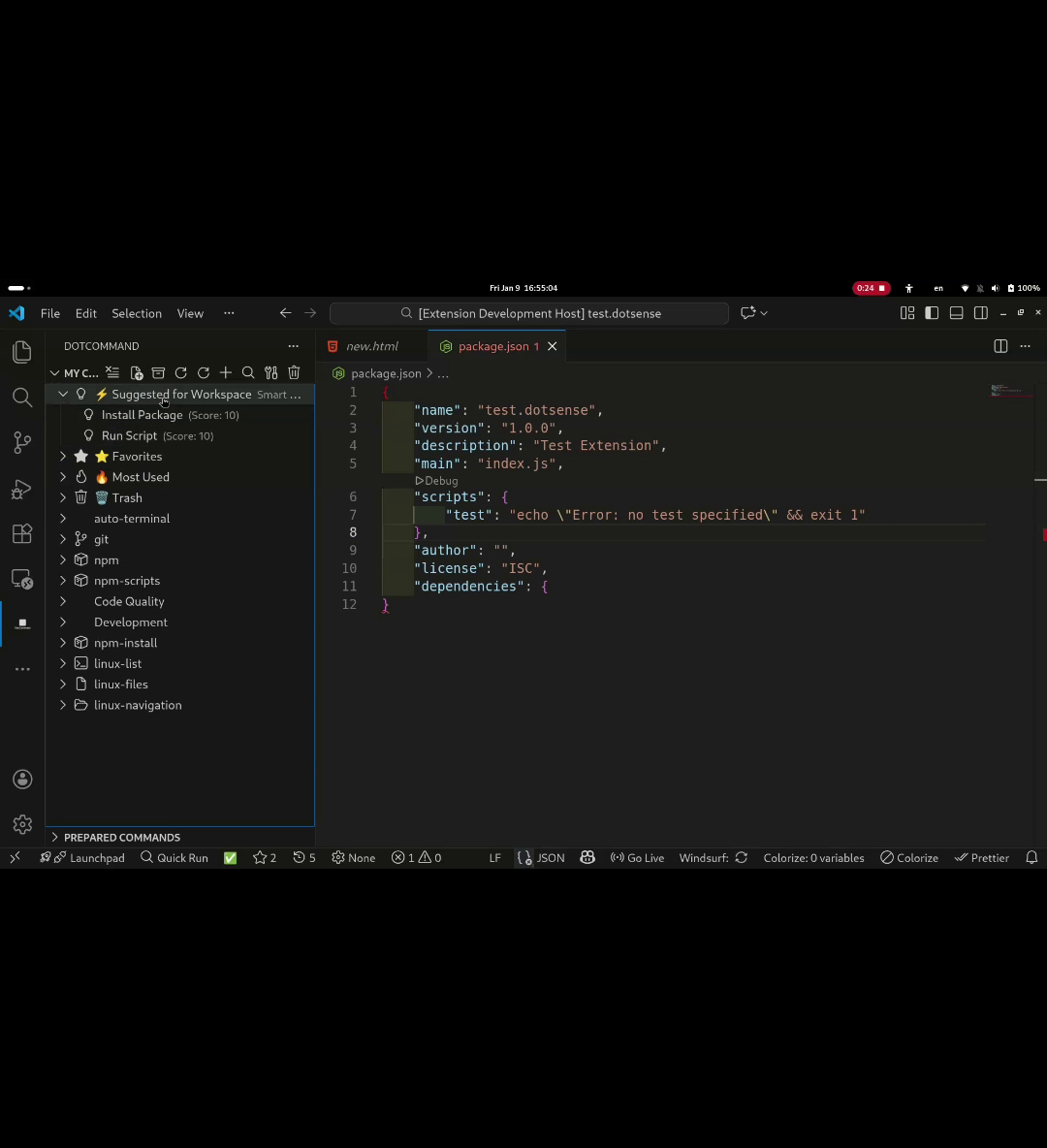
Bonus: Dynamic Git Branches
I didn’t stop at just file detection. I also hated typing branch names manually, so I added a Dynamic Input system. When you run a command like git checkout, it spawns a native VS Code dropdown populated with your actual local branches.
Try It Out
I’m building this in public and would love your feedback. Does this solve a real pain point for you?
DotCommand on the VS Code Marketplace
Happy coding! 🚀